
Top 10 Website Builders for Beginners in 2026 -Reviewed & Top Pick for you.
Discover the 10 best website builders for beginners in 2026. We the team at Best Online Softwares compare easy of use, features, pricing, and who each platform is best for so you can confidently choose the right one to build your first website.
By Anna
2/8/202623 min read
A website builder is a tool that helps you create a website without coding. You can use drag-and-drop editors, ready-made templates, and built-in features to launch a website in hours instead of weeks. A website builder can help you launch a site quickly, but not all deliver the same level of quality. I tested the leading builders to find which ones offer the best templates, features, and overall user experience.
Introduction: What Is a Website Builder?
You already know how important a good website is and choosing the right website builder can make all the difference. The problem is that almost every builder claims to be the best: the easiest to use, the fastest to launch, and the most professional.
So which ones actually live up to those promises?
To find out, I personally signed up for each builder and created a complete website from scratch. I evaluated ease of use, design flexibility, performance, and the final result all from the perspective of a first-time user.
Below are the only website builders that met my standards. Whether you’re creating a personal website, a blog, a business site, or an online store, you’ll find reliable and high-quality options in this list.
A Quick Overview of Top Website Builders:
#1|
Editor's Favourite


Features
Pros & Cons
Rate 4.9






Highly customizable with lots of powerful features


Best overall
2,500+ designer-made, fully customizable templates
Easy-to-use drag-and-drop editor with AI Assistance
800+ apps & integrations in app market
Powerful mobile app for editing on the go
Free plan offers to complete access to AI tools
Slight learning curve due to sheer volume of features
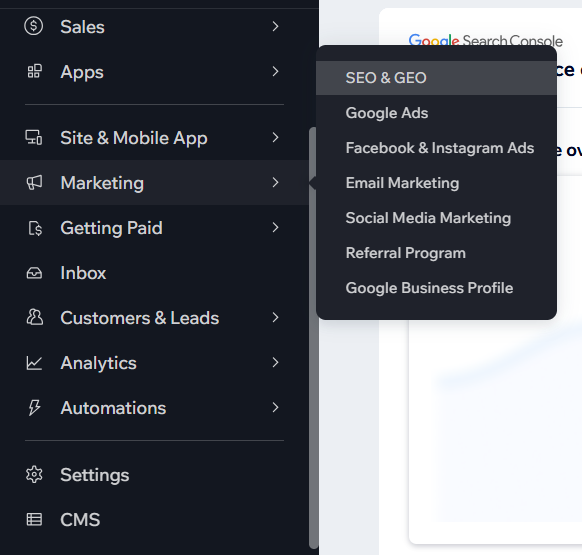
Seo Checklist included to boost your google ranking








Below, you’ll find 10 beginner-friendly website builders, explained clearly
#2
Features
Pros & Cons
Rate 4.9

Best for minimalist, business-ready sites.
180+ modern, responsive templates
Simple block editor for quick customization
Strong branding and eCommerce tools
Free logo creation included
Unlimited image storage
Limited flexibility for advanced designers
AI tools to help with design and content


Built-in-social media and marketing tools
#3
Features
Pros & Cons
Rate 4.8

Best for affordable website building with built-in-AI tools
150 templates across multiple categories
AI tools for logos, blog content & images
Free custom domain for the first year
File sharing and map integrations
No free plan (7-day trial available)
Limited third-party integrations
Built-in eCommerce features


Easy access to marketing tools like Google Ads and Meta Pixel
#4
Features
Pros & Cons
Rate 4.8
Best for small to mid-sized and larger online stores
850+ templates designed for online stores
Single dashboard to manage products and sales
13,000+ apps to extend store functionality
Multiple sales channels available on all plans
Less design flexibility than other builders
Designed mainly for eCommerce, not general websites
AI tools for eCommerce and SEO


Built-in payment and shipping options
#5
Features
Pros & Cons
Rate 4.7
Best for minimalist, business-ready sites.
Combines a CMS with a visual website builder
Advanced design flexibility compared to basic builders
Much more design control than traditional builders
Strong CMS capabilites
Good tools for teams and designers
Steep learning curve for beginners
Built-in learning resources and tutorials
Learn More About Webflow >


Collaboration tools for team projects
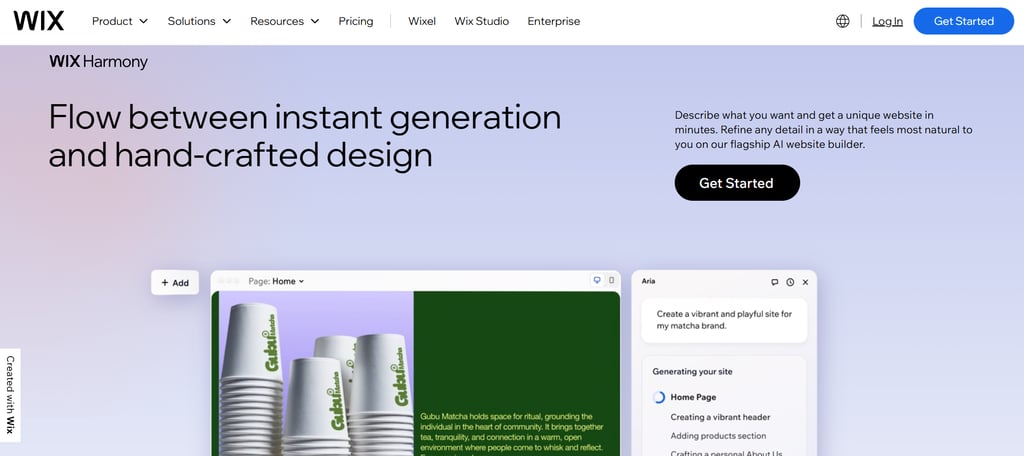
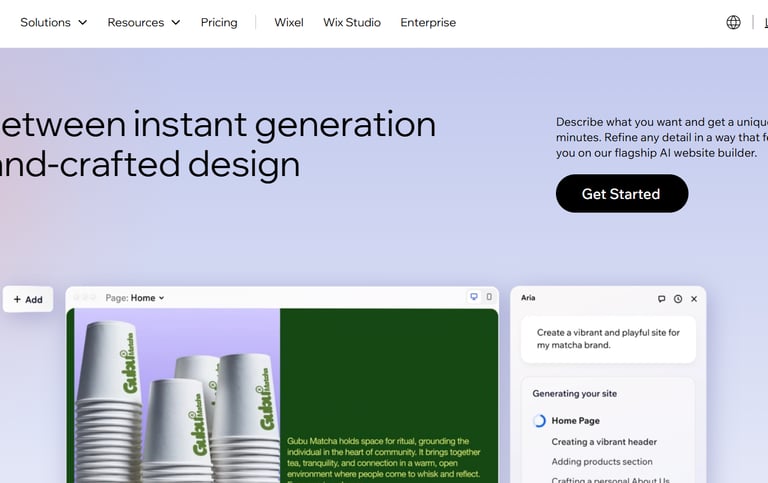
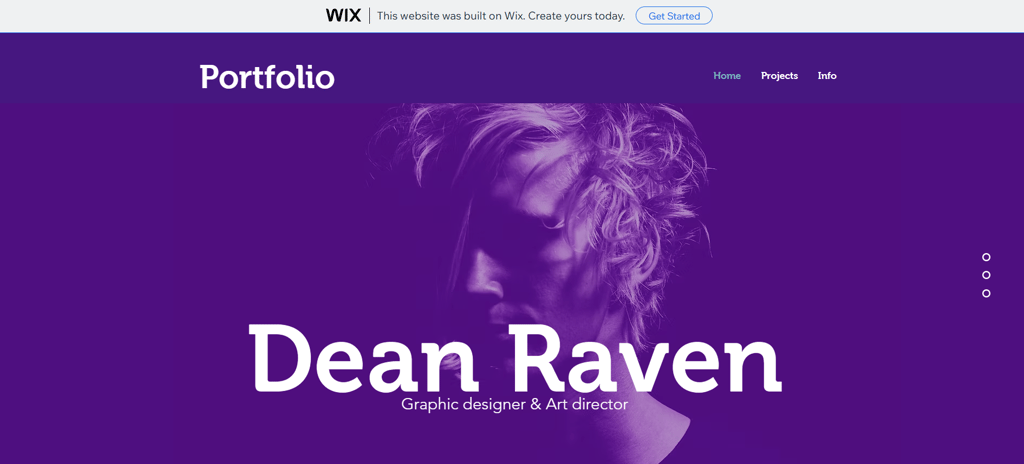
Wix is one of the most popular website builders in the world. It’s known for its drag-and-drop editor, which makes designing a site very easy. If you want an easy way to build a website without sacrificing creative control, Wix is a strong choice.
It offers a wide range of features, including asset storage, e-commerce tools, video backgrounds, animations, mobile apps, and a solid free plan. Its Wix Studio interface is one of the most intuitive and polished builders we’ve tested. The Wix Studio editor is smooth and easy to use, even for beginners.
Wix offers a huge selection of templates more than platforms like Squarespace. Many templates are free, while some business-focused designs require an e-commerce plan. Each template includes a full preview, allowing you to explore the layout before making any edits, and you can also see how it will appear on mobile devices.
One limitation to keep in mind is that Wix doesn’t allow you to change templates after you’ve selected one. If you want a new design later, you’ll need to create a new site and move your content manually, which can be inconvenient compared to other builders.
#1 Wix: Best for Creative Control
and Custom Designs
Key features:
Drag-and-drop page builder
2,500+ designer-made, fully customizable templates
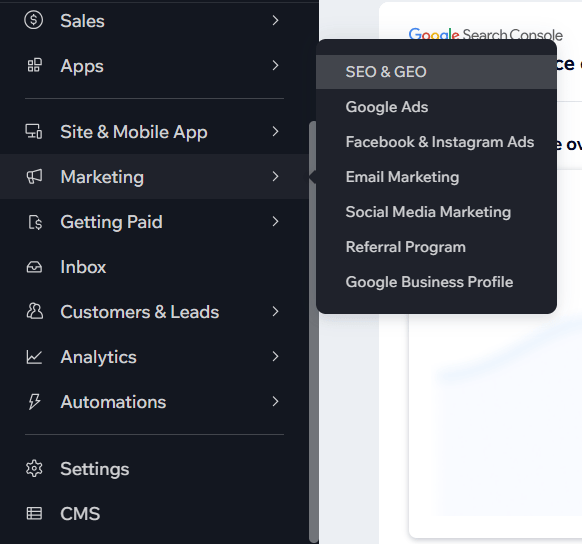
Built-in SEO and marketing tools to boost your google ranking
Free plan available forever
AI content creator / AI assistance available
Pros:
Very easy to use
No coding needed
Free version to try
Free plan offers to complete access to AI tools
Cons
Free plan shows Wix branding
Can feel cluttered if over-customized
Slight learning curve due to sheer volume of features.
Pricing:
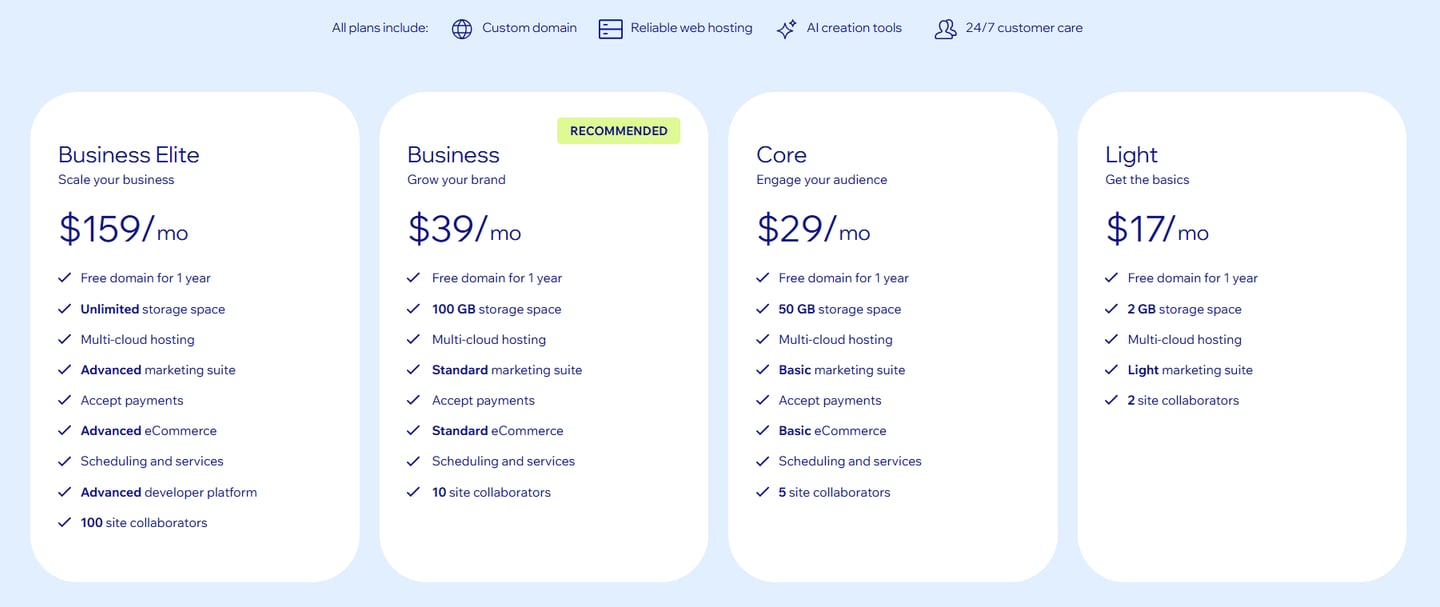
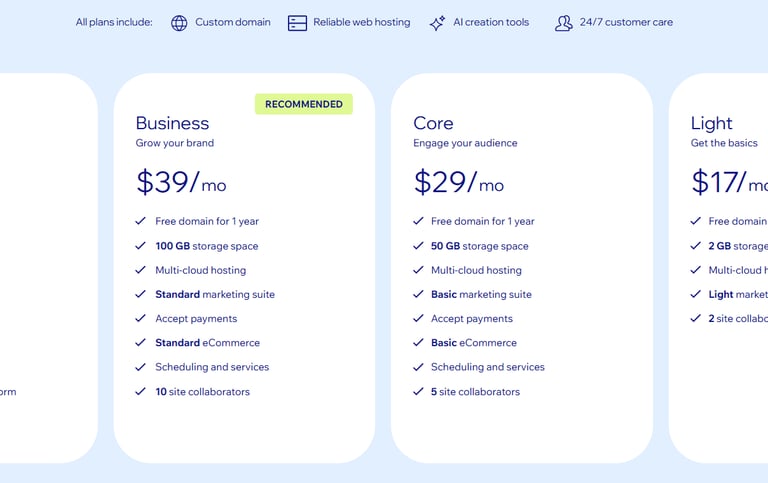
Free plan available
Paid plans start around low monthly cost
14-Day Money Back Guarantee
Best suited for:
Personal websites
Small businesses
Beginners who want creative freedom
👉 Try Wix for free: Visit wix.com

4.9
View full Price Plan with Features >
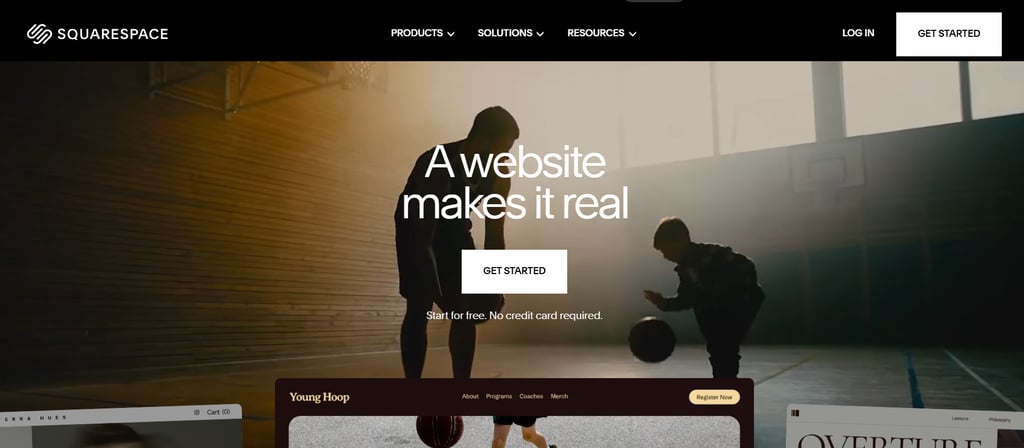
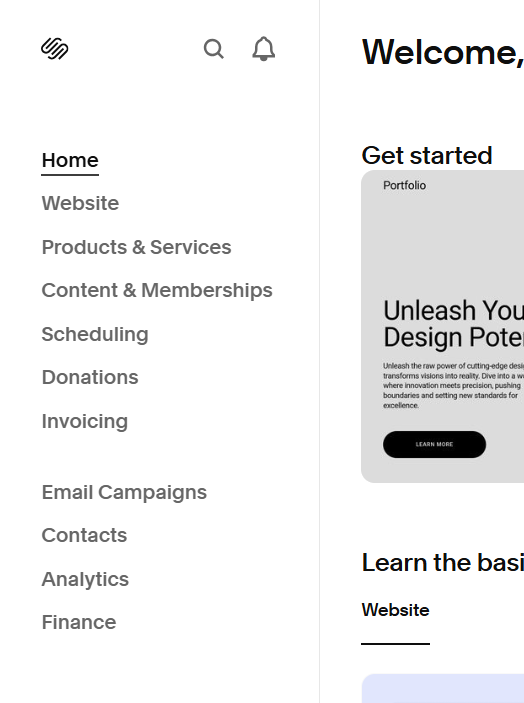
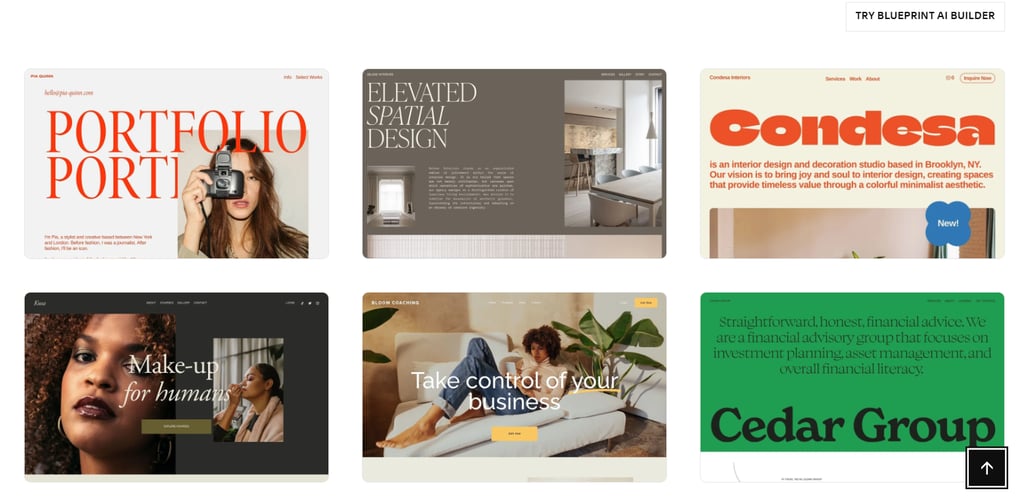
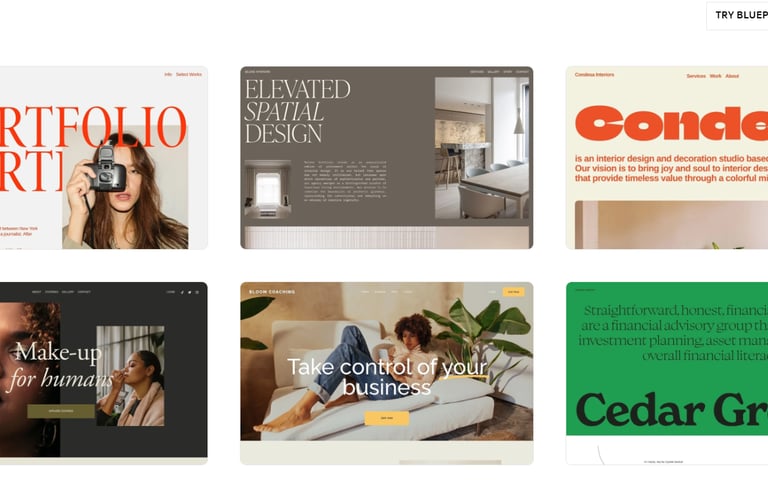
Squarespace is known for beautiful templates and simple layouts built with design in mind, which is clear from its modern and high-quality, mobile-responsive templates. Its block-based editor allows you to adjust overall layouts while still fine-tuning individual elements, making it easy to create a site that feels polished and personal even without design experience. Also Squarespace has Award-Winning Customer Team available 24/7.
For users who want speed without sacrificing style, Squarespace offers Blueprint AI. By answering a few simple questions about your business and goals, the platform automatically generates a complete website with layouts, images, and content that align with your brand, similar to Wix’s setup process.
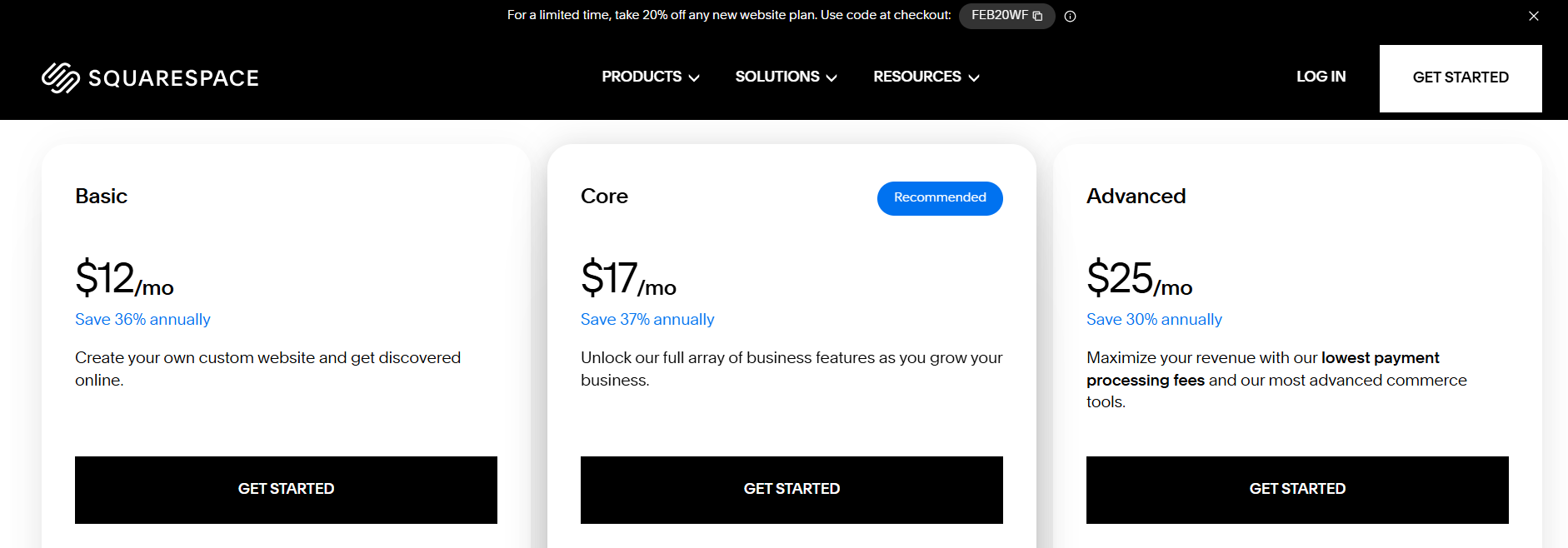
Beyond visuals, Squarespace includes solid business and commerce tools. You’ll find built-in e-commerce features, marketing tools, and branding options suitable for online stores, local businesses, and portfolios. Although there’s no free plan, the 14-day free trial and affordable entry-level plans make it a competitive option among website builders.
#2 Squarespace: Minimalist, Business-Ready Sites
Key features:
180+ modern, responsive design templates
Simple block editor for quick customization
AI tools to help with design and content
Built-in social media and marketing tools
Built-in blogging and eCommerce
All-in-one hosting included
Free logo creation included
Unlimited image storage
Pros:
Very polished look
No coding needed, easy setup
Good for portfolios
Beginner friendly
Cons:
Limited flexibility for advanced designers
No Free Plan, 14-Day Free Trial Available
Less flexible than wix
Pricing:
14-Day Free Trial Available
14-Day Money Back Guarantee
Best suited for:
Creators
Designers
Small businesses wanting a clean look
👉 Try Squarespace 14-Day Trial for free: Visit squarespace.com
4.9
Explore Squarespace Templates
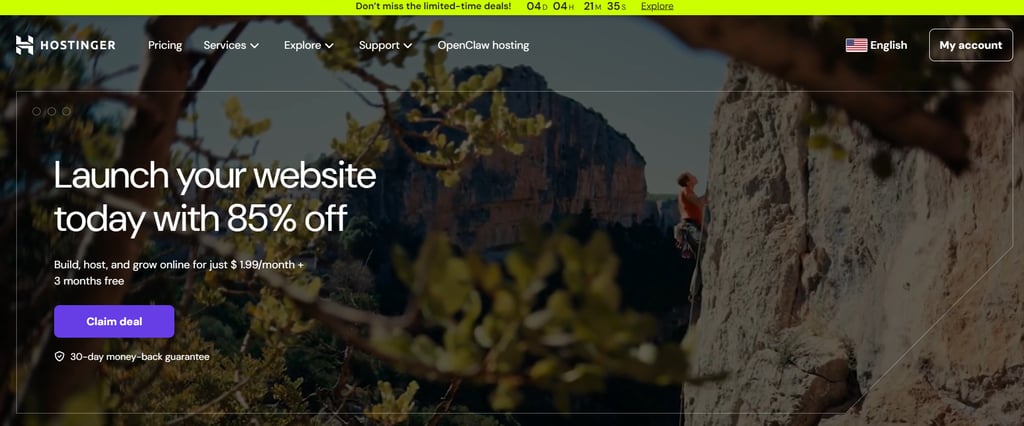
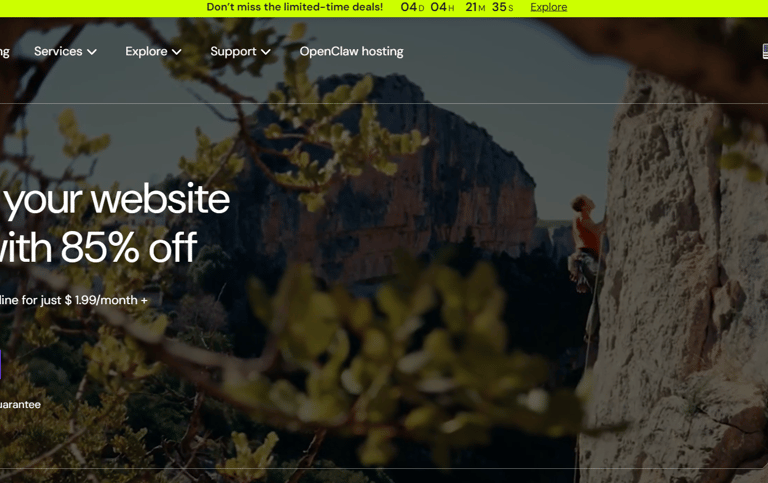
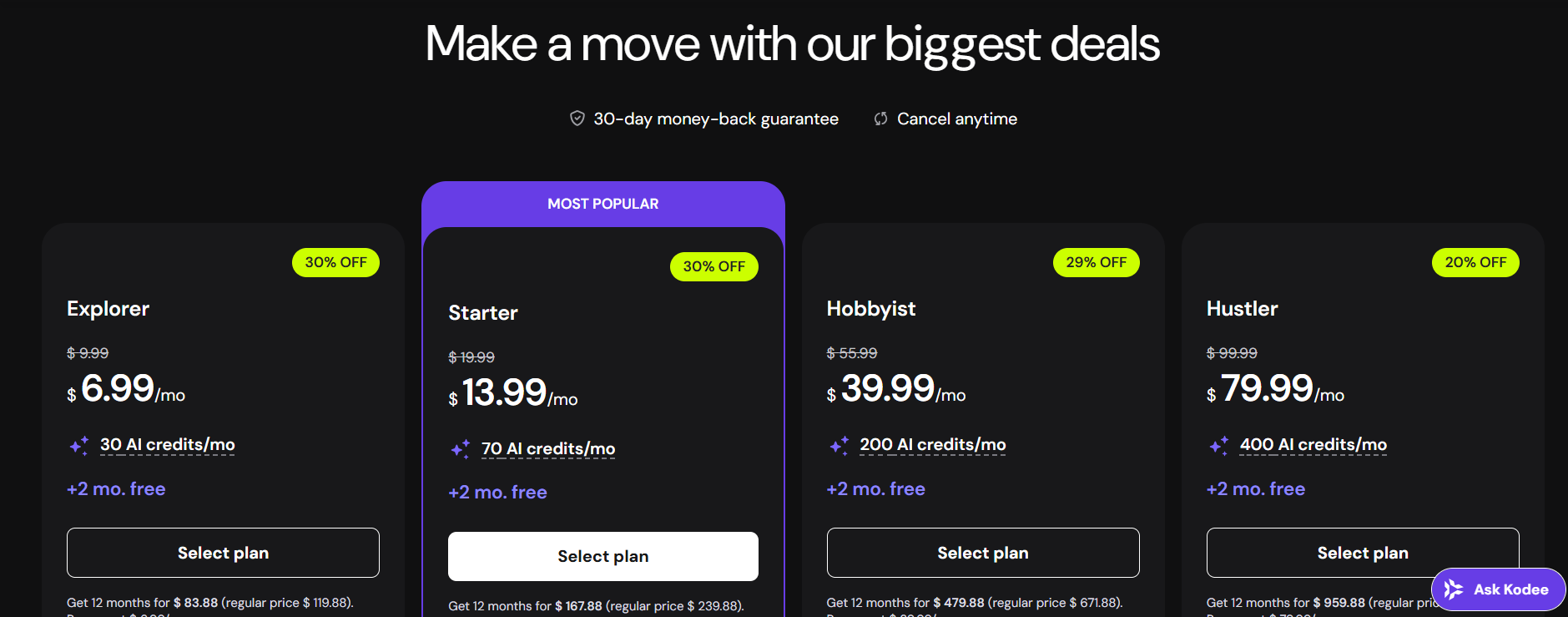
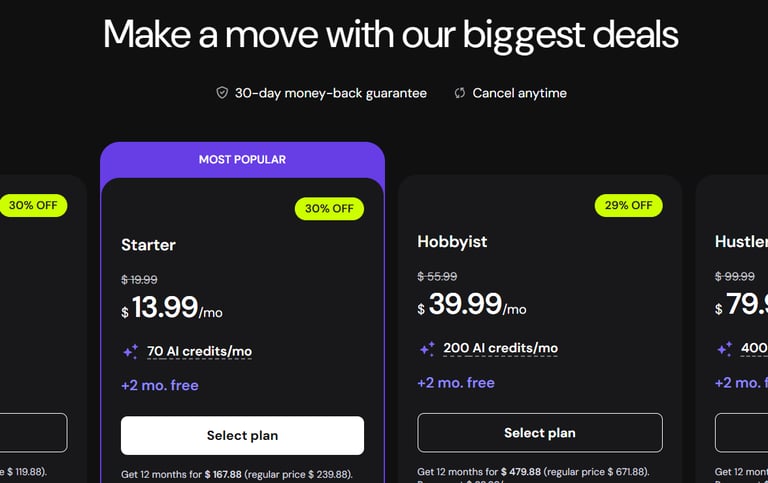
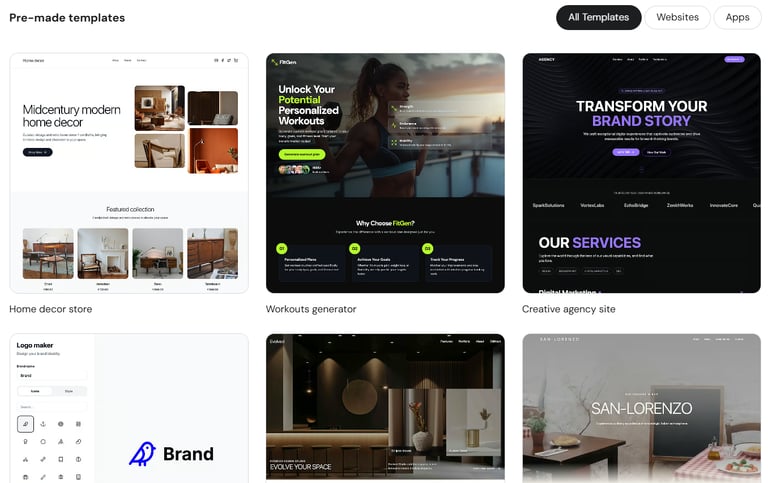
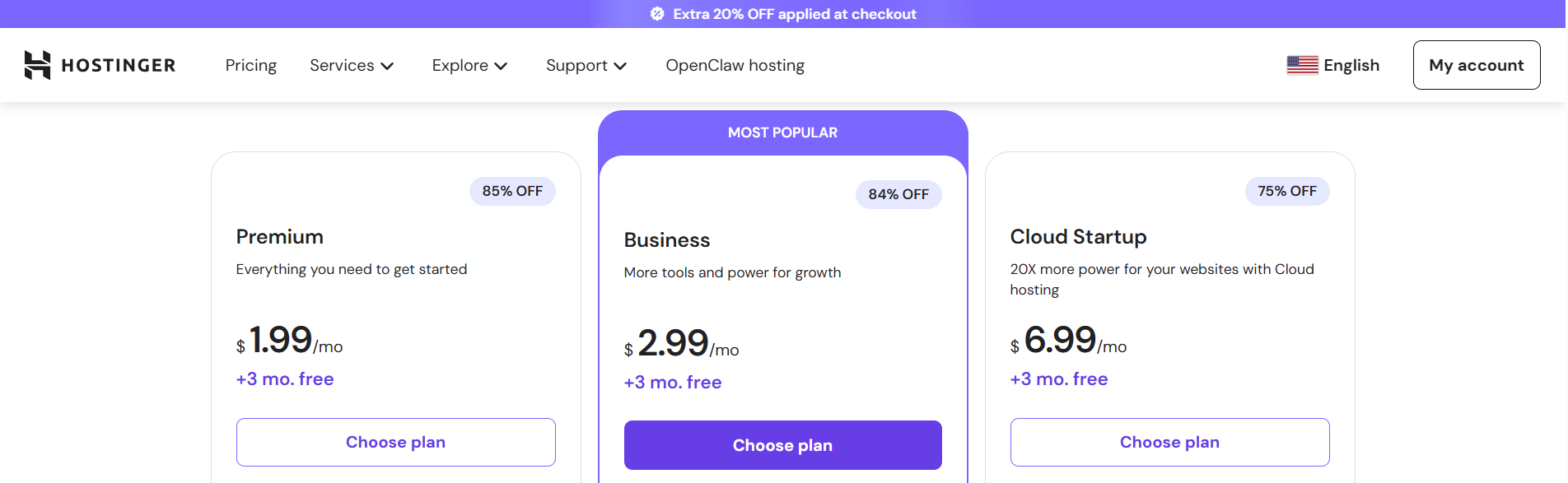
Hostinger stands out as one of the best hosting providers in 2026, especially for small personal projects, blogs, and WordPress websites. It’s known for combining strong performance with affordable long-term pricing, making it a popular choice for beginners and budget-conscious users who still want a reliable and professional setup.
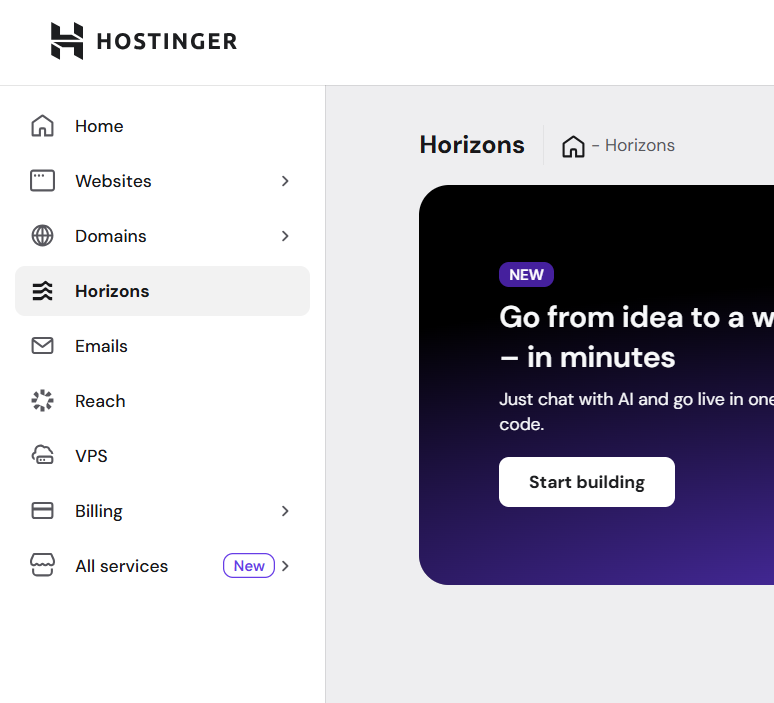
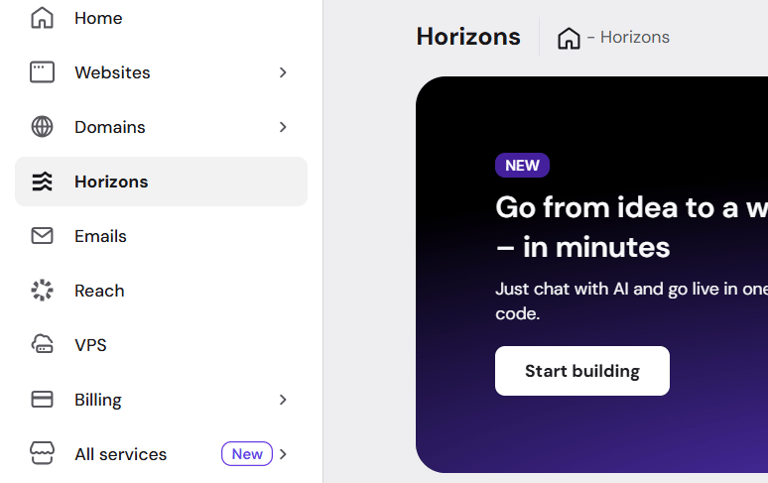
What makes Hostinger especially appealing is how easy it is to get started. It includes an AI-powered website builder, fast servers, free SSL certificates, backups, a free domain on select plans, and business email hosting. For WordPress users, Hostinger offers optimized hosting that delivers smooth performance without requiring technical experience.
Despite its low cost, Hostinger doesn’t cut corners on features. It provides solid security, dependable uptime, and helpful integrations, making it suitable for growing websites as well. Overall, Hostinger is a feature-packed, beginner-friendly hosting solution that delivers excellent value for personal sites, small businesses, and WordPress projects in 2026.
#3 Hostinger: Best for affordable websites with built-in AI Tools
Key features:
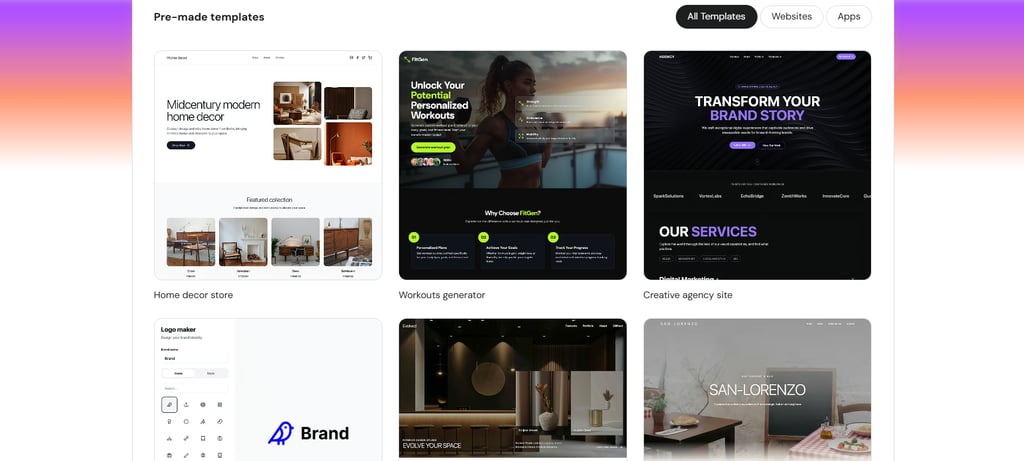
150+ templates across multiple categories
AI tools for logos, blog content & images
Built-in eCommerce features
Easy access to marketing tools like Google Ads and Meta Pixel
Fast hosting
File sharing and map integrations
Pros:
Affordable
Good performance
Free custom domain for the first year
Beginner friendly
Cons:
No Free Plan, 7-Day Free Trial Available
Limited third party integrations
Fewer templates than wix
Less advanced customization
Pricing:
7-Day Free Trial Available
30-Day Money Back Guarantee
Best suited for:
First-time website owners
Small projects
Budget users
👉 Try Hostinger 7-Day Trial for free: Visit Hostinger.com
4.8
Explore Squarespace Templates


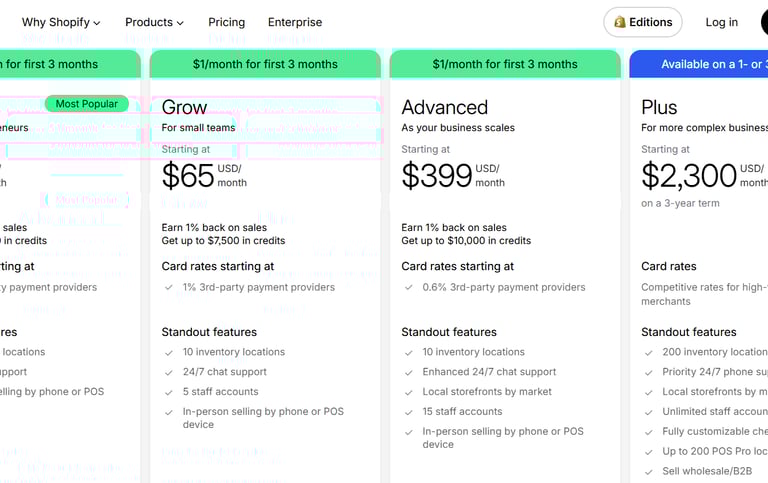
Shopify is a website builder designed specifically for online selling. It works as a central hub where you can manage products, orders, and sales across multiple channels. Shopify integrates easily with platforms like WordPress and Wix, as well as social media channels such as Facebook and Instagram, allowing you to sell from different places while keeping everything organized in one dashboard.
If you want a standalone store, Shopify also includes a powerful website builder with flexible customization options. Its large app marketplace offers thousands of tools to extend your store’s functionality, from marketing and automation to inventory and customer management.
Shopify stands out for its advanced e-commerce features, including abandoned cart recovery, detailed sales reports, customer profiles, and real-time shipping calculations. While design flexibility isn’t its main focus, the editor is user-friendly and built around pre-designed sections that make customization simple without technical skills. Overall, Shopify provides everything needed to launch, manage, and scale an online store.
#4 Shopify: Best for small to mid-sized and larger stores
Key features:
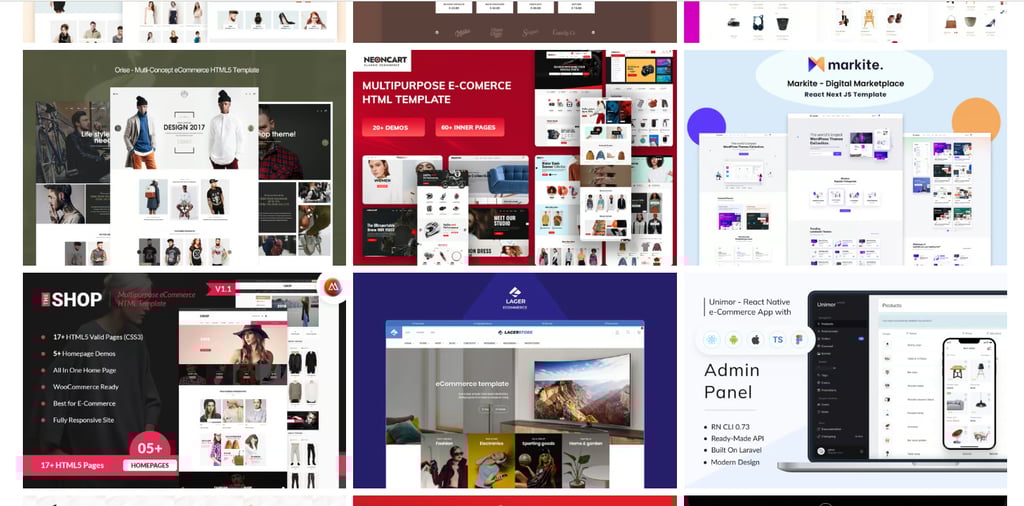
850+ templates designed for online stores
Single dashboard to manage products and sales
AI tools for eCommerce and SEO
Built-in payment and shipping options
Product and inventory management
App store for extra features
Secure payments
Pros:
Very beginner-friendly for stores
Reliable and secure
Scales well as your store grows
13,000+ apps to extend store functionality
Multiple sales channels available on all plans
Cons:
Less design flexibility than other builders
Designed mainly for eCommerce, not general websites
Monthly cost is higher than basic builders
Not ideal for non-eCommerce sites
Pricing:
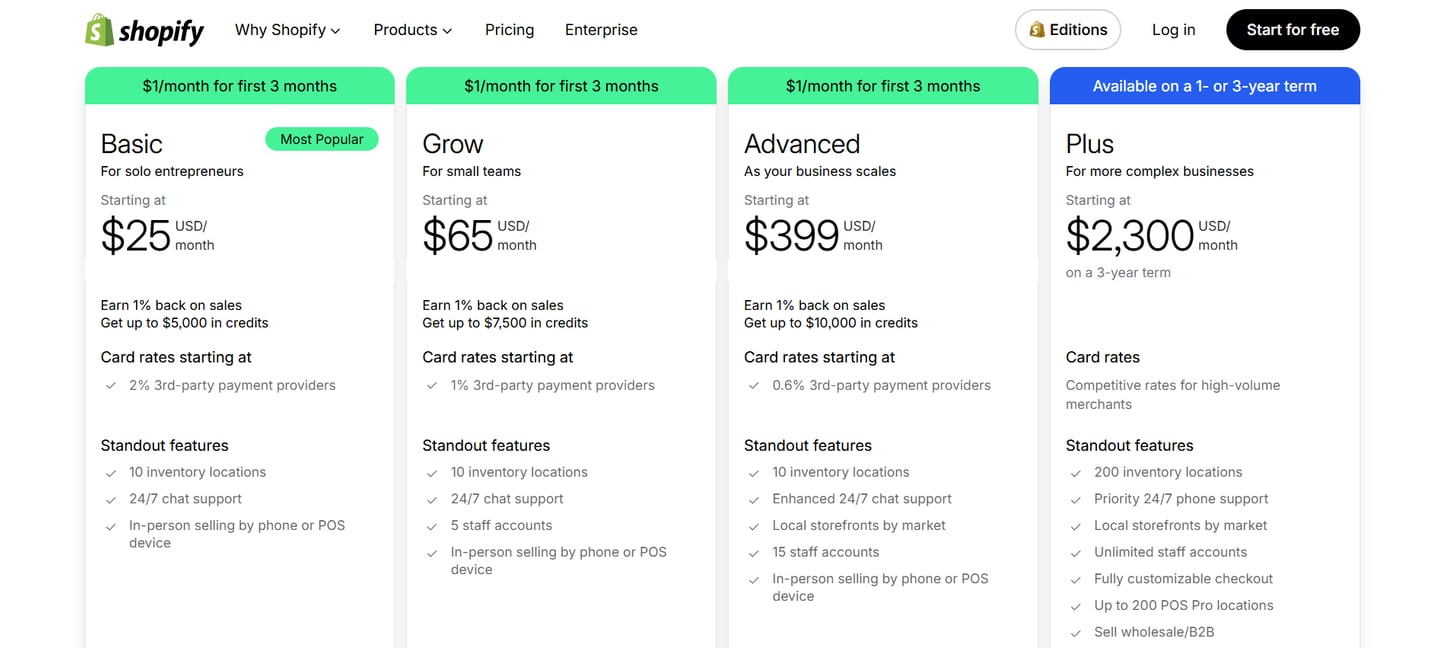
3-Day Free Trial Available
$1/mo for 3 months
Best suited for:
Online stores
Dropshipping Business
Personal Brand / Product-based brand
👉 Try Shopify 3-Day Trial for free: Visit shopify.com
4.8
Explore Squarespace Templates
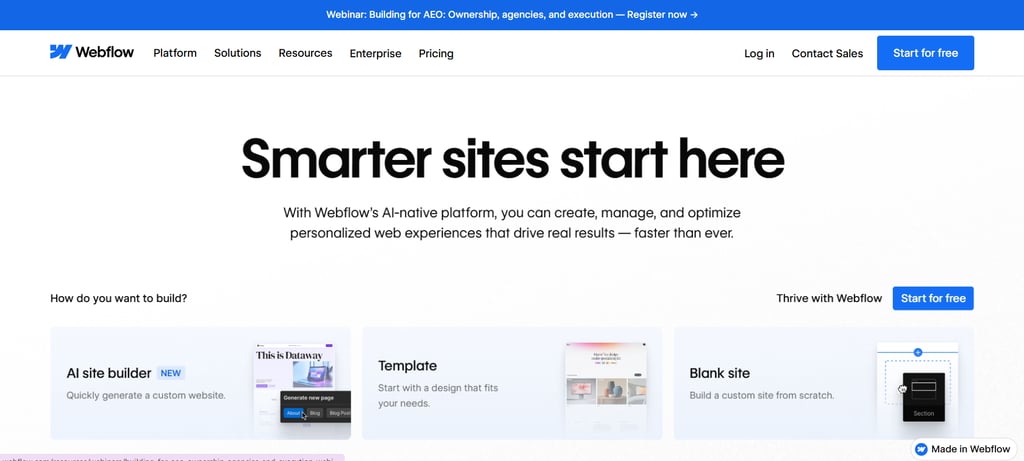
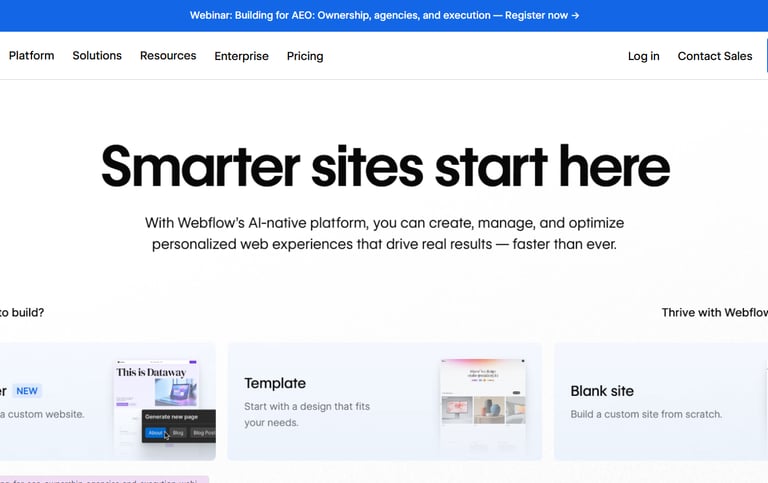
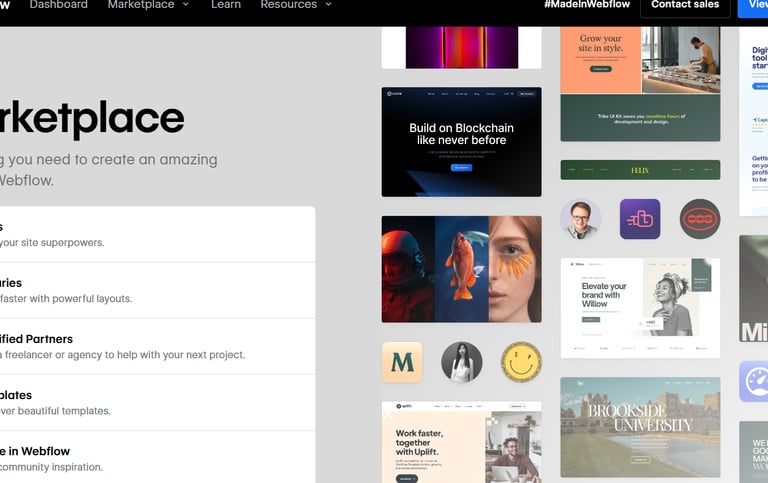
Webflow is widely used by designers, but it’s not limited to professionals only. Beginners, freelancers, small businesses, and agencies also use it thanks to its powerful design tools and high level of customization. It can be used to build almost any type of website and competes closely with platforms like WordPress in terms of flexibility and control.
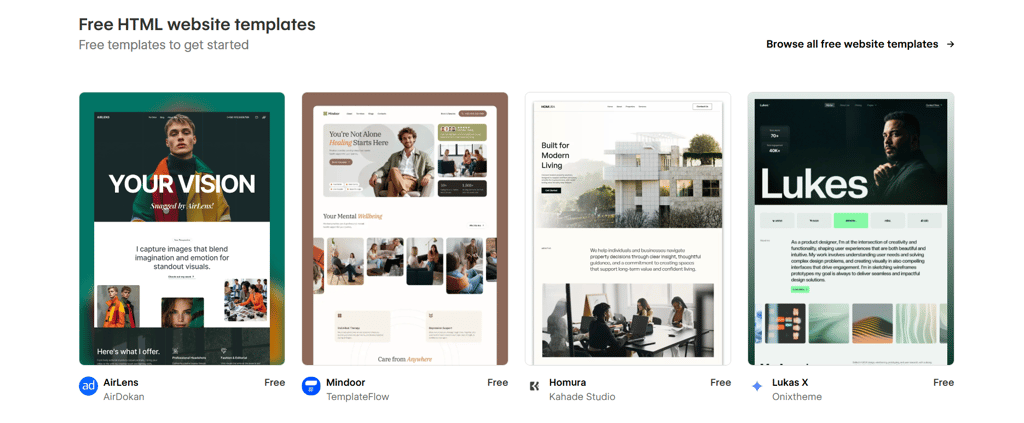
When testing Webflow as a first-time user, the experience was mixed. The builder uses a drag-and-drop system, but it’s more advanced than most website builders. Using a free template helps speed things up, and the editor is well-organized clicking on any element instantly shows all available customization options. This makes the design process logical once you start understanding how things work.
However, Webflow does come with a learning curve. Beginners may struggle with technical concepts like sections, containers, and div blocks, which are core to how pages are structured. These terms can feel overwhelming at first and may slow down progress compared to simpler builders. While Webflow University offers excellent free learning resources, platforms like Wix and Hostinger are still much easier to use for complete beginners who want a fast, stress-free website setup.
#5 Webflow: Advanced Beginners Who Want More Design Control
Key features:
Combine a CMS with a visual website builder
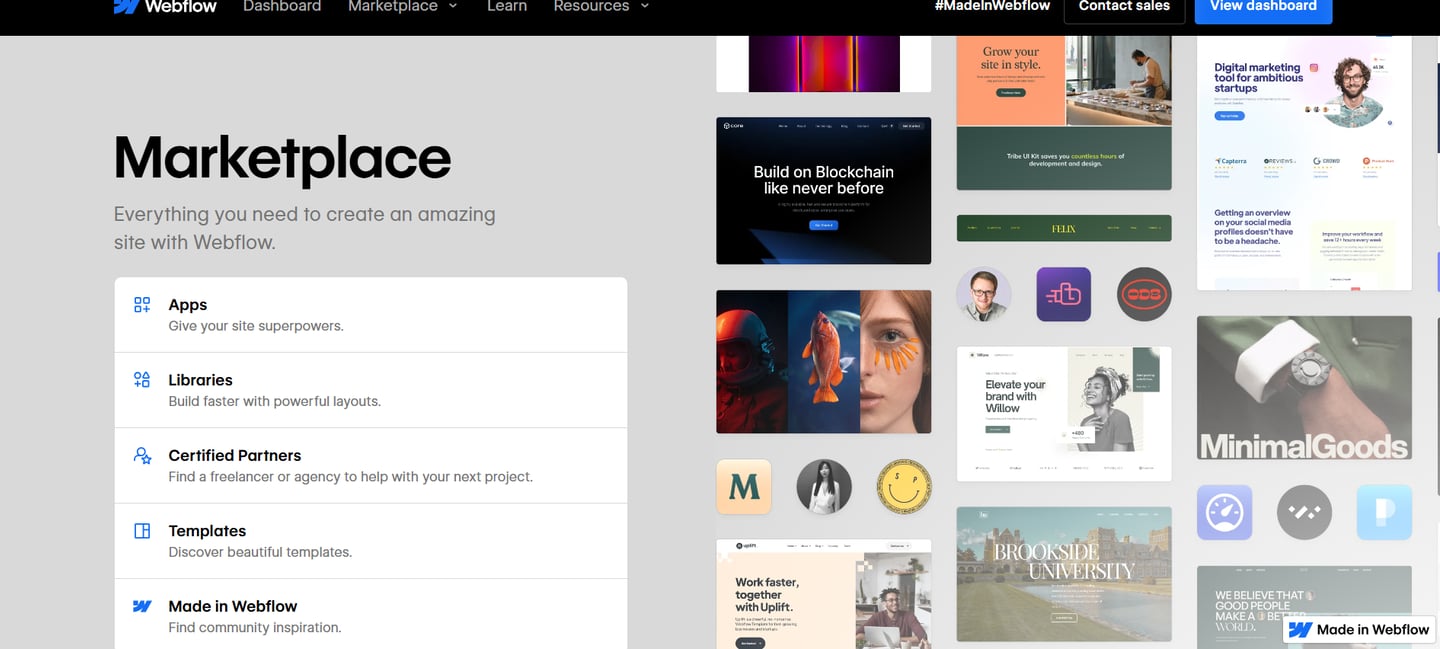
7000+ Free and Premium Templates
Advanced visual design flexbility compared to basic builders
Collaboration tools for team project
Much more design control than traditional builders
Strong CMS capabilities
Good tool for teams and designers
Pros:
Powerful design tools
Professional results
Free version to try
Cons:
Steep learning curve for beginners
Not ideal for total beginners
Pricing:
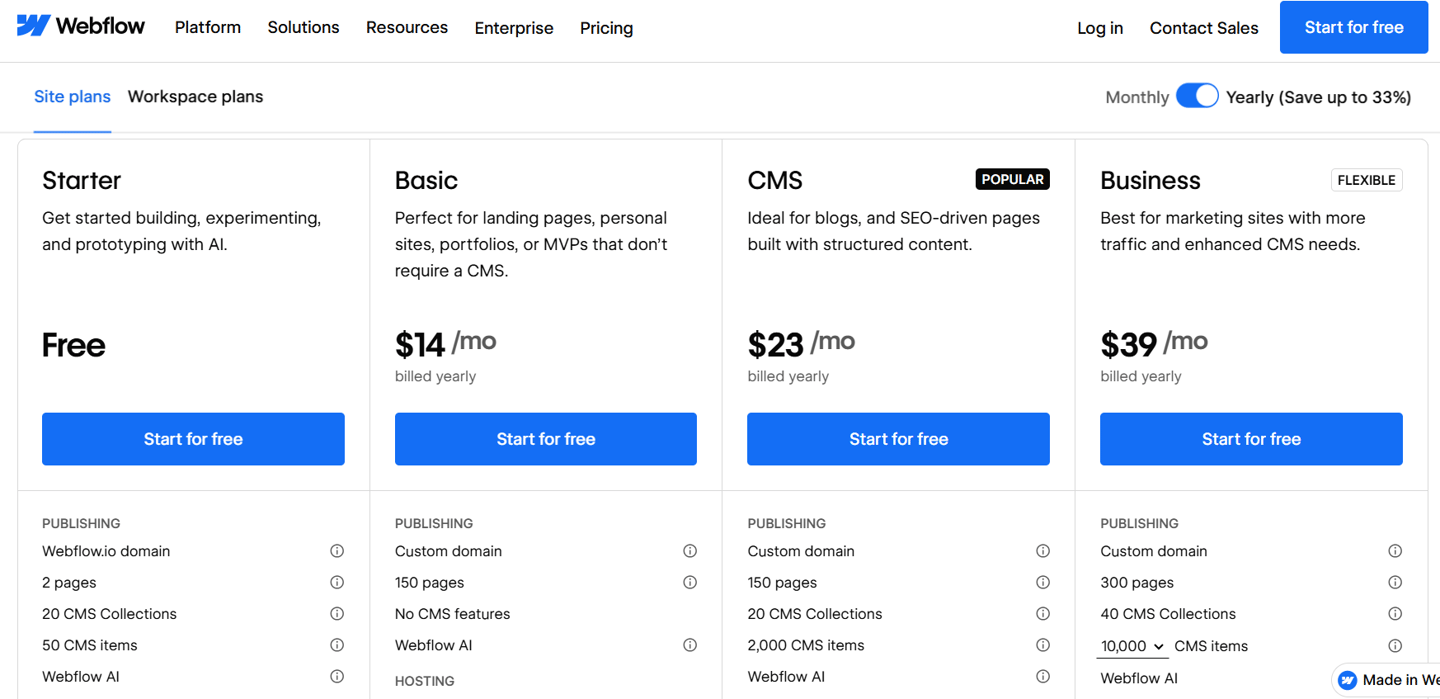
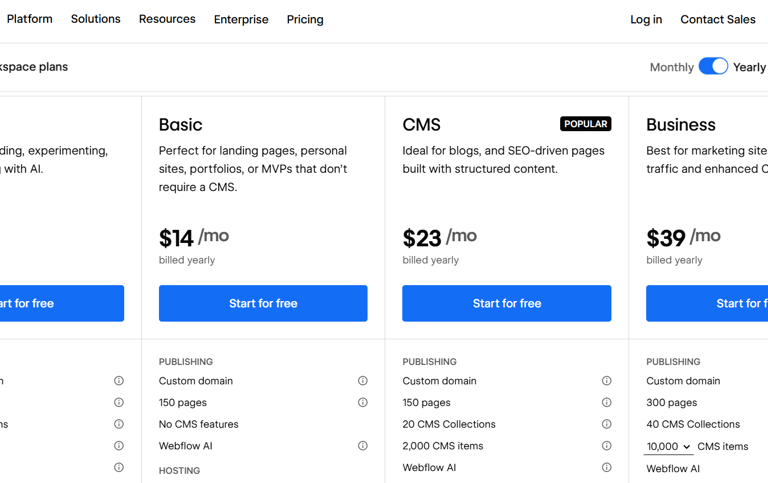
Free plan available forever
Best suited for:
Advanced Beginners
Designers
Graphic designers
👉 Try Webflow for free: Visit webflow.com
4.7
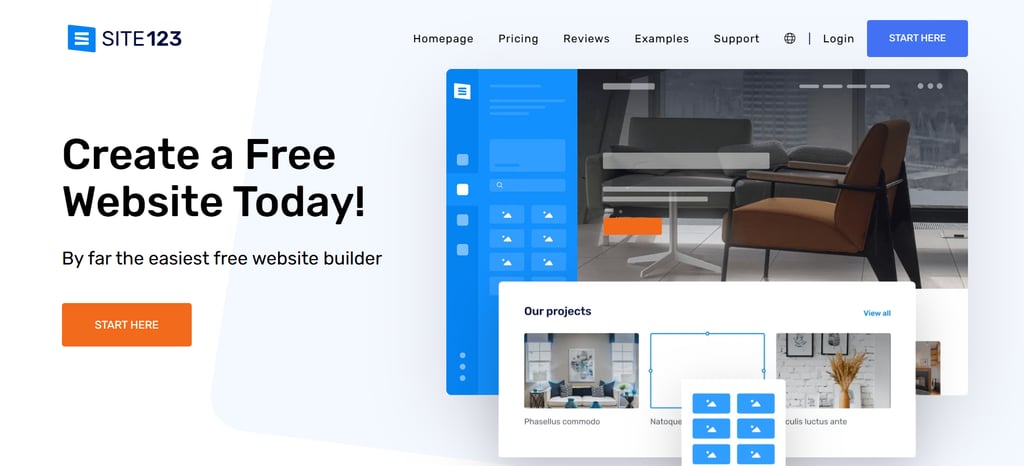
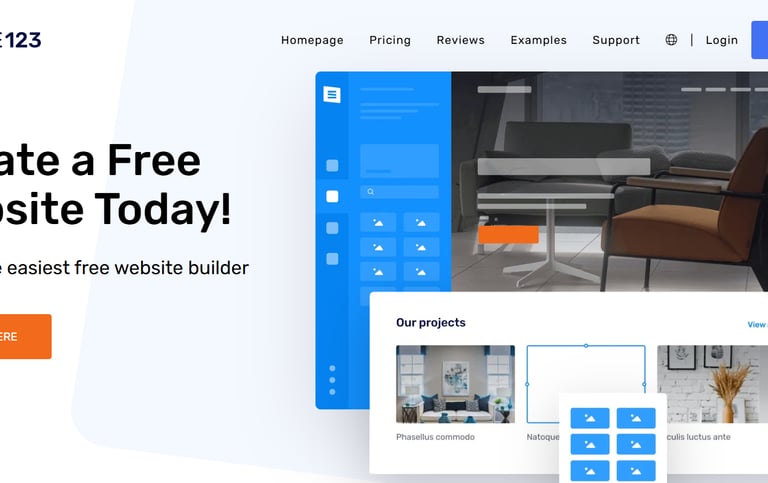
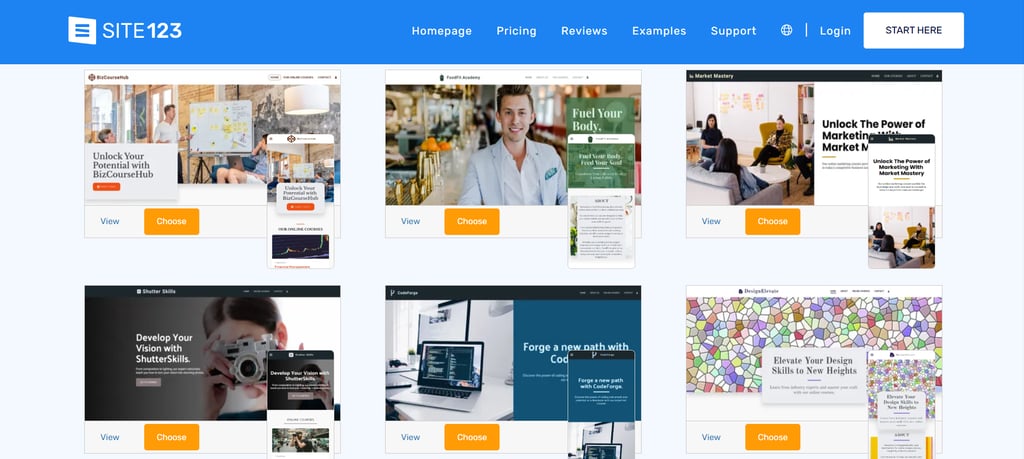
SITE123 is one of the simplest website builders available, designed for users who want to get online quickly without dealing with design or technical complexity. It is a user-friendly, cloud-based platform built for beginners who want to create websites, blogs, or online stores without any coding or design experience.
SITE123 focuses on speed, ease, and guided setup rather than deep customization, using a simple “one-two-three” approach choosing a website type, adding content, and publishing. With pre-made, responsive, and mobile-friendly layouts, your site looks polished and works smoothly across all devices from day one.
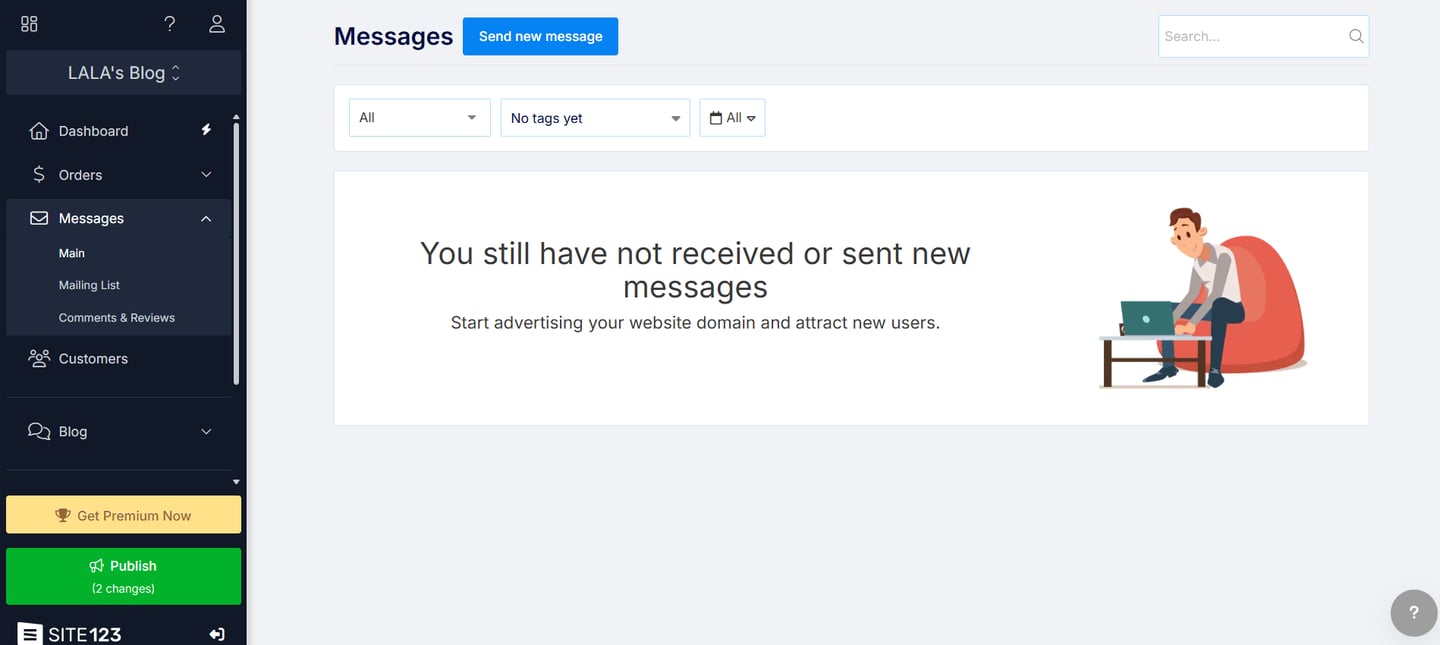
Getting started is easy, with free registration, a guided setup assistant, and an editor that’s straightforward and reliable, even if it’s not visually impressive. The platform offers a good variety of ready-made section templates for common website needs, such as testimonials, galleries, and portfolio pages. Customer support is another strong point, with 24/7 live chat assistance available and handled by real people, which is especially helpful for first-time users.
That said, SITE123 prioritizes ease of use over creative freedom. Design customization is quite limited, and the presets are restrictive. Some features, like switching templates or managing multi-page sites, can also feel less intuitive than expected. Overall, SITE123 is a solid choice for beginners or anyone who wants a fast, no-fuss way to get a website online.
#6 Site123: A user-friendly, cloud-based website builder designed for beginners.
Key features:
Step-by-step guided website creation
Pre-designed layouts for different industries
Built-in contact forms and basic SEO tools
Multilingual support, website live chat support 24/7
100+ classic templates
Free stock image library
Blogging platform included
Pros:
Extremely beginner friendly
Very fast setup process
No design or coding skills needed
Helpful live chat support
Cons:
Limited design flexbility
Not ideal for large and complex websites
Advance features require paid plans
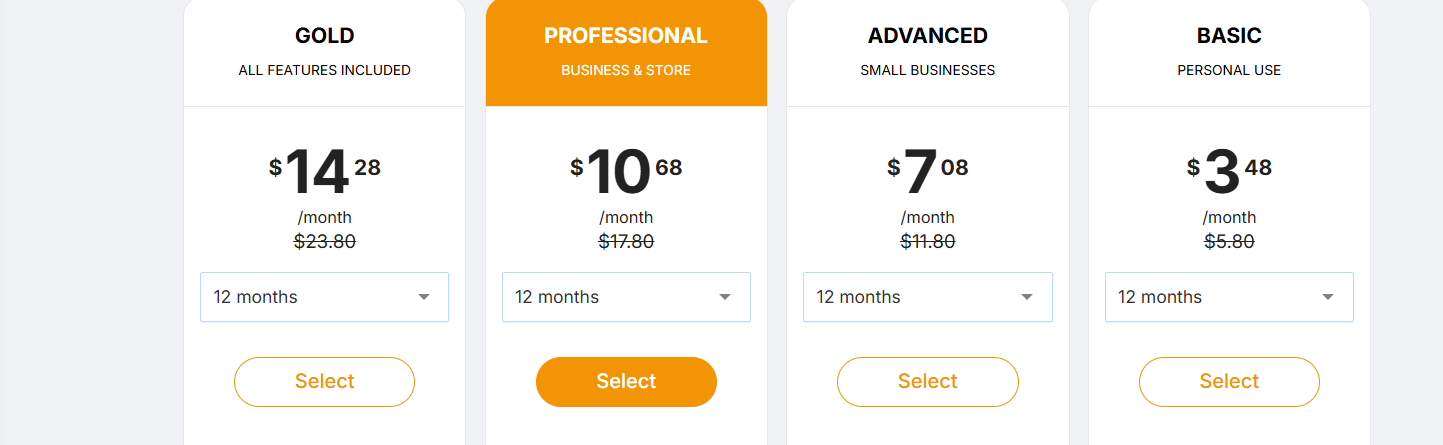
Pricing:
Free plan available forever
Best suited for:
Beginners
Personal websites
Simple business pages
Simple layout ecommerce store
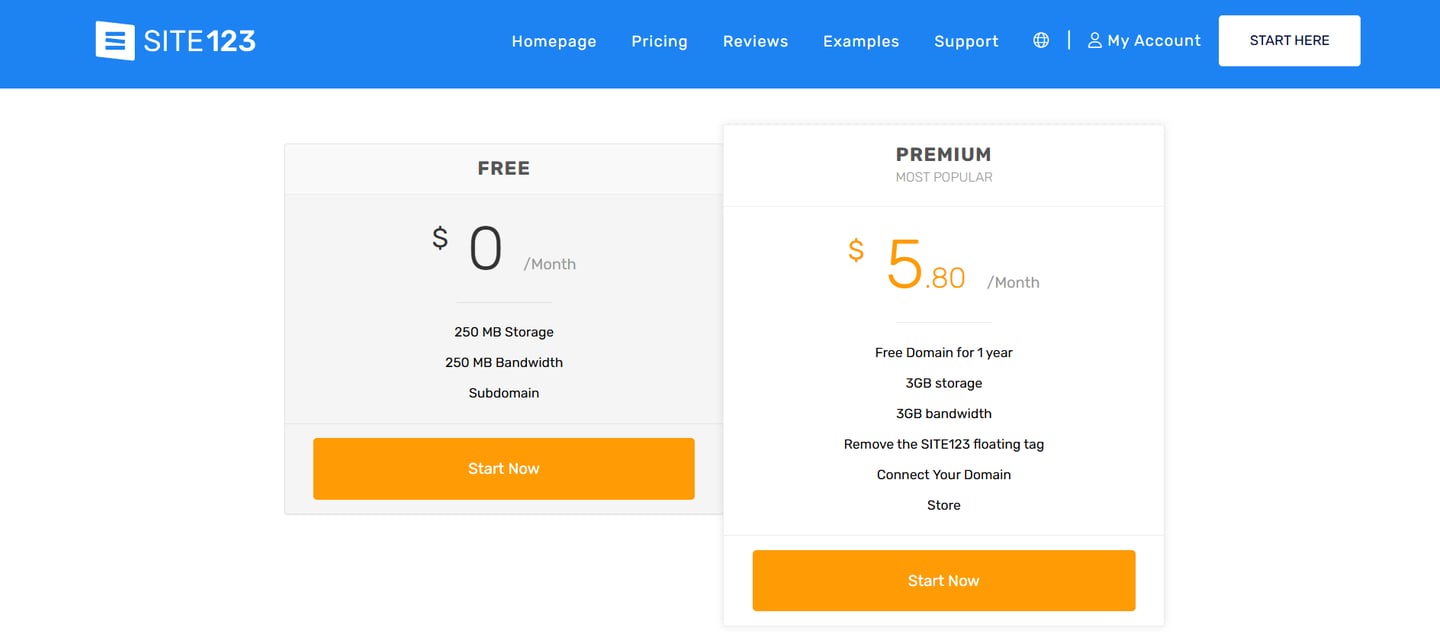
4.7
View full Price Plan with Features >
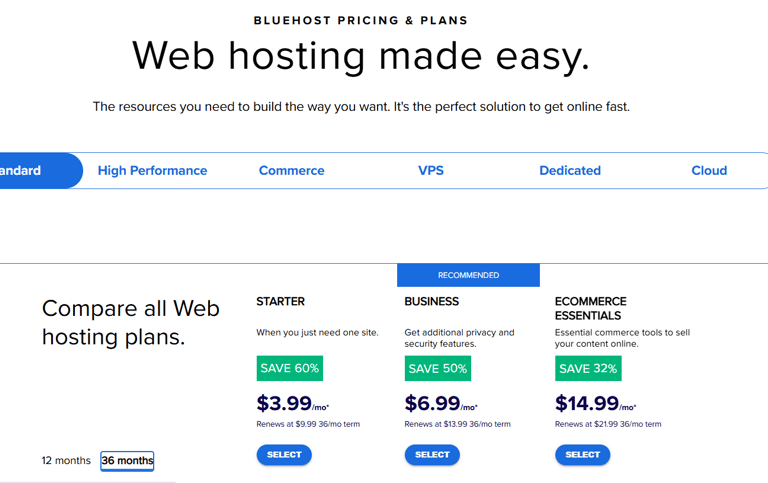
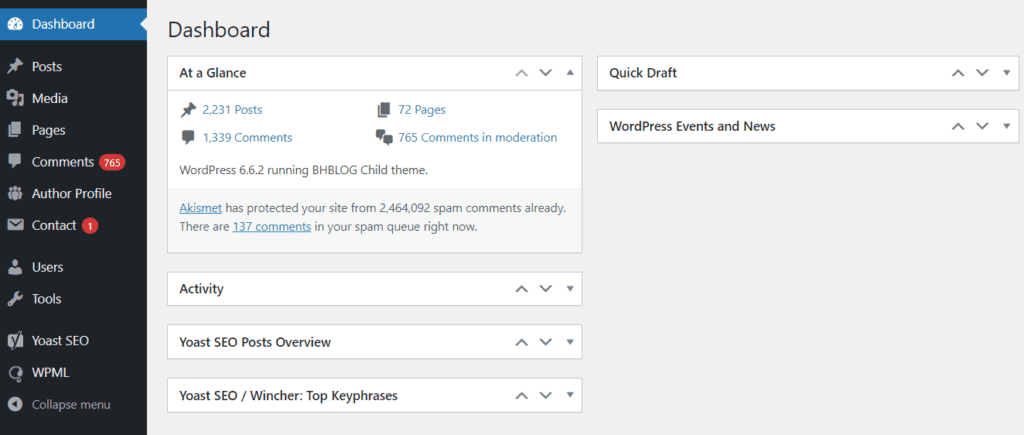
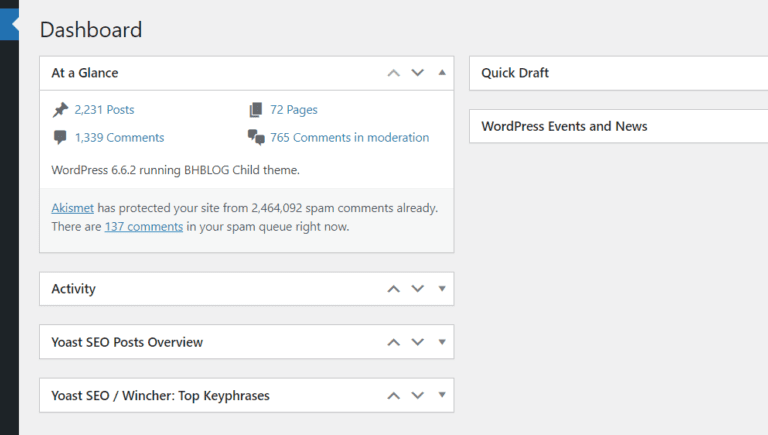
Bluehost is widely known as a hosting provider, but it also offers an integrated website builder that makes launching a WordPress site easier for beginners. It combines hosting, domain, and website setup in one place.
It is often recommended to beginners, especially bloggers and small online stores. Its popularity comes from a smooth setup process, a clean and easy-to-use control panel, and strong customer support. During testing, ease of use and support performed above average, making it approachable for first-time users.
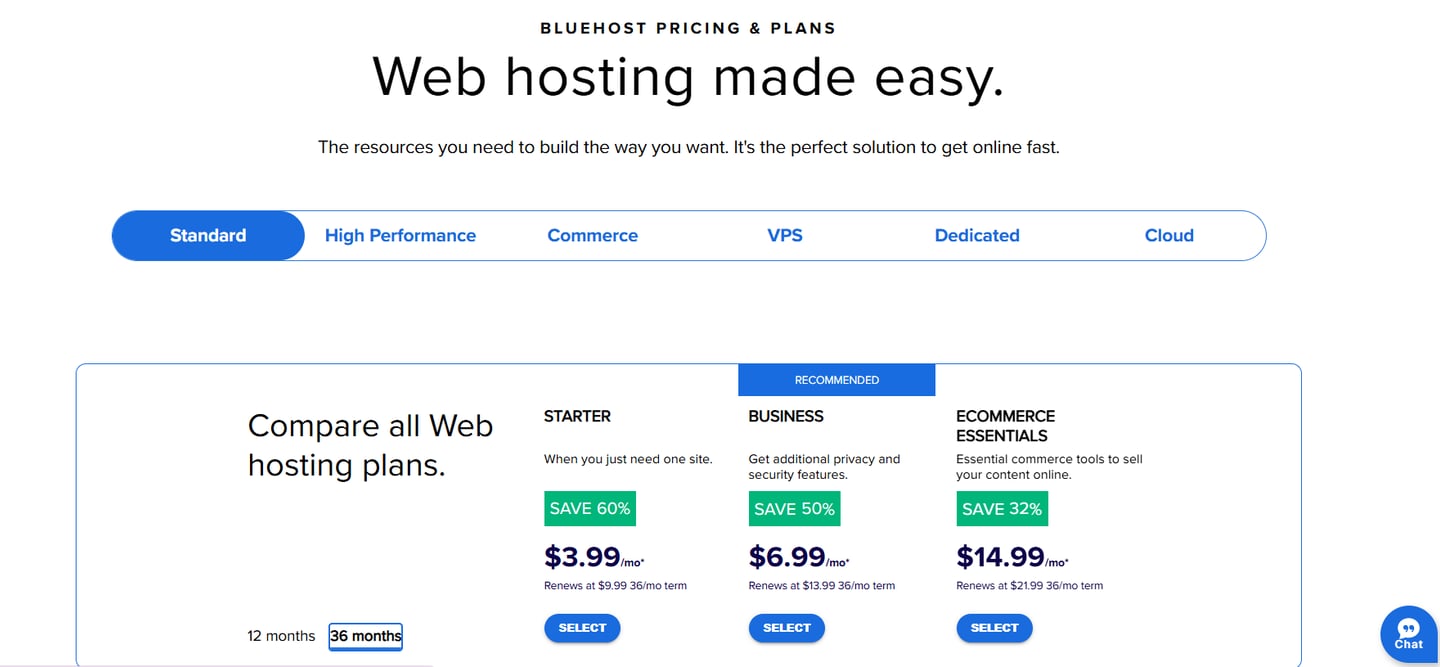
However, performance was a noticeable weakness. Page loading speeds and overall reliability didn’t match those of top-tier hosts, and many features that are standard elsewhere were missing. While initial pricing is attractive, renewal rates are significantly higher, and the included extras are easy to beat with other providers. Overall, Bluehost is a mixed option simple and beginner-friendly, but less competitive in performance and long-term value.
#7 BlueHost: Leading and beginner-friendly hosting provider
Key features:
One click Wordpress integration
300+ templates and themes
Drag-and-drop website builder
Free SSL certificate
24/7 customer support
Unlimited websites
Pros:
Reliable hosting performance
Officially recommended by wordpress
Affordable hosting plans
All-in-one solution ( hosting + site builder )
Cons:
Upsells during setup
Customer support not always reliable
Limited payment options
Pricing:
30-Day Money Back Guarantee
Best suited for:
Beginners who want to start a Wordpress website without technical confusion
Small businesses needing reliable hostiing
Budget friendly short projects
Beginner bloggers
Small personal websites
👉 Try Bluehost: Visit bluehost.com
4.7
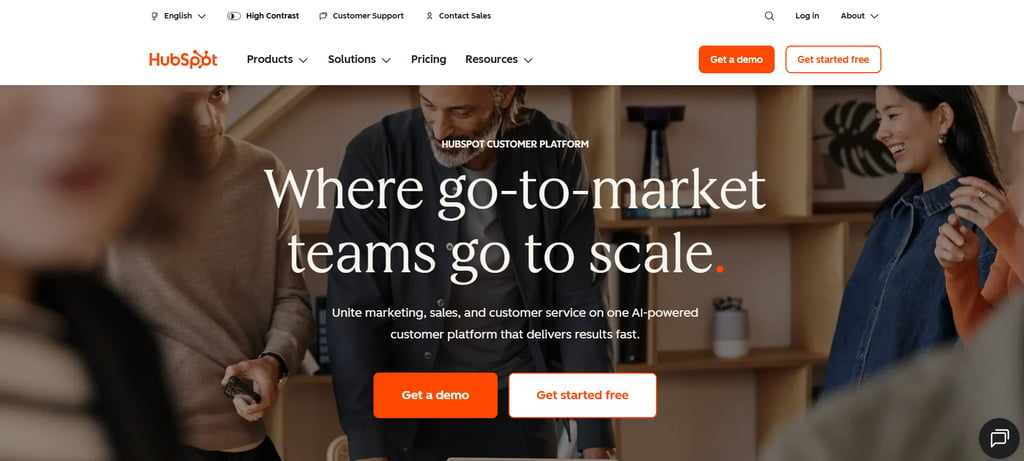
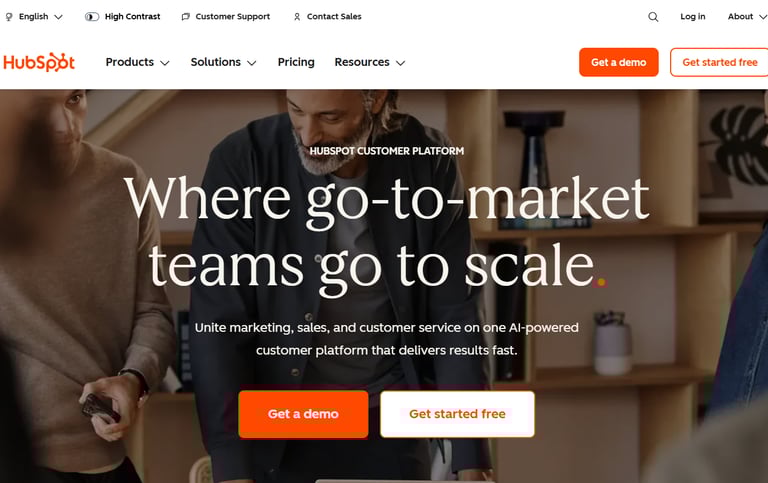
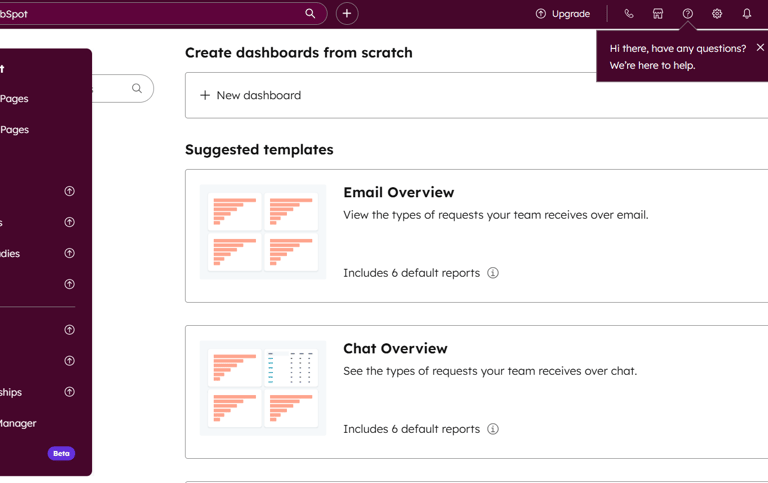
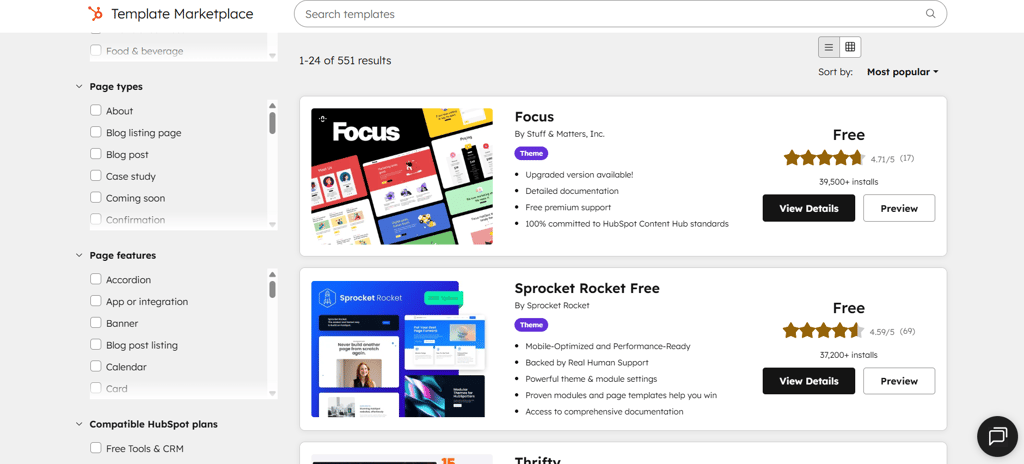
HubSpot’s website builder is a powerful, fully integrated platform designed for businesses that want more than just a basic website. Part of HubSpot’s Content Hub (CMS), it allows marketers and companies to create, manage, and optimize websites without needing to code. Unlike traditional builders that focus mainly on design, HubSpot emphasizes growth, conversions, and customer relationship management.
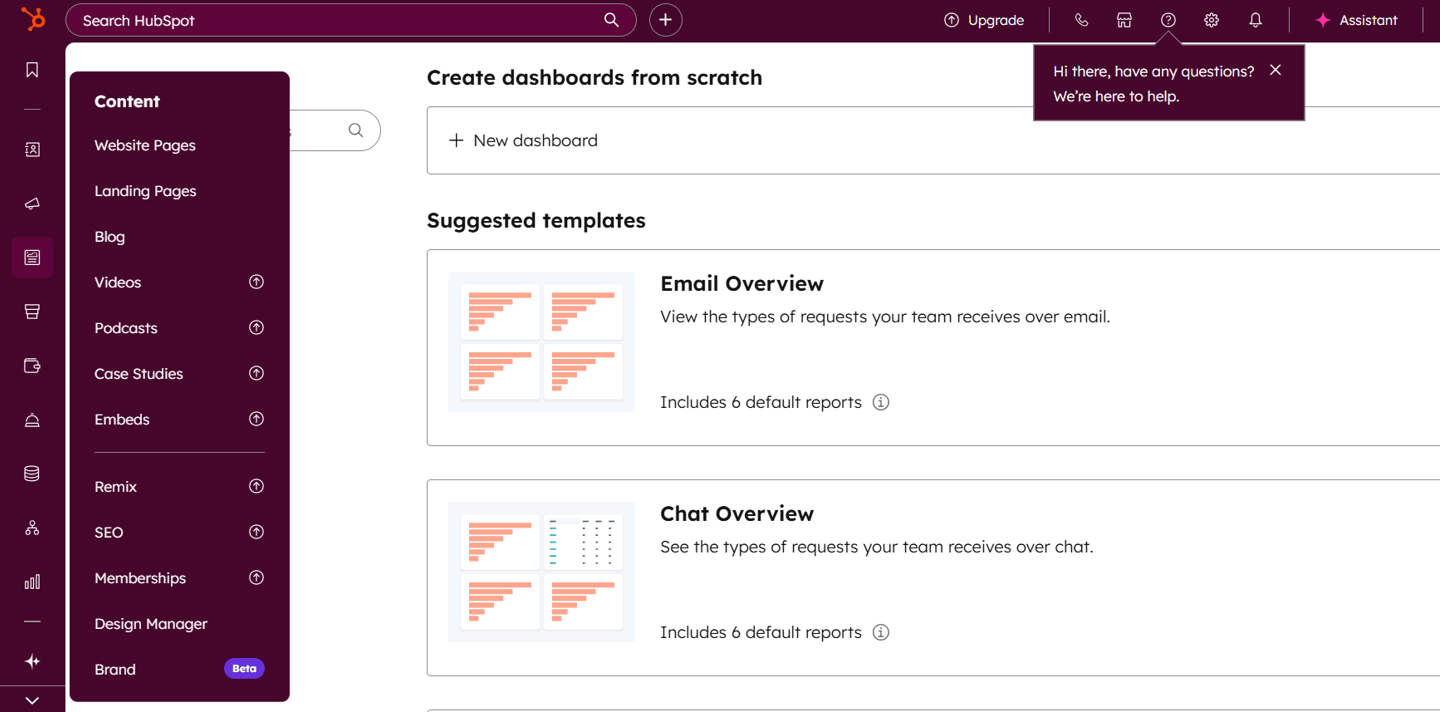
The builder uses a drag-and-drop, what-you-see-is-what-you-get (WYSIWYG) editor, making it easy to customize pages visually. It also includes AI-powered tools, such as an AI website generator that can create a functional site in minutes. What truly sets HubSpot apart is its direct connection to the HubSpot CRM, enabling personalized visitor experiences, built-in forms, live chat, and advanced tracking all from one dashboard.
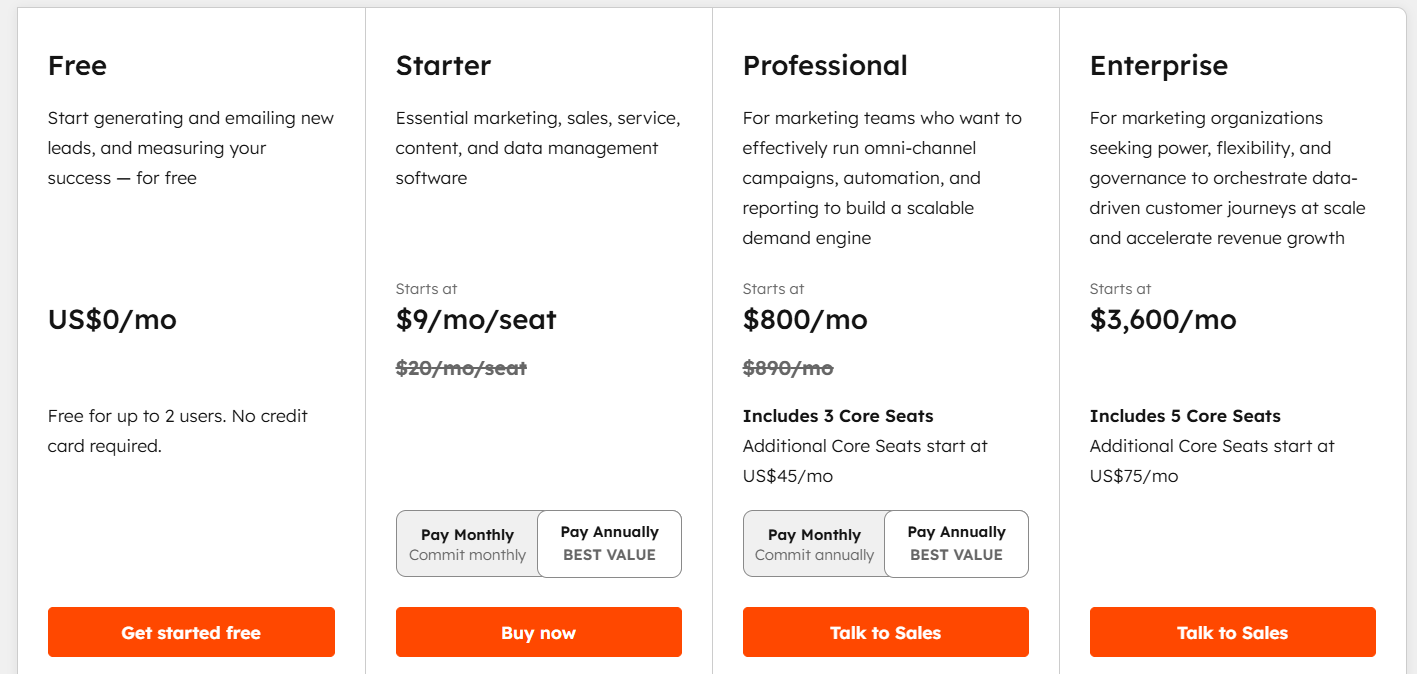
As an all-in-one solution, HubSpot includes hosting, SSL security, monitoring, and built-in SEO tools. It offers a free version, with paid plans scaling up for businesses that need advanced marketing and automation features. While it’s fully capable as a website builder, HubSpot is best suited for businesses focused on marketing, lead generation, and long-term growth rather than simple website design alone.
#8 Hubspot: Growth-driven platform that turns website into a powerful marketing and sales engine.
Key features:
Drag-and-drop editor
532+ templates
Built-in CRM and analytics
SEO and performance recommendations
Free hosting included
Marketing automation tools
live chat 24/7
Multiple hubs included
Pros:
Powerful marketing and lead generation tools
Clean, professional designs
Strong analytics and tracking
Powerful free tier/plan
User-friendly system
Cons:
Advanced features can get expensive
Limited design freedom compared to Wordpress
Better suited for business use
workflows can be complex
Pricing:
Free plan available forever
Best suited for:
Businesses
Startups
Marketers
Main focus on leads, conversions, growths
👉 Try Hubspot for free: Visit Hubspot.com
4.7
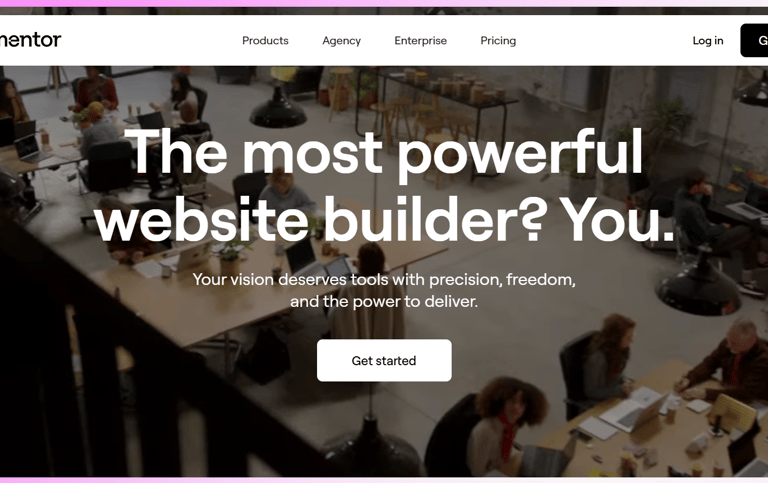
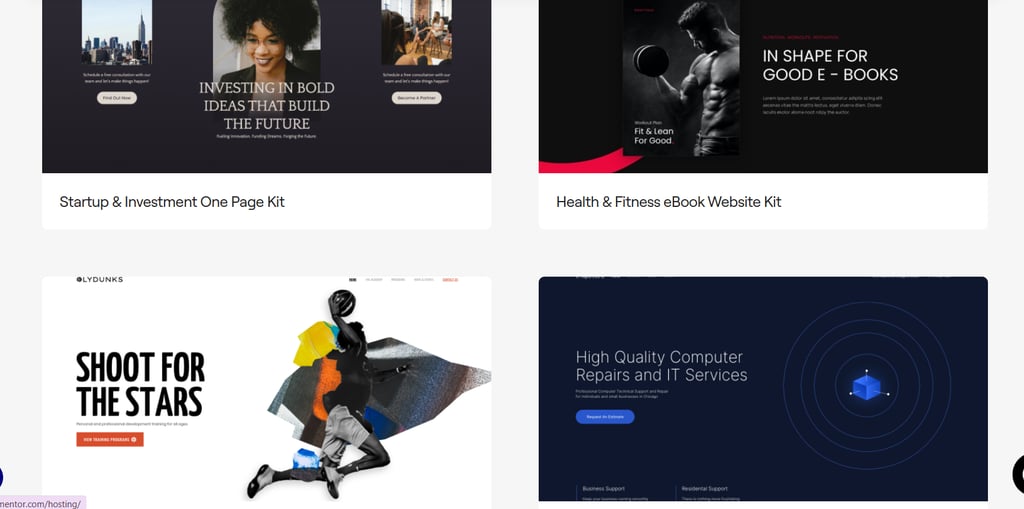
Elementor is one of the most popular visual website builders for WordPress, used by millions of websites worldwide. It allows you to design fully customized pages using a drag-and-drop editor, without touching a single line of code. While it works within WordPress rather than as a standalone builder, it gives users far more design flexibility than the default WordPress editor.
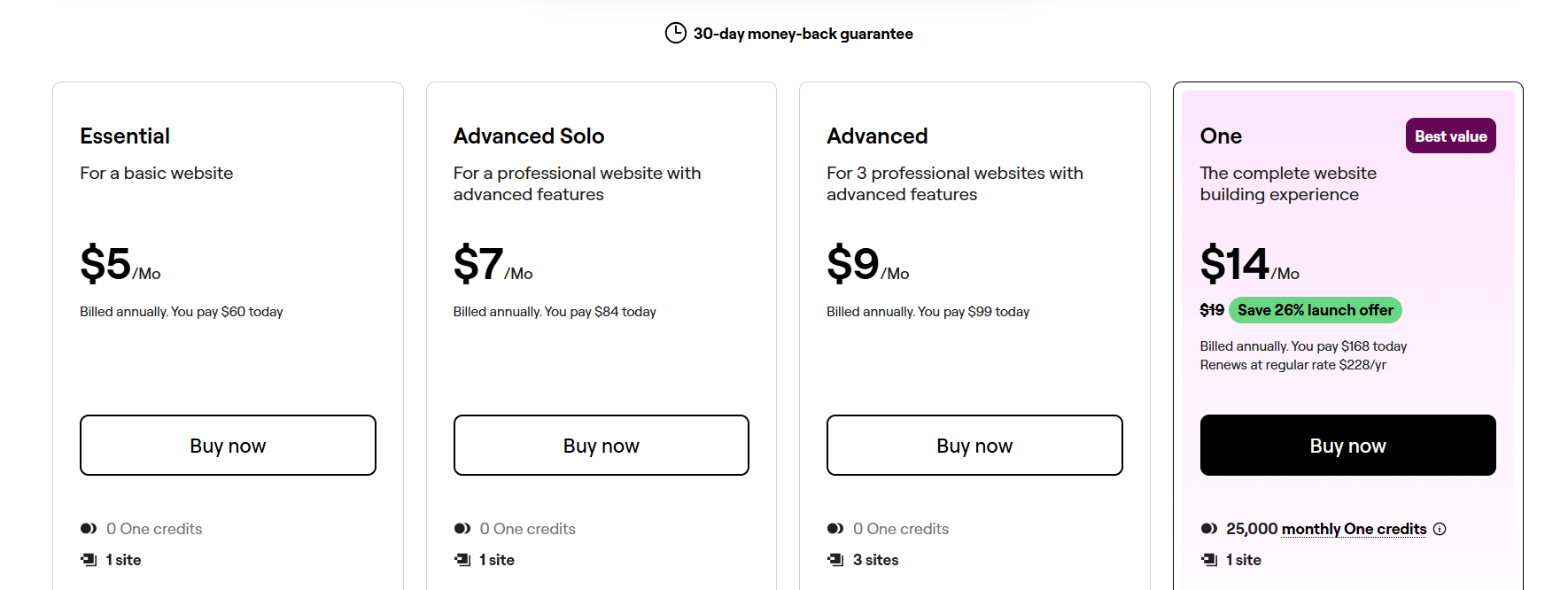
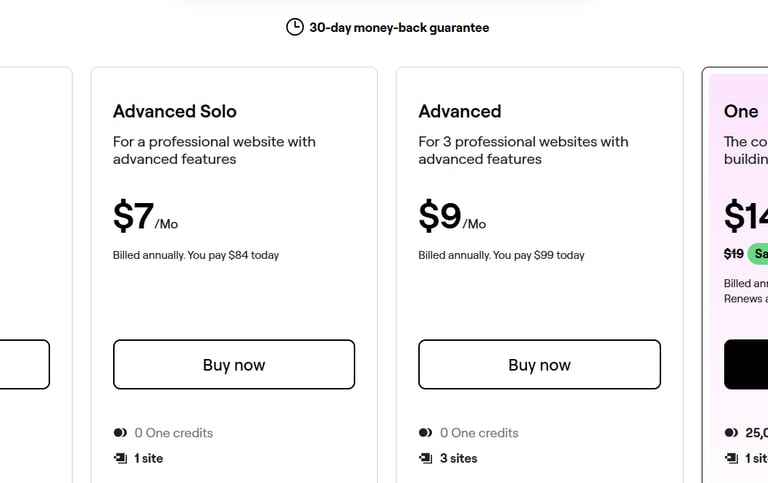
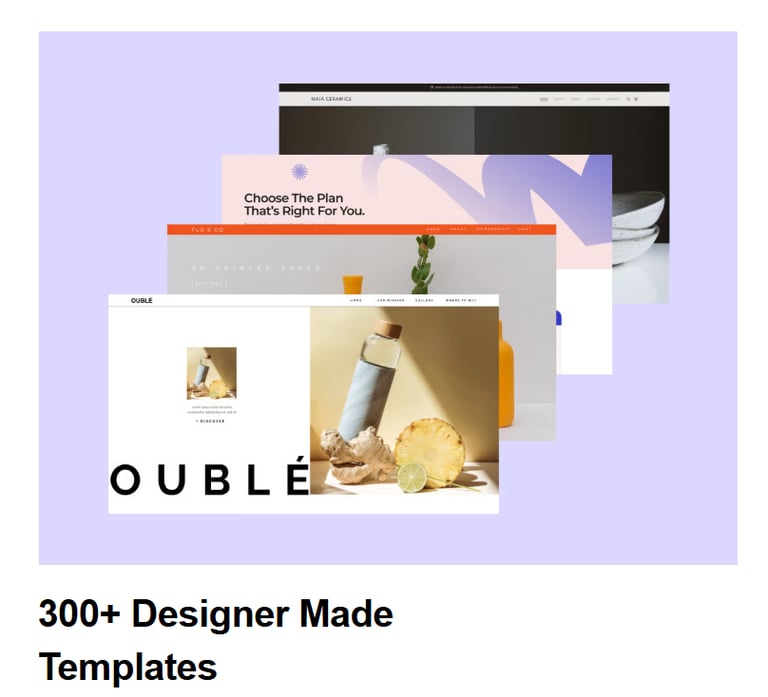
With Elementor, you can build complete websites visually, drag and drop content blocks, and preview changes in real time as you design. It offers a free version with essential tools, while the Pro version unlocks advanced features like the Theme Builder, WooCommerce Builder, dynamic content, and AI-powered tools. Hundreds of professionally designed templates are available to help speed up the design process.
Elementor stands out because it balances creative freedom with accessibility. Beginners can create polished websites using ready-made elements, while more advanced users can fine-tune layouts, styles, and responsiveness across devices. Although it can impact page speed and requires occasional updates, Elementor remains one of the strongest WordPress website builders in 2026 for users who want flexibility without coding.
#9 ELEMENTOR: Design beautiful websites easily with drag-and-drop simplicity.
Key features:
Drag-and-drop page builder
Live visual editing (no code)
Pre-built templates and blocks
Responsive design controls
Pop-ups & dynamic content
Theme Builder (header/footer templates)
WooCommerce builder
Motion effects and custom CSS
Pros:
True visual design control build layouts without coding.
Faster page building than using themes + shortcodes.
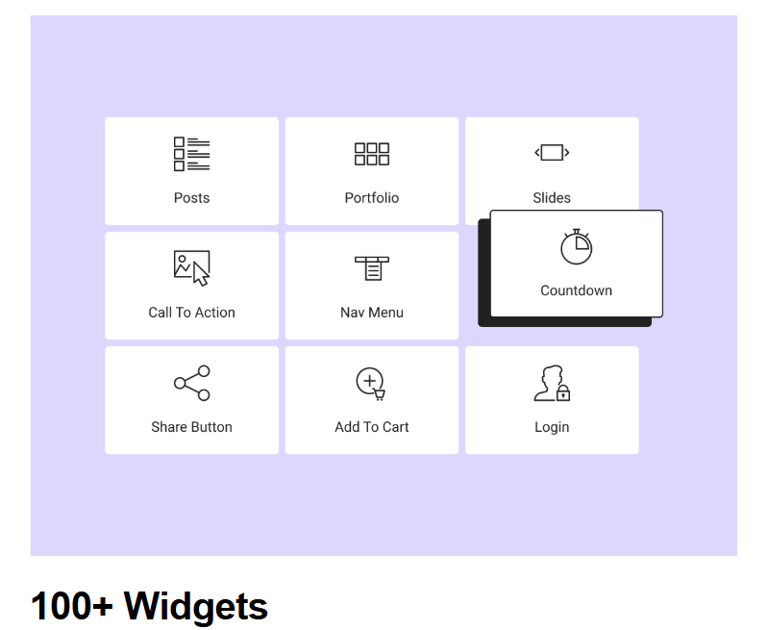
Huge library of templates and widgets.
Responsive design tools built-in.
Pro features add global styling, theme building, forms, etc.
Great for designers and DIY creators.
Cons:
Not as lightweight can slow page speed if overused.
Design can be inconsistent with some themes unless matched carefully.
Some advanced widgets require Elementor Pro (paid).
Learning curve for advanced layout/design features.
Pricing:
Free plan available forever
Best suited for:
Businesses
Startups
Marketers
Main focus on leads, conversions, growths
👉 Try Elementor for free: Visit Elementor.com

4.7
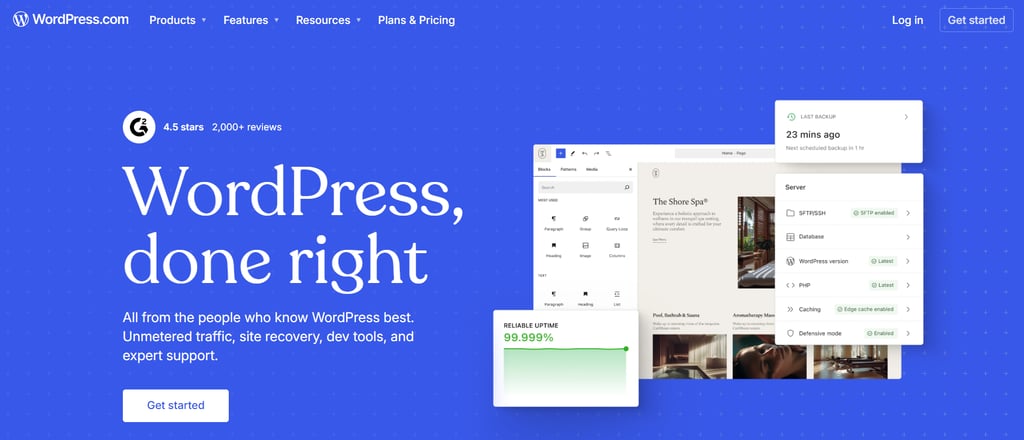
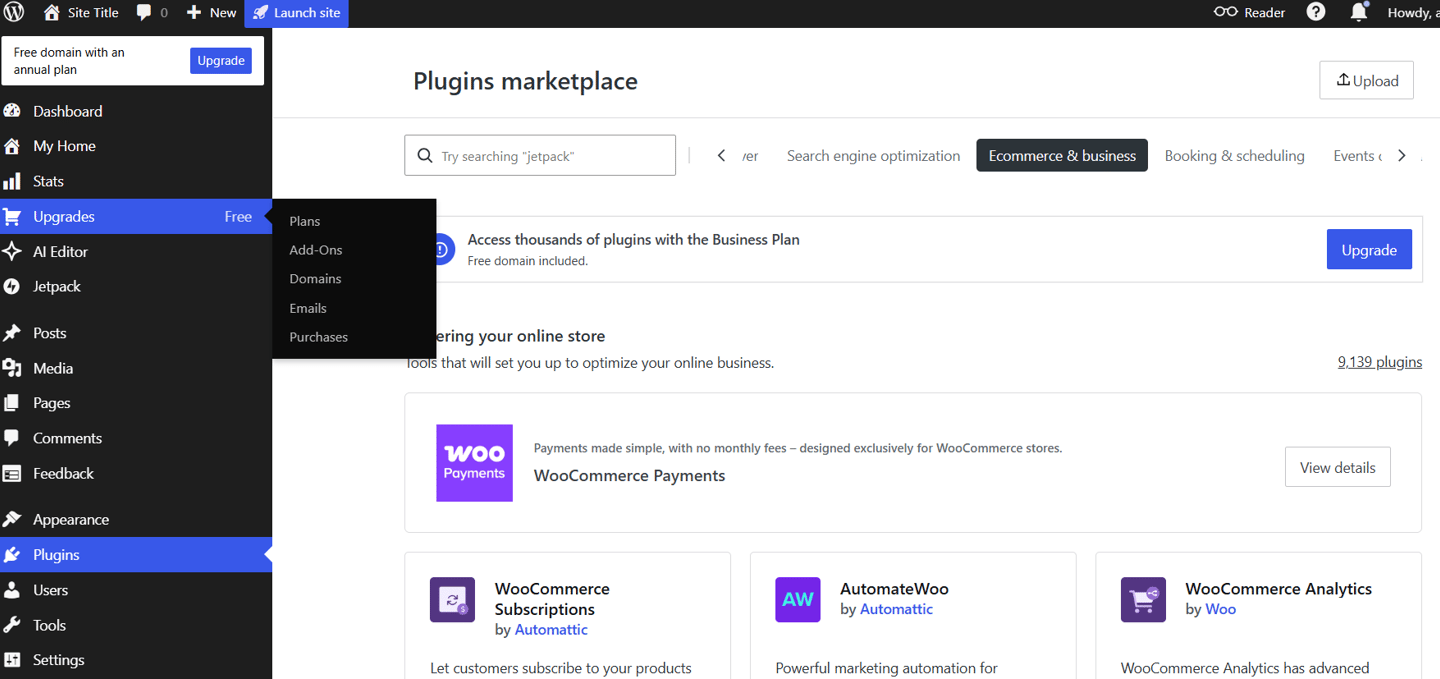
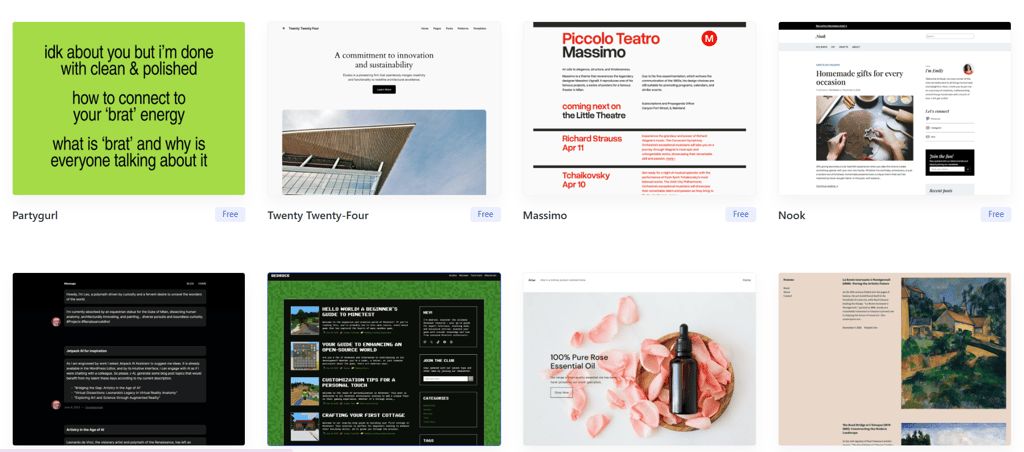
WordPress is the world’s most popular website platform, powering over 40% of all websites online. Unlike drag-and-drop builders like Wix or Squarespace, WordPress is a content management system (CMS) that gives you full control over your website’s design, features, and functionality.
With thousands of free and premium themes and over 60,000 plugins, WordPress can be used to build almost anything from blogs and business websites to online stores and membership platforms. While it has a slightly steeper learning curve than beginner website builders, it offers unmatched flexibility and scalability.
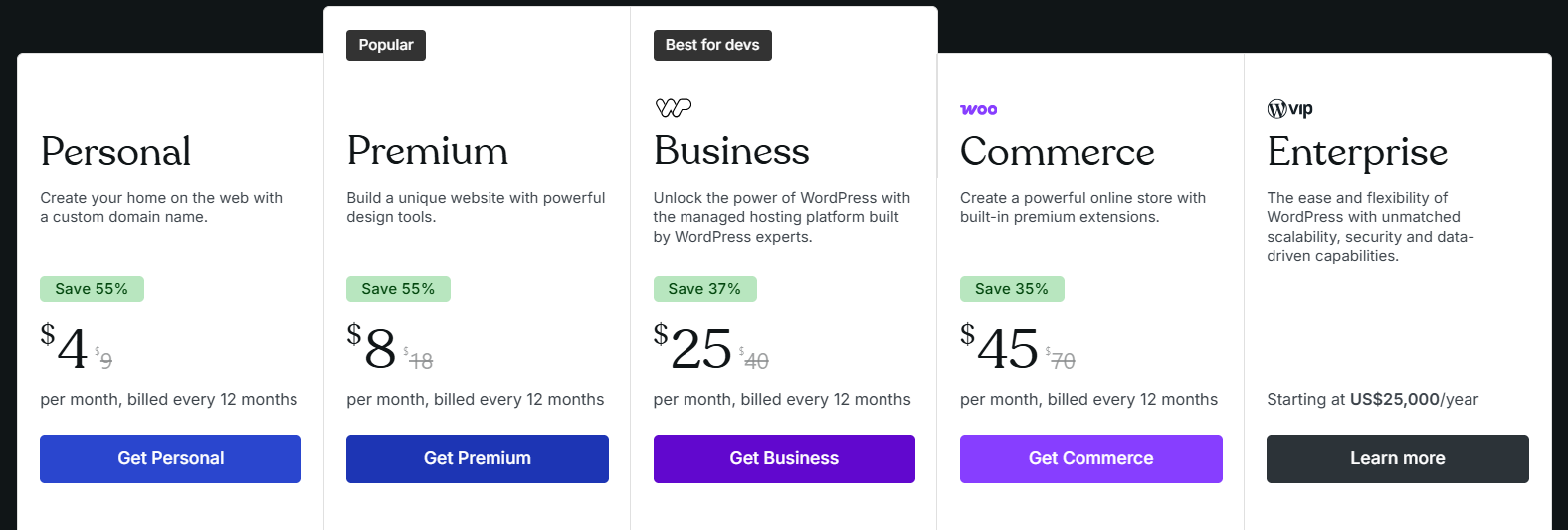
WordPress itself is free to use, but you’ll need separate hosting (such as Hostinger or Bluehost) and a domain name to get started. It’s best suited for users who want long-term growth, customization freedom, and complete ownership of their website.
#10 Wordpress: Build any website with full control and flexibility.
Key features:
Full content management system (CMS)
Built-in blogging support
Themes system (templates)
Plugin ecosystem (extend functionality)
User management
SEO tools (plugins like Yoast, Rank Math)
Media library
Custom post types
Pros:
Highly flexible and scalable from blogs to ecommerce.
Huge plugin ecosystem nearly any feature you need.
Large community + documentation.
SEO-friendly infrastructure.
Open source and free core software.
Cons:
Default editor has limitations for full design control.
Can be intimidating for absolute beginners.
Performance can suffer if many plugins are installed.
Design varies by theme customization sometimes requires code.
Pricing:
Free plan available aswell.
Best suited for:
Blogs and content hubs
Business websites
Ecommerce
Membership sites
Nearly any website where full CMS capabilities are needed
👉 Try Wordpress for free: Visit Wordpress.com
4.6
Best Overall for Beginners (General Use)
Wix.com : Easiest drag-and-drop builder, tons of templates, built-in hosting, and AI tools. Great for small business sites, portfolios, and simple stores.
Best for Online Stores
Shopify.com : Best if your main goal is ecommerce with powerful inventory, checkout, and sales tools.
Best for Design Freedom (Still Beginner-Friendly)
Squarespace.com : Beautiful, professional templates and all-in-one hosting (no technical setup), excellent for portfolios and creative brands.
Best for Full Customization & Growth
WordPress.com + Elementor.com : Combines WordPress’s enormous flexibility with Elementor’s visual design tools. Great for blogs, business sites, and long-term growth slightly more learning curve than pure drag-drop builders.
Good Alternative for Fast, Simple Sites
Site123.com : Ultra-simple setup, good for landing pages, one-page sites, and first-time users.
For Designers / Creative Control (Steeper Learning)
Webflow.com : Very flexible and powerful design control, but takes more time to learn.
Hosting-Focused Options (Basic Builders)
Hostinger.com Website Builder: Affordable with AI tools; good value for startups and simple business sites.
Bluehost.com ( WordPress.com Hosting): Easy WordPress setup best if you plan a bigger site later.
For Marketing & Business Tools
HubSpot.com Website Builder: Built-in CRM and marketing tools strong for businesses focused on leads and sales (but usually pricier).
Our Best Recommendations:
Found this useful? Drop a review or share your suggestions here, we’d love to hear from you. !!
Latest Reviews
A Quick Overview of Top Website Builders:
#1|
Editor's Favourite
Features
Pros & Cons
Rate 4.9


Highly customizable with lots of powerful features

Best overall
2,500+ designer-made, fully customizable templates
Easy-to-use drag-and-drop editor with AI Assistance
Free Forever Plan Available
800+ apps & integrations in app market
Powerful mobile app for editing on the go
Free plan offers to complete access to AI tools
Slight learning curve due to sheer volume of features
Seo Checklist included to boost your google ranking
Learn More About Wix >



#2


Features
Pros & Cons
Rate 4.9

Best for minimalist, business-ready sites
Simple block editor for quick customization
AI tools to help with design and content
14-Day Free Trial
Strong branding and eCommerce tools
Free logo creation included
Unlimited image storage
Limited flexibility for advanced designers
180+ modern, responsive templates
Learn More About Squarespace>
Built-in-social media and marketing tools
#3


Features
Pros & Cons
Rate 4.8

Best for affordable websites building with built-in AI tools
AI tools for logos, blog content & images
Built-in eCommerce features
30-Day Money Back Guarantee
Free custom domain for the first year
File sharing and map integrations
No free plan (7-day trial available)
Limited third-party integrations
150 templates across multiple categories
Learn More About Hostinger>
Easy access to marketing tools like Google Ads and Meta Pixel
#4


Features
Pros & Cons
Rate 4.8
Best for small to mid-sized and larger online stores
Single dashboard to manage products and sales
AI tools for eCommerce and SEO
3-Day Free-Trial, $1/mo for 3 months
13,000+ apps to extend store functionality
Multiple sales channels available on all plans
Less design flexibility than other builders
Designed mainly for eCommerce, not general websites
850+ templates designed for online stores
Learn More About Shopify >
Built-in payment and shipping options
#5


Features
Pros & Cons
Rate 4.7
Best for minimalist business-ready sites
Advanced design flexbility compared to basic builders
Built-in learning resources and tutorials
Forever Free Plan
Much more design control than traditional builders
Strong CMS capabilites
Good tools for team and designers
Steep learning curve for begineers
Combines a CMS with a visual website builder
Learn More About Webflow >
Collaboration tools for team projects
Subscribe to our newsletter
You can unsubscribe anytime
Contact
© 2025. All rights reserved.