

Top 5 Design Softwares Every Creator Swears By | Game Changing Tools Reviewed
Take your design skills to the next level with these top 5 design software tools. From beginner-friendly programs to professional-grade platforms, these game-changing tools help you boost creativity, streamline your workflow, and create stunning projects faster. Perfect for designers at any stage.
2/10/20268 мин чтение
Tools Every Creator Needs to Bring Ideas to Life - No Experience Needed
Have you ever struggled to create eye-catching designs for your social media, website, or business?
That’s where design software tools come in, they make creating stunning visuals easier than ever, no matter your skill level.
Whether you’re a content creator building a theme page, a graphic designer polishing your portfolio, a solo entrepreneur shaping your brand, or just someone looking to make your posts pop, these tools have you covered.
With everything from ready-made templates to full customization options, you can craft anything from social media posts and product covers to presentations and marketing materials all in one place. Simply put, these tools let you bring your ideas to life quickly, creatively, and confidently.
Below are the top 5 design softwares dominating the market:
Quick Comparison Overview
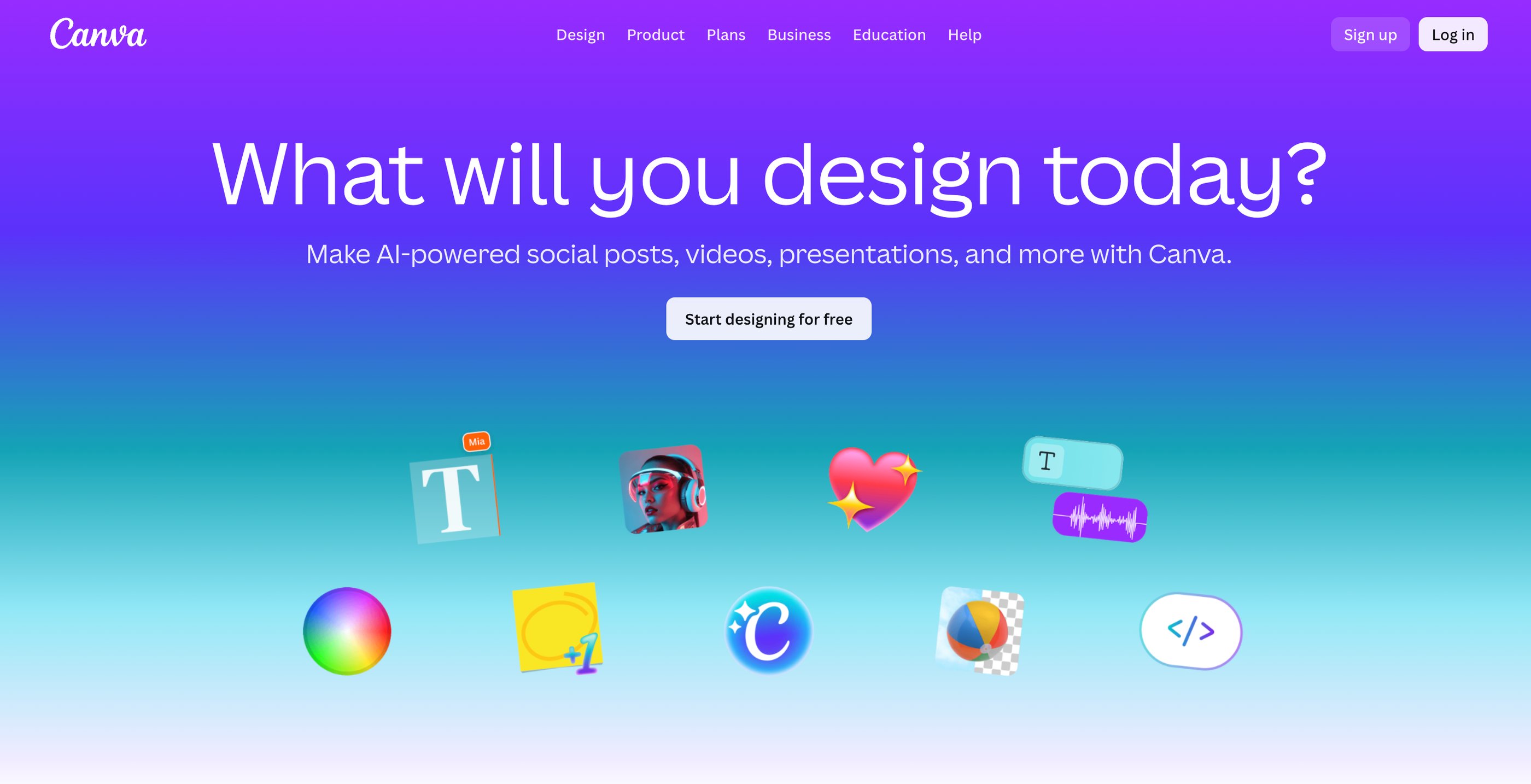
When it comes to creating visuals that grab attention, Canva is one of the most powerful and accessible tools you can use whether you’re a content creator posting daily on Instagram theme pages, an influencer building your personal brand, a graphic designer polishing your portfolio, or a solo entrepreneur crafting marketing materials without hiring a designer. Canva makes design intuitive with its drag‑and‑drop interface, huge library of templates, and all‑in‑one workspace that helps you quickly produce stunning social posts, banners, logos, videos, presentations and more even if you’ve never used a design program before.
It’s a platform built for everyone: social media marketers use it to create engaging content across TikTok, Instagram and Facebook, educators make classroom materials, small business owners design flyers and brand kits, and even teams collaborate on campaigns in real time. The result? You get professional‑looking visuals without steep learning curves or expensive software.
1. Canva — Best for Social Media Creators & Beginners
Rating 9.5/10
Pricing
Canva operates on a freemium model with plans that fit different needs from a powerful Free plan that gives you plenty of templates and design tools at no cost, to Pro and Teams plans that unlock premium elements, AI‑powered features, advanced editing tools, and higher storage for serious creators and businesses. Check out pricing here.
One thing that’s clear: no matter what you’re creating social content, brand visuals or marketing campaigns, Canva gives you the tools to make it look amazing. Explore for free.
Visit www.Canva.com
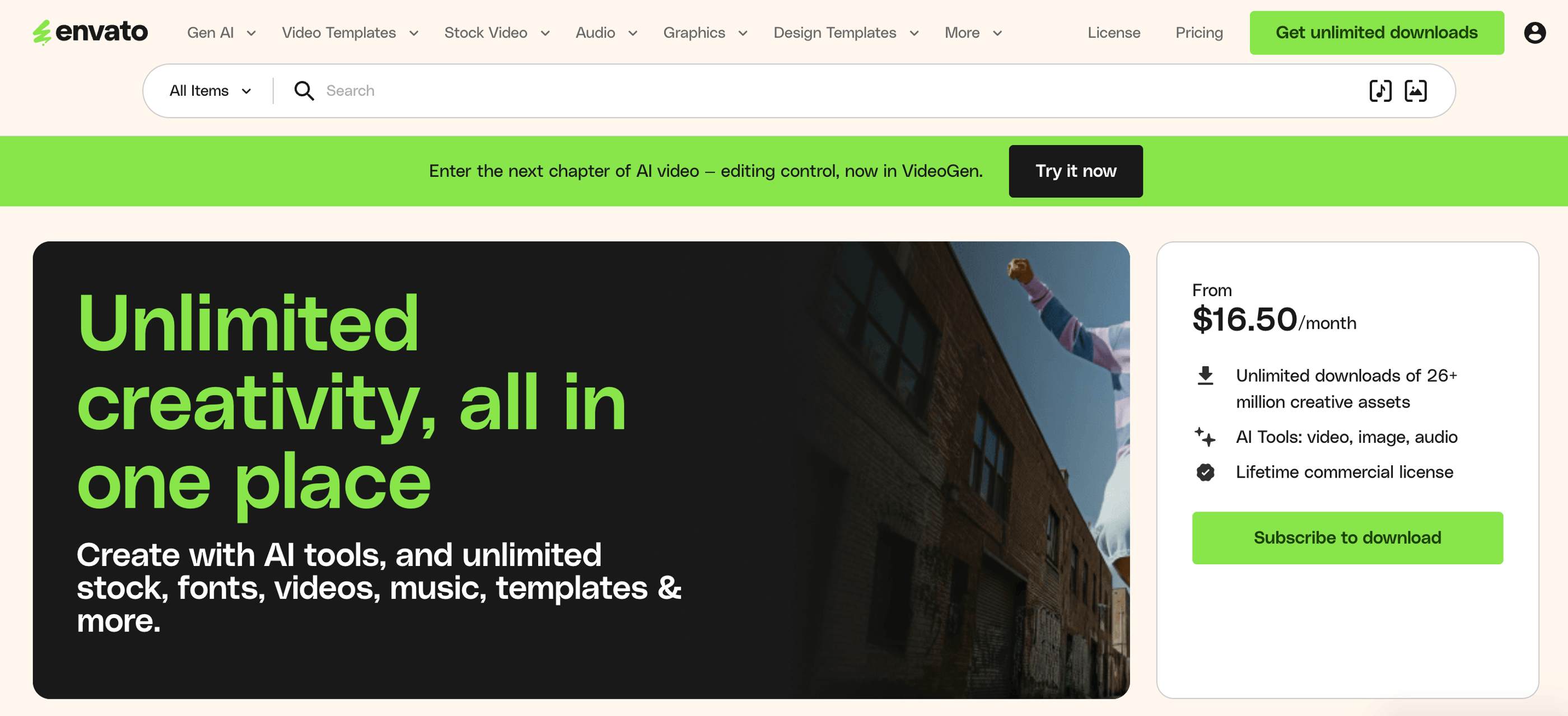
When you’re creating content whether you’re a social media creator, a video editor, a theme page manager, a graphic designer, or a solo entrepreneur, one of the tools you’ll quickly notice pros using is Envato Elements. Instead of buying individual assets one at a time, Envato gives you access to a vast library of creative resources in one subscription from millions of stock videos and photos to templates, music tracks, fonts, graphics, presentation slides, 3D assets, mockups and more all with a commercial license you can use in your projects.
It’s like having a design and media superstore right at your fingertips.
2. Envato Elements — Best for Unlimited Creative Assets & Marketing Materials
Rating 9/10
Pricing
Envato’s pricing is built to fit different types of creators and teams:
Individual Plan: This is perfect if you’re working solo a freelancer, creator, or small business. You can choose a monthly plan, but if you opt for an annual subscription, it works out to around $16.50 per month while still giving you unlimited access to all the assets and a lifetime commercial license.
Plus and Ultimate Tiers: These newer tiers expand how much creative AI content you can generate each month with Plus offering more AI generations than the base, and Ultimate unlocking unlimited AI generations on top of the huge asset library.
Team Plans: If you work with others a small agency, team of designers, or marketing crew you can subscribe as a team and save per person while keeping shared access and management tools.
Student Discounts: Students can often get a 30% discount on their plan, making it even more affordable to access pro‑level creative resources while learning.
Every Envato Elements subscription gives you unlimited downloads of creative assets and the freedom to use them commercially in your content, social posts, presentations and more which makes it a go‑to choice for creators who want one library instead of juggling many services. Check out pricing here.
One thing to remember: the right plan depends on how much AI generation and collaboration you need, so take a look at what each tier offers and explore the creative possibilities that fit your workflow. Explore for free.
Visit www.elements.envato.com
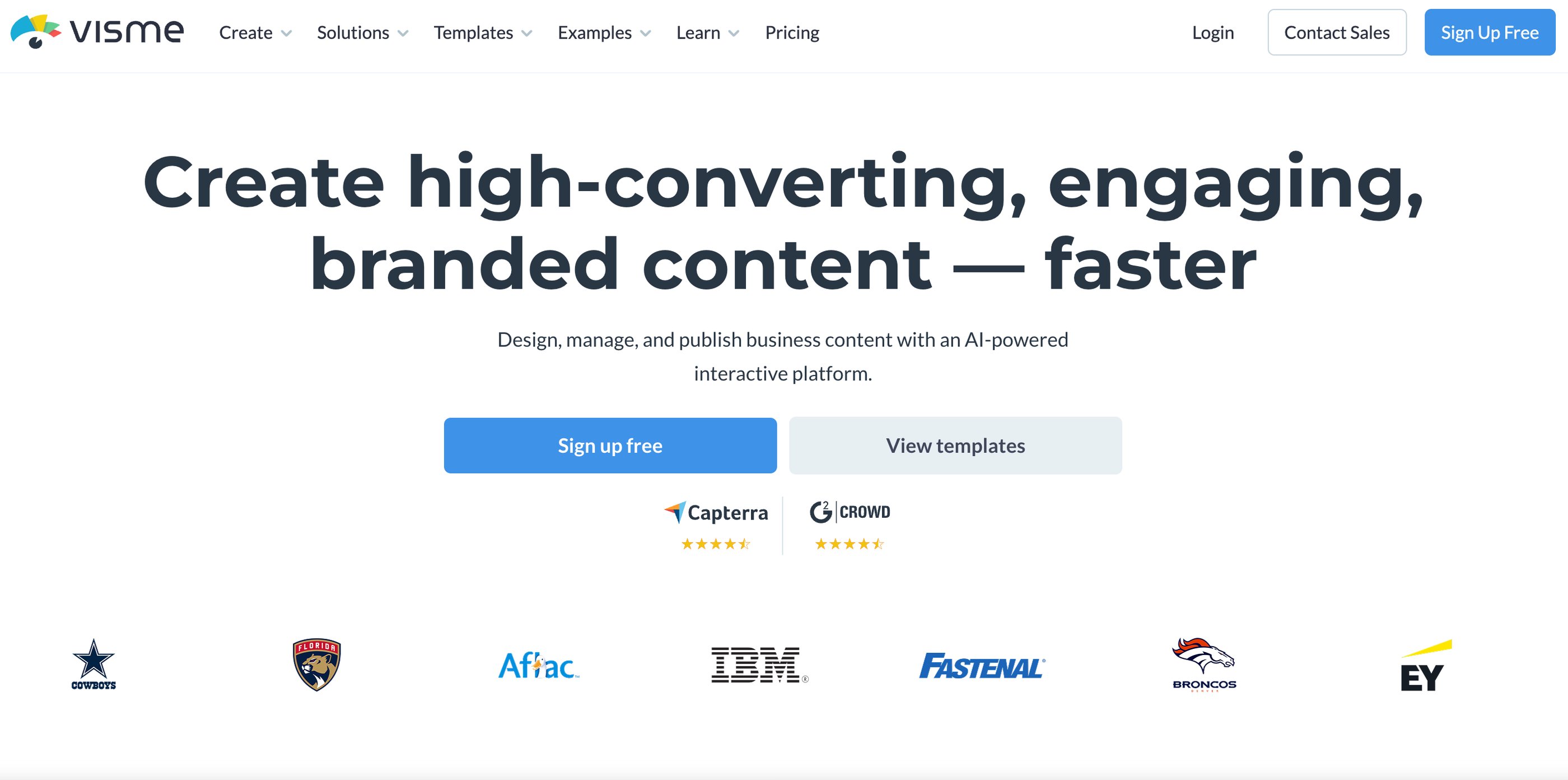
When you need more than just standard graphics whether you’re building social media visuals, data‑rich reports, interactive presentations, or branded marketing content Visme is the kind of visual creation platform that goes beyond basic design tools. It’s popular with content creators, social media managers, marketers, educators, small business owners, and teams who want everything from eye‑catching infographics and animated videos to presentations, charts, docs and interactive content all in one place. Visme helps you turn ideas into beautiful visual content, whether you’re showcasing data, crafting a pitch deck, publishing a report for your audience, or scheduling social content that fits every platform’s format.
What sets Visme apart is that it’s built not just for simple templates it includes interactive animations, data visualization tools, collaboration features, brand kits and a built‑in content calendar that lets you plan and publish right from the platform. You get millions of high‑resolution photos, icons, videos and customizable elements so you can make professional, polished content even if you’re not a designer.
3. Visme — Best for Data Visualization, Presentations & Interactive Content
Rating 8.5/10
Pricing
Visme uses a freemium model with plans that scale depending on how serious you are about your projects:
• Basic (Free): Try Visme without paying anything unlimited projects with limited templates, storage and assets so you can test the platform and see how it fits your workflow.
• Starter Plan: Great for individual creators and freelancers access to all templates and assets, downloads in JPG/PNG/PDF, more storage and priority support. Prices are typically higher on a monthly plan but drop significantly when billed yearly.
• Pro/Business Plan: This is often considered the best value for teams and small businesses unlimited projects, advanced exporting (including HTML5, GIF and video), brand kits, privacy controls, analytics and collaboration tools.
• Enterprise: Designed for larger organizations with advanced security, custom integrations, dedicated support and tailored plans. Check out pricing here.
Whether you’re creating scroll‑stopping social graphics, engaging marketing materials, interactive presentations or in‑depth reports, Visme gives you the tools to visualize your ideas the way you imagine them. Explore its features and find the plan that fits your creative needs. Explore for free.
Visit www.visme.com
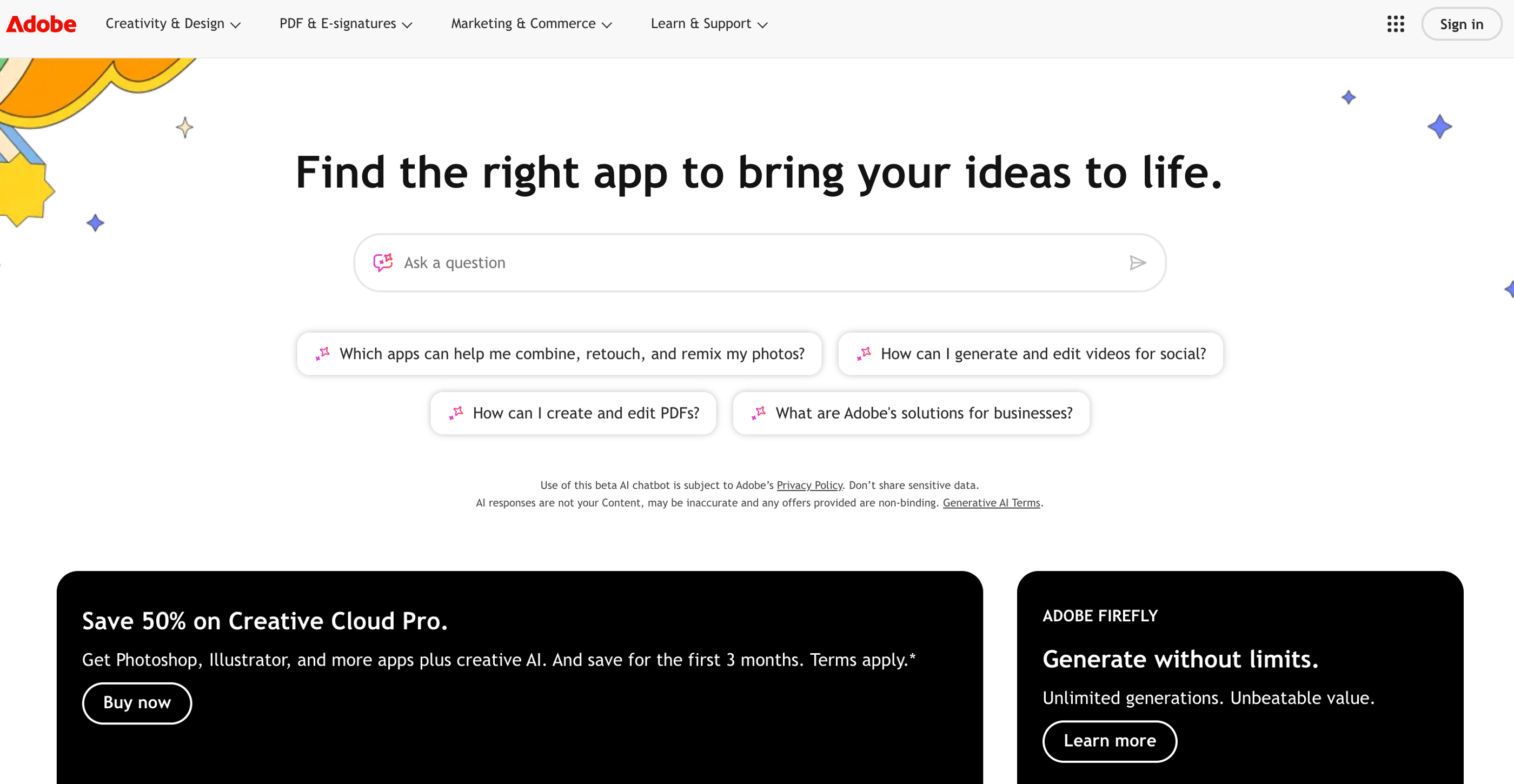
When you need a tool that helps you make polished visuals quickly whether you’re a content creator posting daily on social, an influencer building a personal brand, a theme page manager trying to stand out, or a small business owner handling your own marketing Adobe Express is one of those apps that bridges the gap between simple design editors and full professional suites.
Unlike heavy, complex software, Express gives you templates, editing tools, scheduling, and creative assets all in one place so you can design posts, videos, banners, flyers and more without being a trained designer. It’s widely used by marketers, social media teams, educators, and even small creative studios because it combines creative flexibility with ease of use letting you produce branded content that’s ready to go on platforms like Instagram, TikTok, Facebook, LinkedIn and more.
4. Adobe Express — Best for Quick, Professional Graphics Across Platforms
Rating 8/10
Pricing
Adobe Express offers several plans depending on how much power and assets you need:
Free Plan — $0/month: Great for beginners and casual creators. You get thousands of templates, basic photo, video, and document editing tools, limited generative AI features, and the ability to create, resize and export content without paying a thing.
Premium Plan — Around $9.99/month: This is perfect if you want the real creative boost. You unlock hundreds of thousands of premium templates and design assets, millions of Adobe Stock photos and videos, brand kits, advanced editing tools like background removal and auto‑resize, plus better social media scheduling.
Teams Plan: If you’re collaborating with others a small team, agency, or business this tier adds shared storage, admin controls, and expanded collaboration features so everyone stays on the same creative page. Check out pricing here.
Whether you’re crafting everyday social posts or building a complete brand look, Express gives you the tools to create across platforms with speed and confidence and it scales from free use to professional‑level output. Go ahead and explore what it can do for your projects next. Explore for free.
Visit www.adobe.com
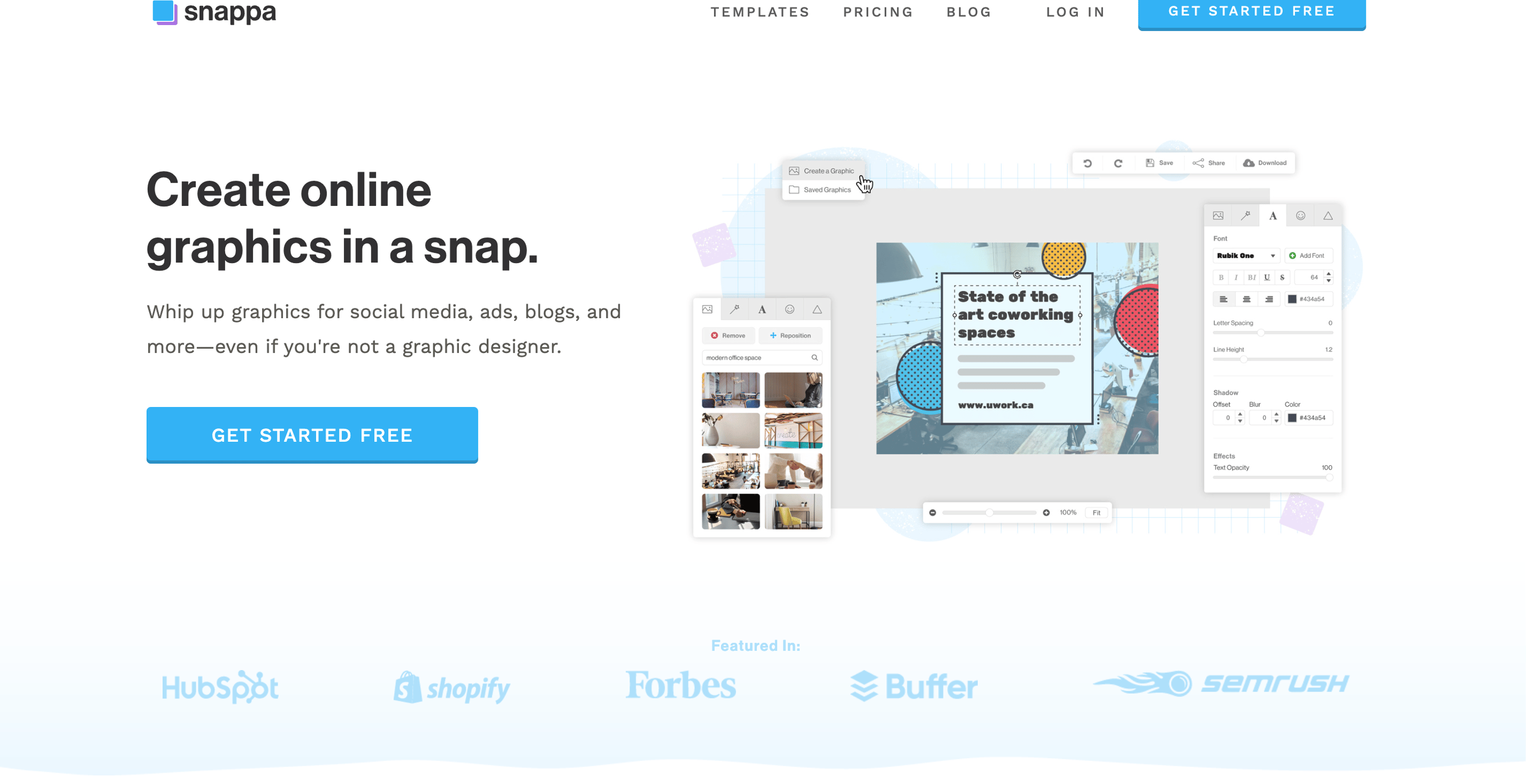
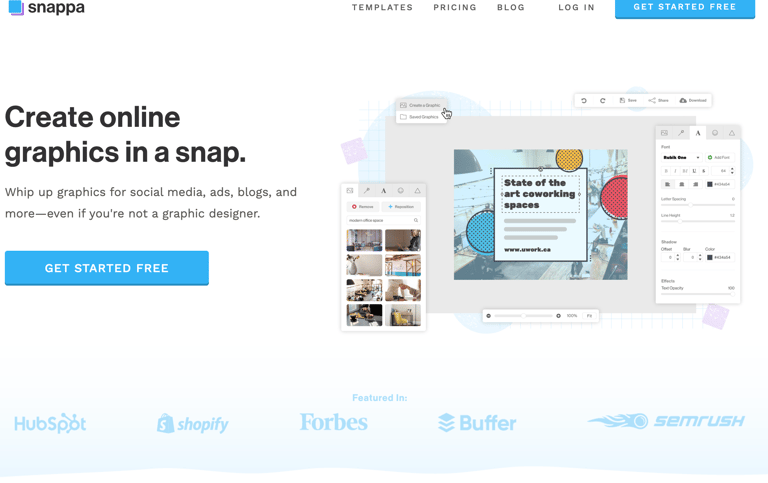
When you want to create eye‑catching graphics fast without complex software, Snappa is one of those tools that fits right in your creative toolbox especially if you’re a content creator juggling social platforms, a blogger needing featured images, a marketer crafting ads and banners, or a solo entrepreneur building your brand visuals. Snappa is a cloud‑based graphic design tool that lets you design social posts, blog graphics, thumbnails, banners, infographics and more with pre‑built templates, stock photos and drag‑and‑drop simplicity so you can focus on ideas, not learning complicated software. Its clean interface and speedy workflow make it ideal for people who want professional‑looking visuals in minutes, even if you’ve never edited an image before.
Snappa is especially popular with creators who need graphics for platforms like Instagram, Facebook, YouTube, blogs and ads and its extensive library of millions of royalty‑free HD photos and templates helps you quickly find the right style for your content without hunting for assets elsewhere.
5. Snappa — Best for Fast, Simple, Beginner-Friendly Graphic Design
Rating 7.5/10
Pricing
When it comes to pricing, Snappa keeps things straightforward:
Free (Starter) Plan — $0/month: A great way to begin designing without paying anything. You get access to 6,000+ templates, a huge stock photo library, and up to 3 downloads per month enough to create occasional posts or test the platform.
Pro Plan — Around $15/month ($10/month billed yearly): This unlocks unlimited downloads, social media integrations, custom font uploads, background removal and full access to templates and photos so you can design without limits.
Team Plan — Around $30/month ($20/month billed yearly): Perfect if you’re working with others. It includes all Pro features and adds team collaboration, shared assets, and multi‑user access for up to five people. Check out pricing here.
Snappa’s strength is in its simplicity, speed and beginner‑friendly design workflow, which makes it a solid choice if you want to create consistent, professional graphics quickly whether for social media posts, ads, banners, blogs or simple branding materials. Explore Snappa and see how it can fit into your creative process next. Explore for free.
Visit www.snappa.com
Our Recommendation For You - A Quick Comparison
If you want easy-to-use templates for social media and branding: Choose Canva.com
If you need unlimited creative assets for marketing, videos, and graphics: Choose Envato.Elements.com
If you want fast, professional designs for posts, ads, and multi-platform content: Choose Adobe.com
If you want simple, beginner-friendly design tools to create graphics quickly: Choose Snappa.com
If you want interactive presentations, infographics, and data-rich visuals: Choose Visme.com
Found this useful? Drop a review or share your suggestions here, we’d love to hear from you. !!
Latest Reviews
Subscribe to our newsletter
You can unsubscribe anytime
Contact
© 2025. All rights reserved.