

Elementor Review (2026): Is It the Right Website Builder & Page Designer for Your Site or Online Store?
Looking for a powerful website builder and page design tool in 2026? Our Elementor review covers features, pricing, WordPress integration, ecommerce support, pros & cons, and who it’s best for — from solo founders to ecommerce store owners.
REVIEW
2/28/20263 min leer
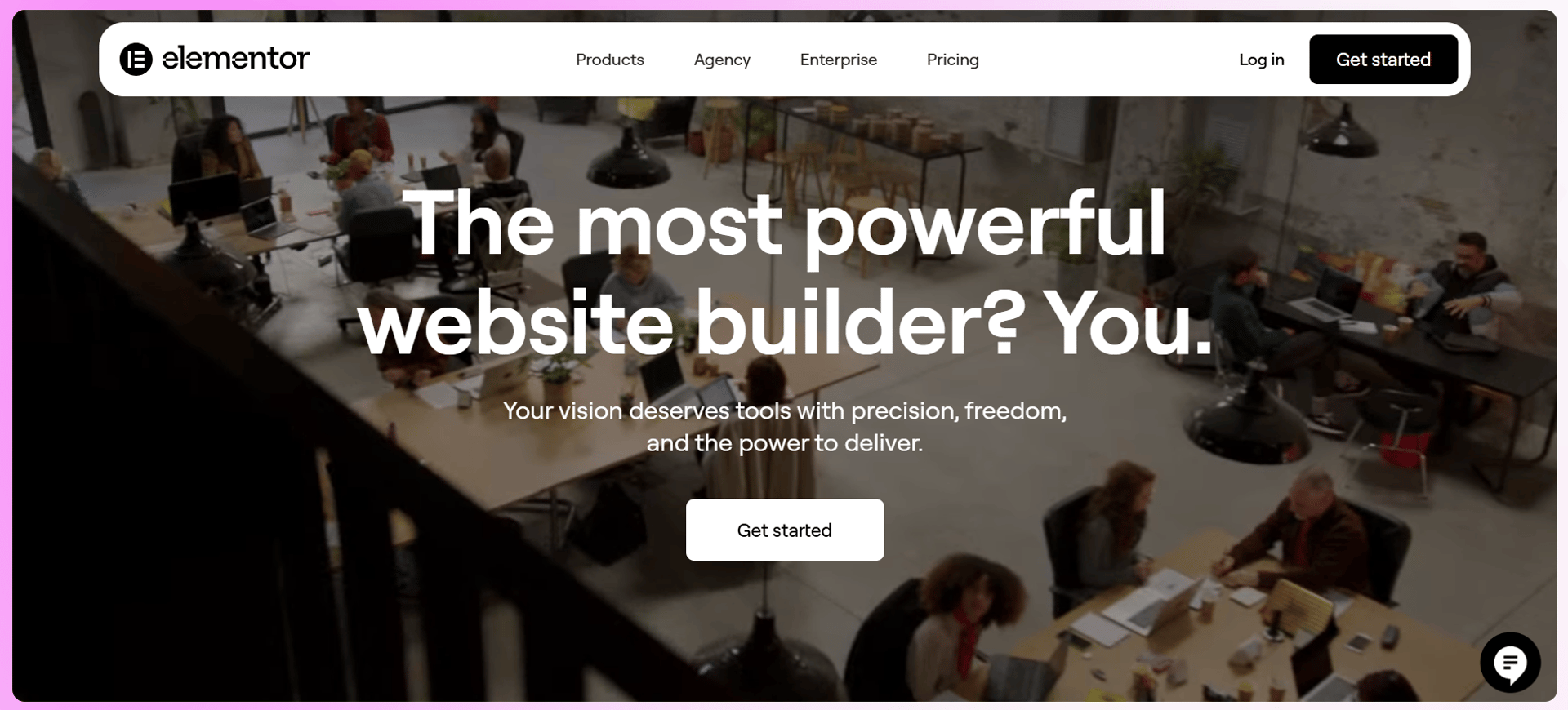
Elementor has become one of the most popular drag‑and‑drop page builders in the world especially for WordPress users. Unlike standalone site builders, Elementor gives you visual control over every part of your WordPress site, offering flexibility far beyond basic themes. In 2026, both beginners and developers use it to build anything from landing pages to full ecommerce stores.
But here’s the key question:
Is Elementor still worth it in 2026 especially if you’re launching an online store, a dropshipping site, or building your business brand?
By the end, you’ll know whether Elementor fits your goals.
These scores reflect high user satisfaction with its design flexibility, ease of use, and overall value for WordPress website creation.
Continue reading review, plus helpful comparisons with other leading ecommerce solutions.
Elementor isn’t a standalone website platform like Wix or Webflow, it’s a visual page builder plugin for WordPress. Once installed, it replaces the standard WordPress block editor with a more powerful drag‑and‑drop interface that lets you build pages visually without code.
Key Capabilities
True drag‑and‑drop page building
Live visual editing with instant preview
Full theme builder (headers, footers, blog templates)
Dynamic content support
Mobile‑responsive controls
Global styles and design system
Because Elementor works within WordPress, you can leverage:
Thousands of plugins
SEO tools
Media libraries
Blogging features
Ecommerce via WooCommerce
This makes Elementor one of the most flexible builders available but also a tool with more layers of complexity than basic site builders.
Elementor: What It Is and How It Works
Elementor for Ecommerce & Stores
Elementor integrates seamlessly with WooCommerce, enabling you to design custom product pages, carts, checkout templates, and dynamic store layouts something many page builders can’t match.
Here’s how Elementor empowers ecommerce:
Ecommerce Strengths
Custom WooCommerce product, archive, and cart templates
Visual checkout design options
Product grid and filtering widgets
Integration with major payment gateways via WooCommerce
Upsell and cross‑sell design elements
This means you’re not stuck with theme‑locked layouts you can create truly unique ecommerce experiences. For stores prioritizing brand look and feel, this is a big advantage.
⚠️ Ecommerce Considerations
You still rely on WooCommerce for core cart/order functionality
Advanced ecommerce automation (subscriptions, automation engines) requires additional plugins
Performance can lag if many add‑ons and widgets are used without optimization
So, Elementor is great for small to medium stores and brand‑driven ecommerce sites, but if you need all‑in‑one ecommerce automation like Shopify offers, you’ll need additional WordPress extensions.
Elementor for Dropshipping
Elementor doesn’t have native dropshipping tools — it relies on WooCommerce and external integrations for sourcing and automation.
Common dropshipping setups include:
WooCommerce + AliDropship or Spocket
Inventory sync with third‑party tools
Order automation using plugins and APIs
This makes dropshipping possible even powerful but the setup is more manual and technical than with hosted builders that offer ready‑made dropshipping plugins.
If you’re comfortable with WordPress and plugin configurations, Elementor + WooCommerce can be a strong setup. But if you want plug‑and‑play simplicity for dropshipping, platforms like Shopify or Wix are more straightforward.
Elementor for Solo Entrepreneurs & Small Businesses
Elementor is best especially for professionals who want complete design flexibility without hiring developers.
Ideal for:
✔ Solo entrepreneurs building brand‑driven sites
✔ Bloggers and content creators who want custom layouts
✔ Small business owners who want unique landing pages
✔ Marketing teams needing reusable design systems
The visual builder is intuitive, but because it lives inside WordPress, there’s a small learning curve especially if you’re new to WordPress itself.
Once you grasp the basics, though, Elementor feels like a design studio inside your CMS.
Pros and Cons of Using Elementor
Pros:
Excellent visual design control
Full WooCommerce page customization
Works with thousands of WordPress plugins
Ideal for designers, marketers, and creative brands
Global settings keep design consistent
Cons:
Not a standalone platform requires WordPress
Can get complex if you’re new to WordPress
Performance needs careful optimization
Advanced ecommerce functions need extra plugins
Who Elementor is Best For
✔ WordPress users who want full design freedom
✔ Freelancers and designers building custom client sites
✔ Small to medium ecommerce sites prioritizing branding
✔ Bloggers who want custom layouts and landing pages
Who Should Consider Altenatives
❌ Complete beginners who want drag‑and‑drop without WordPress
❌ Dropshippers who need plug‑and‑play product automation
❌ Businesses that don’t need visual design control and prefer simplicity
Is Elementor Worth It in 2026?
Yes, if you want powerful page design within WordPress. Elementor is one of the strongest visual builders available, offering flexibility and branding power that hosted site builders can’t match.
For ecommerce and dropshipping, it’s a compelling choice if you pair it with WooCommerce and are comfortable managing plugins. For solo entrepreneurs and brand creators, it’s especially powerful, letting you build a professional online presence without developers.
However, if you want simple, all‑in‑one usability with minimal setup, hosted builders like Wix or Shopify may feel easier.
In short: Elementor is worth it in 2026 especially for anyone who values design control and WordPress flexibility.
Visit www.elementor.com
Found this useful? Drop a review or share your suggestions here, we’d love to hear from you. !!
Want to see how Elementor stacks up against other options? Check out Top 10 Website Builders for Beginners in 2026 to compare features, pricing, and usability before making a decision. Learn more about Top 8 Best Hosting Ecommerce Platforms and Top 5 Best Ecommerce Platforms.
Try Elementor Free — start with the free plugin and see how visual design elevates your site.
Latest Reviews
Subscribe to our newsletter
You can unsubscribe anytime
Contact
© 2025. All rights reserved.