

6 Best Project Management Collaboration Platforms in 2026 - Reviewed The Leading Platforms
Discover the best project management collaboration platforms for 2026. Compare ClickUp, Monday.com, Wrike, Notion, GanttPRO, and Project.co to find the perfect solution for freelancers, eCommerce businesses, small teams, and enterprises.
1/14/20266 min leer
The Power of Best Project Management Collaboration Platforms
In today’s competitive digital world, project management collaboration platforms are essential for businesses of every size. Whether you're a freelancer managing multiple clients, an entrepreneur running an eCommerce store, a small retail business owner, or leading a large enterprise team, the right project management software improves productivity, team communication, workflow automation, and overall business growth.
Modern project management tools help teams:
Collaborate in real time
Track tasks and deadlines
Automate repetitive processes
Manage remote and global teams
Improve efficiency across departments
Increase communication
Increases productivity
General real time reports
Real-time analysis
Visualize workflows
Set priorities and manage workload
Reduce errors and miscommunication
Below are the top project management collaboration platforms dominating the market in 2026.
Quick Comparison Overview
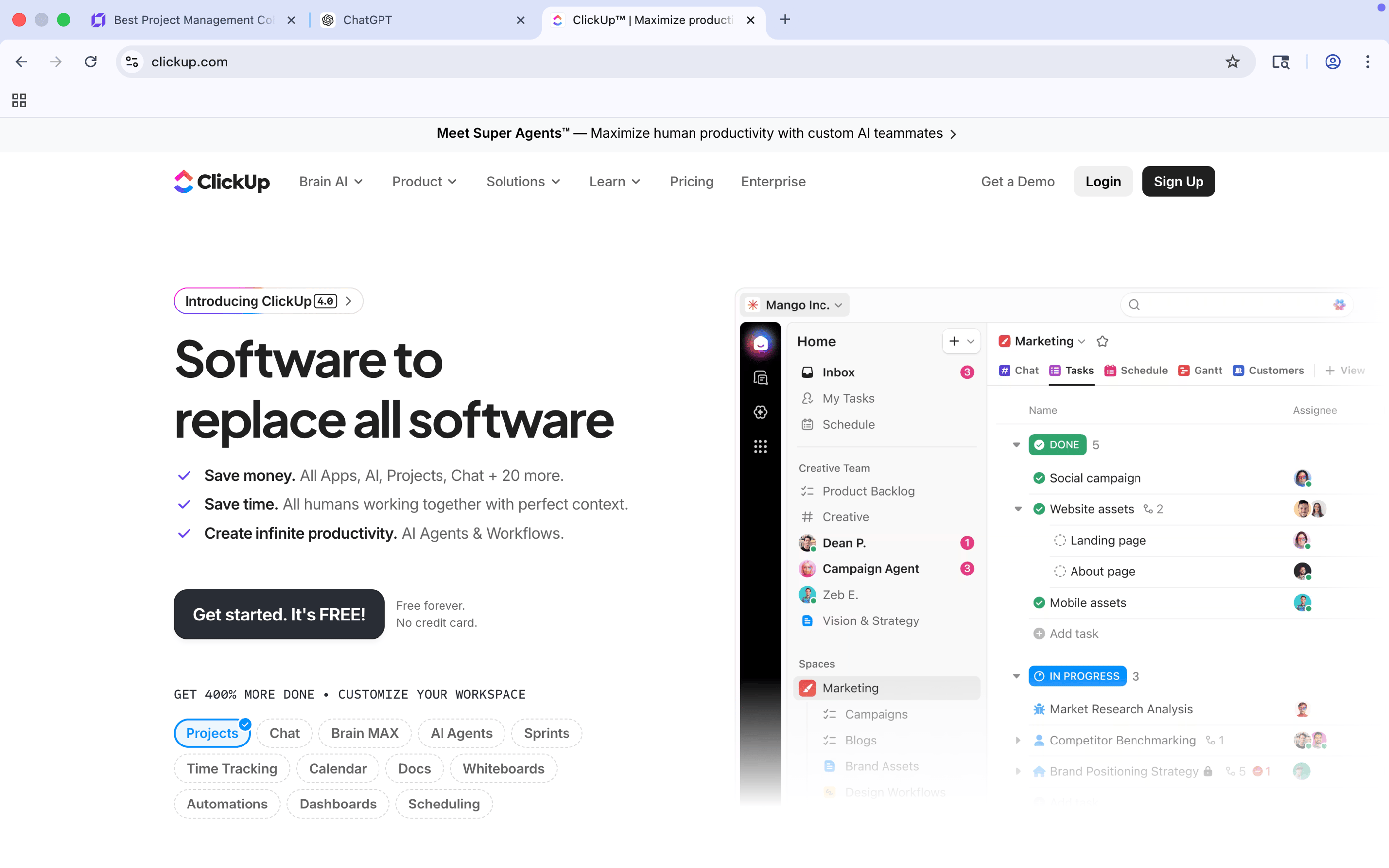
When it comes to an all-in-one project management and team collaboration platform, ClickUp leads the market. With millions of global users and rapid yearly growth, it has become one of the most powerful productivity tools available today.
Businesses across industries are switching to ClickUp because it replaces multiple apps with one centralized system.
1. ClickUp — The All-in-One Powerhouse (Best Overall)
Rating 9/10
Key Project Management & Collaboration Features
Task management with multiple views (Kanban, Gantt, Timeline, List)
Built-in Docs, Goals, Chat, and Whiteboards
Workflow automation
Custom dashboards for different industries
Real-time collaboration for remote teams
Agile & Scrum project management support
Perfect For:
eCommerce businesses managing orders, marketing & logistics
Freelancers handling multiple clients
Startups scaling operations
Enterprises managing complex workflows
Pricing
Free Forever Plan Highlights:
Unlimited tasks
Unlimited free plan members
List view
Board (Kanban) view
Calendar view
Sprint management
Collaborative Docs
Real-time chat & task comments
In-app video recording
Two-factor authentication (2FA)
100MB storage limit
Limited integrations
Limited automation features
Paid Plans:
Paid plan starts with $7 (Unlimited Plan) everything in this plan + new features becomes unlimited. Second plan starts at $12 (Business Plan) includes more features. Check out pricing here.
If you're exploring a project management collaboration platform for the first time, ClickUp is the most complete, reasonable and flexible solution to start with. Explore for free.
Visit www.Clickup.com
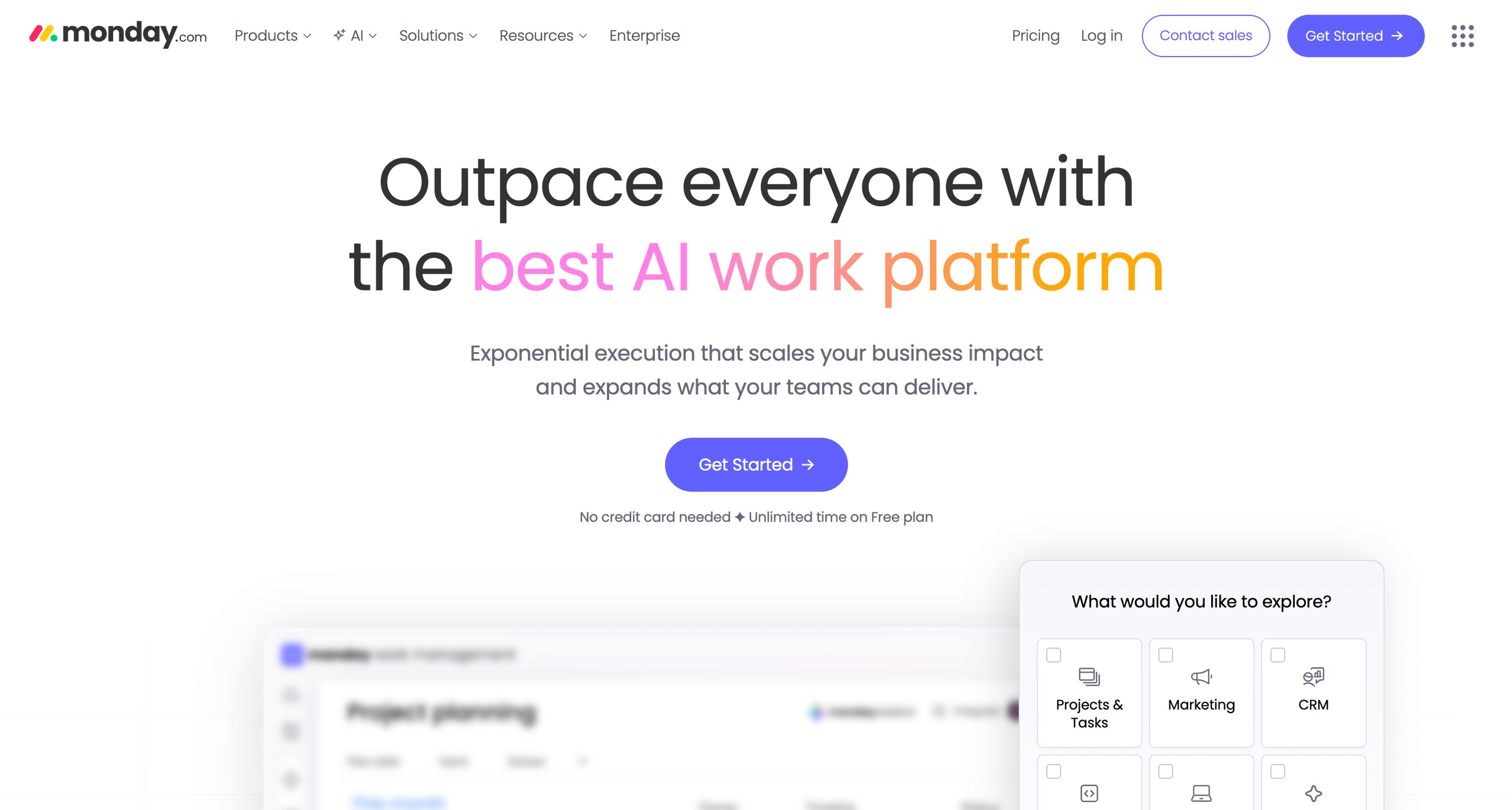
Monday.com is a highly visual team collaboration and workflow management platform used by thousands of businesses worldwide. Known for its intuitive interface, it simplifies project tracking and communication.
2. Monday.com — Visual Team Collaboration Software
Rating 9/10
Key Project Management & Collaboration Features
Customizable project boards
Workflow automation
CRM & marketing management
Time tracking
Team communication tools
Perfect For:
Teams that prefer colorful dashboards and visual workflow management
especially marketing teams and eCommerce brands.
Pricing
Free Forever Plan Highlights:
Up to 2 seats/users included
Up to 3 boards total
Up to 3 Docs
200+ templates available
8 column types on boards
iOS & Android mobile app access
Basic task/board organization & communication via @mentions
Limited main boards only
Limited items count
Paid Plans:
Paid plan starts with $9 (Basic Plan), $12 (Standard Plan) and third plan $19 (Pro Plan). All plans are extremely affordable and designed to deliver great value. Check out pricing here.
If you’re just starting out with project management, monday.com makes it way easier to see what’s going on and it’s flexible enough to grow with you. Explore for free.
Visit www.Monday.com
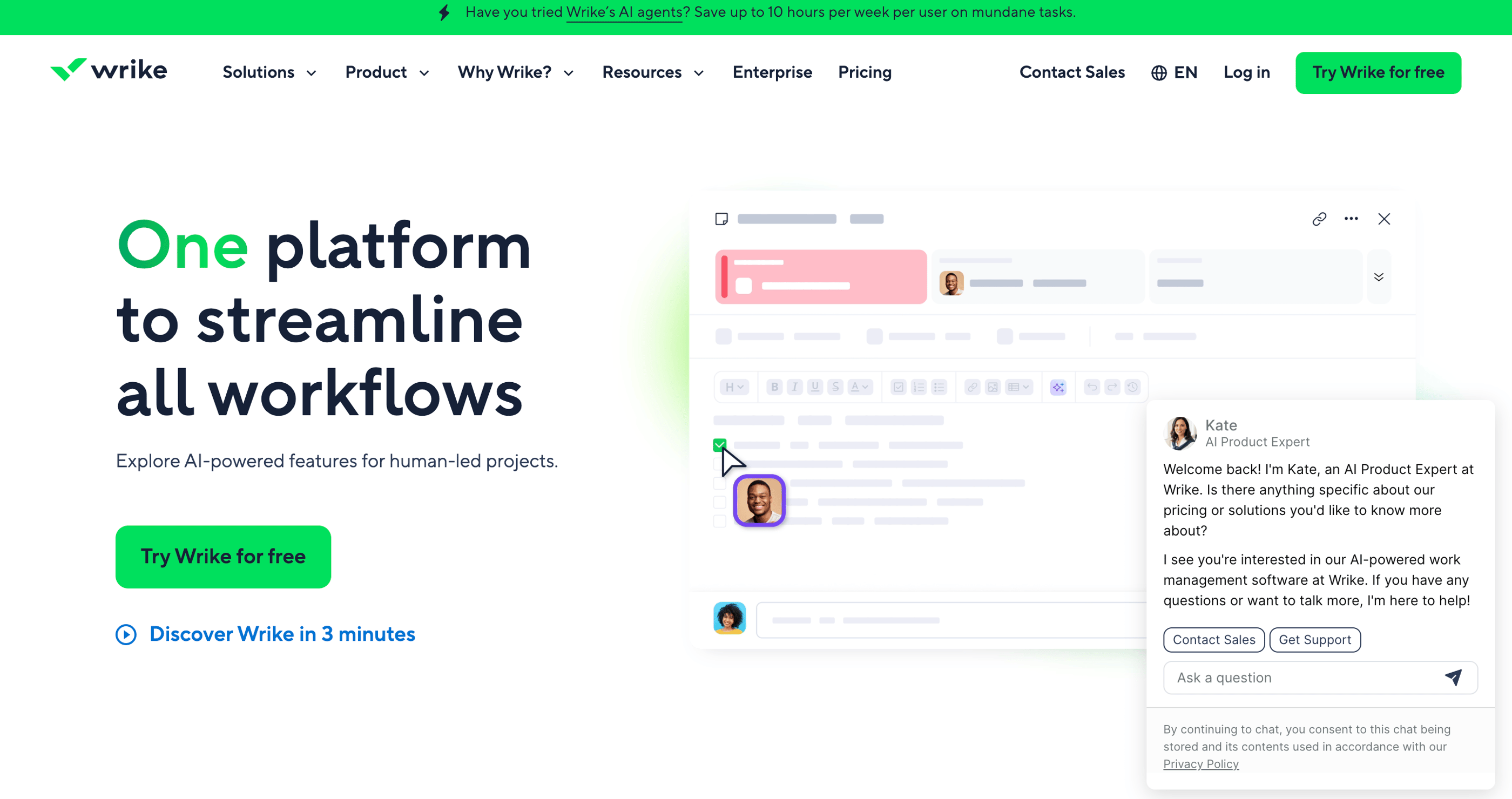
Wrike is a powerful project management collaboration platform designed for businesses handling complex projects. It is widely trusted by marketing, IT, and enterprise teams.
3. Wrike — Advanced Project Management for Enterprises
Rating 8.5/10
Key Project Management & Collaboration Features
Advanced reporting and analytics
Resource management
Custom workflows
Enterprise-level security
Perfect For:
Mid-sized to large organizations requiring structured project planning and advanced reporting.
Pricing
Free Forever Plan Highlights:
$0 Free plan (Essential task management)
Web, desktop, and mobile apps
Project & task management (create tasks, assign, attach files)
Board (Kanban) view
Table (spreadsheet) view
Folders, projects, and spaces organization
Limit of one shared space on Free plan
Tasks and subtasks support
200 active tasks limit (includes subtasks)
Comments, tagging, and @mentions
Real‑time activity stream
File sharing & version updates
Mass task actions (batch changes)
Inbox for important updates
Active task limitations apply
Basic views included
Paid Plans:
Wrike’s paid plans start at $10 (Team Plan) and $25 (Business Plan) and custom plans both packed with powerful tools to keep your projects organized, on track, and actually stress-free. Check out pricing here.
When tasks start piling up, Wrike might just make things a lot easier. Explore for free.
Visit www.Wrike.com
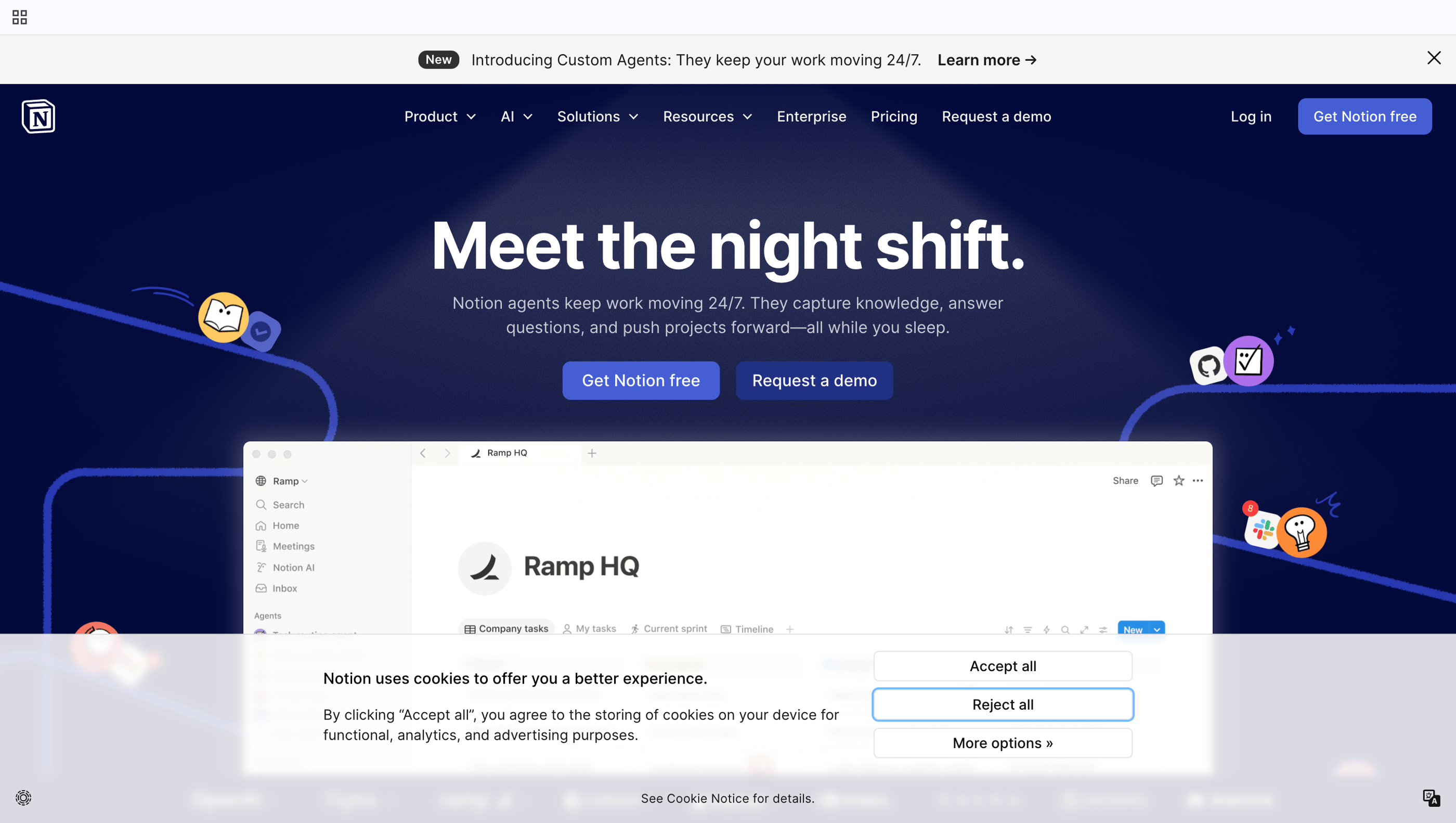
Notion combines project management, documentation, and collaboration into one customizable workspace. It has gained massive popularity among startups, content creators, and remote teams.
4. Notion — Flexible Workspace for Creative Teams
Rating 8.5/10
Key Project Management & Collaboration Features
Task management + databases
Knowledge base & wiki creation
Content planning tools
Lightweight team collaboration
Perfect For:
Creative teams
startups, and knowledge-based businesses that need flexibility.
Pricing
Free Forever Plan Highlights:
Unlimited pages and blocks for individual users (no content cap)
Unlimited core content creation (text, databases, lists, calendars, tasks, Kanban, galleries, etc.)
Access on web, desktop, and mobile devices
Invite up to 10 guests to collaborate on pages
7‑day page history for version restore
Upload files (limited to ~5 MB per file)
Embed content from other apps (e.g., Google Drive, Figma, YouTube)
API access and basic public site publishing
Basic automations (e.g., buttons)
Cross‑device sync (changes sync across devices)
Paid Plans:
Notion's paid plans start at $10 (Plus Plan) and $20 (Business Plan) and Custom (Enterprise level plan) are full of features to organize your work and keep projects on track.Check out pricing here.
Worth exploring, give it a try. Explore for free.
Visit www.Notion.com
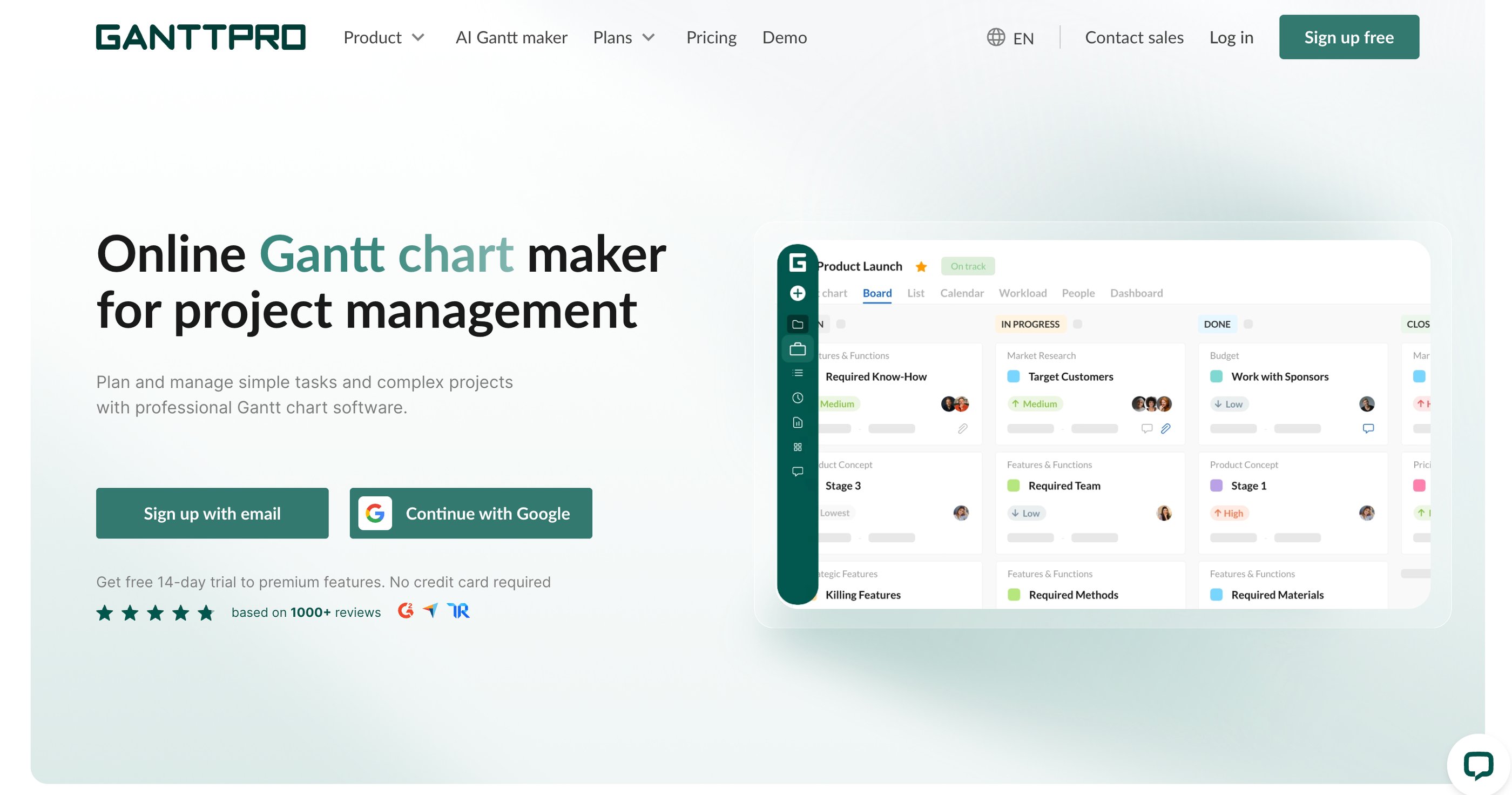
GanttPRO focuses on structured project planning using visual Gantt charts. It’s ideal for new business owners or teams just starting with project management software.
5. GanttPRO — Beginner-Friendly Project Planning Tool
Rating 8/10
Key Project Management & Collaboration Features
Gantt chart-based project tracking
Task scheduling
Time & budget tracking
Clear visual timelines
Perfect For:
Beginners
construction planners
small teams that prefer timeline-based project management.
Pricing
Free Trial Plan Highlights:
Create and manage projects with full Gantt chart features.
Use Gantt, board, list, and calendar views in trial.
Adjust task dependencies and schedules visually.
Invite team members during trial.
Access project comments & attachments.
Paid Plans:
From $7 (Core Plan), $10 (Advanced plan), $17 (Business Plan), and Custom Price (Enterprise Plan), GanttPRO has the tools to organize projects and make teamwork easier. Check out pricing here.
Bottom line: you get a full free trial period to explore features, but no ongoing free plan is currently offered.
If managing deadlines feels messy, GanttPRO could make everything simpler. Explore for free.
Visit www.ganttpro.com
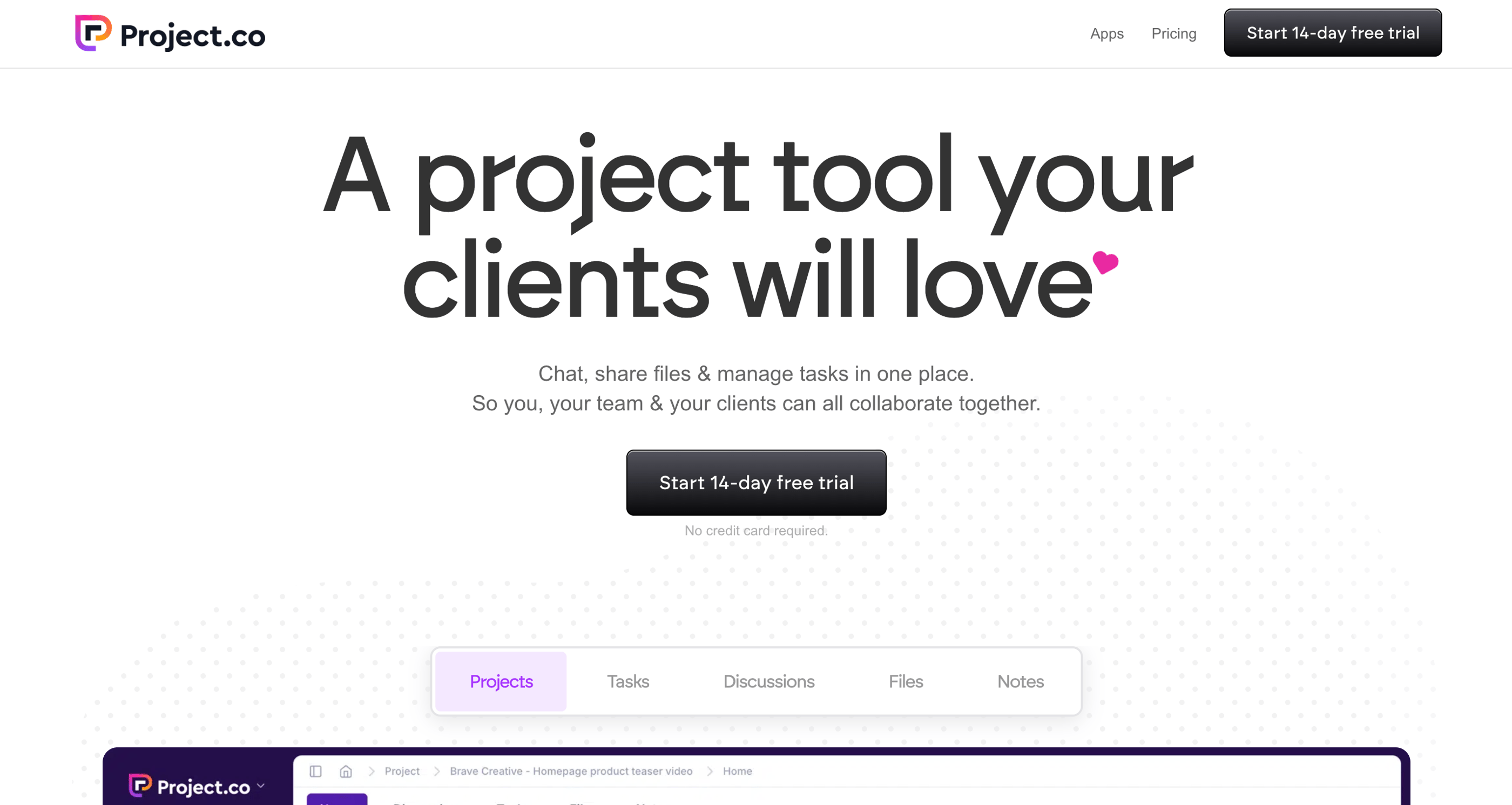
Project.co is a streamlined project management collaboration platform built specifically for small businesses and client-facing teams.
6. Project.co— Simple Collaboration for Small Businesses
Rating 7.5/10
Key Project Management & Collaboration Features
Task management
Client portals
Messaging & file sharing
Simple team coordination
Perfect For:
Small retail stores, local service businesses, startups, and small eCommerce teams.
Pricing
Free Forever Plan Highlights:
Free plan is $0 forever, not just a trial.
Up to 5 internal team members/creator users on some free tiers.
Unlimited collaborator/client users in free plan.
Up to ~10 active projects allowed.
Unlimited tasks included.
Collaboration tools: chat, discussions, notes.
1GB total file storage on free plan.
Paid Plans:
Project.co paid plans start at $19 (Startup Plan), $49 (Agency Plan), $99(Business Plan) and $299 (Enterprise Plan) all packed with powerful tools. Check out pricing here.
When tasks start piling up, Wrike might just make things a lot easier. Explore for free.
Visit www.project.co
Our Recommendation For You - A Quick Comparison
👉 ClickUp.com → Best for anyone who wants a full-featured, all-in-one solution.
👉 Monday.com → Best for teams who thrive on visual workflows and flexibility.
👉 Wrike.com → Best for large, complex projects with multiple teams.
👉 GanttPRO.com → Best for beginners or Gantt-centric planning.
👉 Notion.com → Best for knowledge management and creative documentation.
👉 Project.co → Best for small businesses and client collaboration.
If you want one platform to explore first, ClickUp is the most versatile and feature-rich a true “everything app” for project management collaboration.
Found this useful? Drop a review or share your suggestions here, we’d love to hear from you. !!
Latest Reviews
Subscribe to our newsletter
You can unsubscribe anytime
Contact
© 2025. All rights reserved.