

12 Best Free Email Marketing Tools Examples That Drive Sales In 2026 -Ranked & Expert Reviewed
We reviewed the 12 best email marketing campaign examples that drive sales to be used in 2026. See how they're structured, why they drive sales, and what makes them effective.
2/5/202624 min read
What Is Email Marketing?
Email marketing is a digital marketing strategy that involves sending targeted emails to people who have subscribed to your list. The goal is simple: build relationships, nurture leads, and turn subscribers into paying customers over time.
Businesses use email marketing to promote products, share offers, send updates, educate their audience, and guide potential customers through the buying journey. Unlike social media platforms where algorithms control who sees your content, email marketing gives you direct access to your audience’s inbox making it one of the most reliable and high-converting marketing channels available.
In fact, many of the best free email marketing tools today include automation, segmentation, and analytics features that help businesses send the right message to the right person at the right time.
What Makes Email Marketing Successful in 2026?
Let’s be honest, social media reach is unpredictable, ads are expensive, and algorithms change constantly.
But email? Email is different.
When someone joins your list, you get direct access to their inbox. No fighting the algorithm. No hoping your content gets seen. Just you and your audience.
In 2026, though, sending random newsletters doesn’t work anymore. The email marketing campaigns that actually drive sales use smart personalization, simple automation, clear messaging, and strong calls to action.
And it’s not really about whether you’re using GetResponse, Kit, Brevo, or Mailchimp.
It’s about how you use them.
In this article, we’ll show you real email marketing campaign examples that are built to convert and how you can create similar results using tools like ActiveCampaign, Omnisend, AWeber, Beehiiv, EmailOctopus, MailBluster, Moosend, or Sender.
If you want your emails to actually generate revenue not just opens you’re in the right place.
Quick Price Comparison Overview
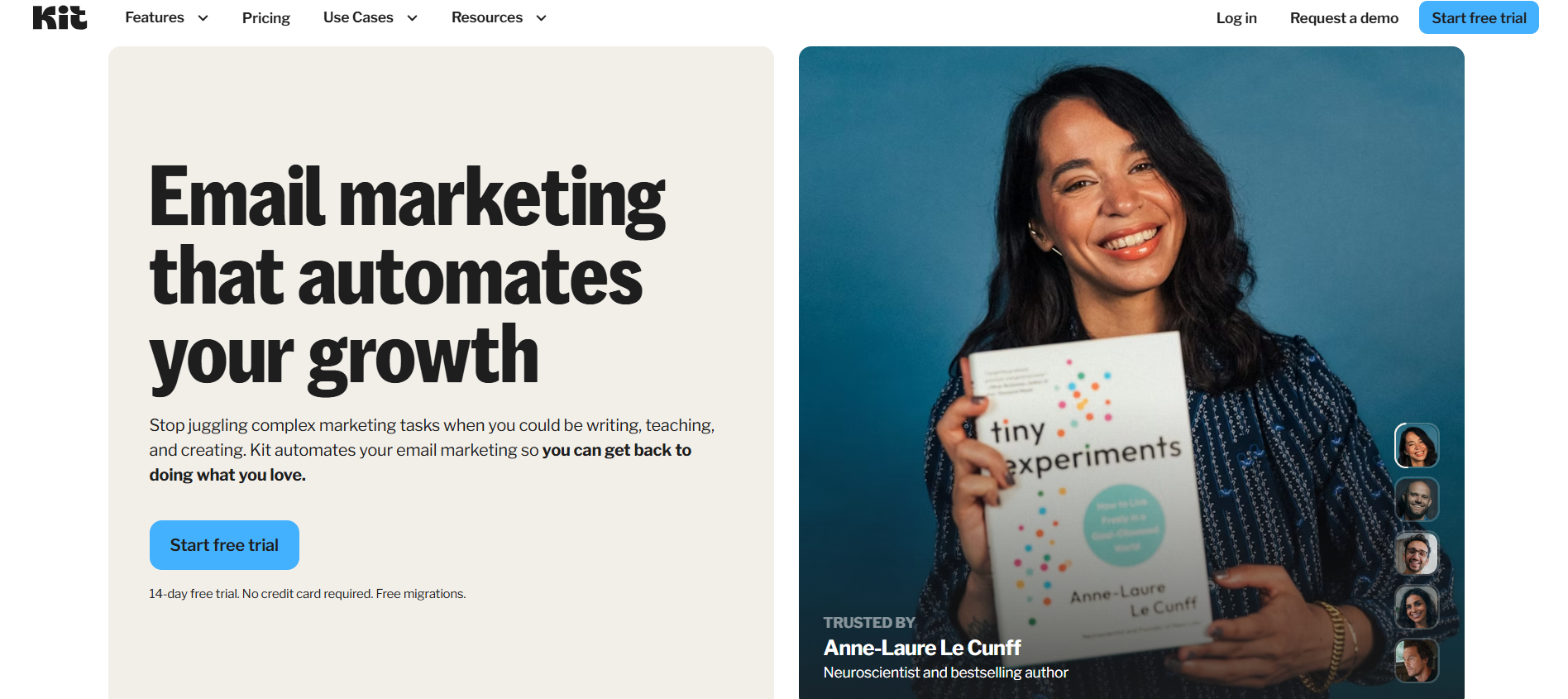
What Kit Is (And Why We Think It’s Awesome)
Kit (previously known as ConvertKit) is a popular email platform built especially for bloggers, creators, and independent businesses who want something that feels fast, personal, and straightforward. What makes Kit stand out is how it blends simple email marketing with tools that help you grow your audience and monetize your content even if you don’t have a website yet.
Unlike many email tools that aim to be all‑things‑to‑all‑people, Kit keeps things clean and focused. You get landing pages, subscriber tagging, automation sequences, and the ability to sell digital products or subscriptions without a separate eCommerce tool. That alone has helped it climb to the top of our free email marketing services list in 2026.
One standout fact: Kit’s free plan lets you keep up to 10,000 subscribers with unlimited emails, forms, and landing pages which is rare for a free tier in this space.
1. Kit — Best for Creators, Bloggers & Digital Product Sellers
Rating 10/10
What We Reviewed & Our Thoughts
Here’s what stood out about Kit when we tested it:
Flexible List Management: Kit’s tagging system makes segmenting your audience intuitive. You can target specific groups with unique content perfect for creators with varied followers.
Landing Pages Without a Website: You can build signup pages quickly and share them everywhere great for Instagram, TikTok, and other socials.
Product & Subscription Sales: This is where Kit gets interesting. Not many email platforms let you sell digital products or paid subscriptions right inside the tool, and you often don’t see this at the free level.
Speed & Simplicity: Kit feels fast and uncluttered ideal if you don’t want to deal with overwhelming menus or unnecessary bells and whistles.
However, there are some limitations like the fact you can’t remove Kit’s branding on free plans, and most templates lean toward text‑focused content rather than image‑rich emails. If your brand relies heavily on big visual designs, Kit might feel a bit plain.
Also, a small hiccup after signing up, you initially get placed on a 14‑day trial, and you’ll need to request the free plan through support rather than activating it automatically. Not a deal‑breaker, but worth knowing.
Key Features We Loved
🎯 Generous Free Plan – Up to 10,000 subscribers with unlimited emails
💡 Subscriber Tagging – Easy segmentation to send the right message to the right people
🛠 Landing Page Builder – Capture email signups even without a website
💌 Automations & Sequences – Workflow setups that help you nurture your list
🛍 Sell Digital Products & Subscriptions – Built‑in monetization tools
🤝 Responsive Support – Fast and friendly customer help
Pricing & Free Plan Breakdown
Free Plan Highlights:
✔️ Up to 10,000 subscribers
✔️ Unlimited emails
✔️ Unlimited forms & landing pages
✔️ Subscriber tagging
✔️ Monetization options (sell products & subscriptions)
Paid Plans:
Once you need unlimited automations, advanced sequences, and more integrations, Kit’s paid options start around $15 per month for accounts under 300 subscribers. For what you get, that’s still very reasonable and it’s easy to scale as your list grows.
Even though the free plan has some constraints (like branding, auto‑recommended newsletters), we think it’s generous and a great way for creators to get started without spending money. Check out pricing here.
Why It Works So Well in 2026
Kit is especially strong for anyone who’s building an audience first and monetizing second. Creators, newsletter writers, and bloggers will appreciate how clean the tool feels and how many built‑in features you get without immediately paying for expensive plans. If your focus is content growth, simple funnels, and selling digital products directly to your audience, Kit has you covered.
Visit www.kit.com
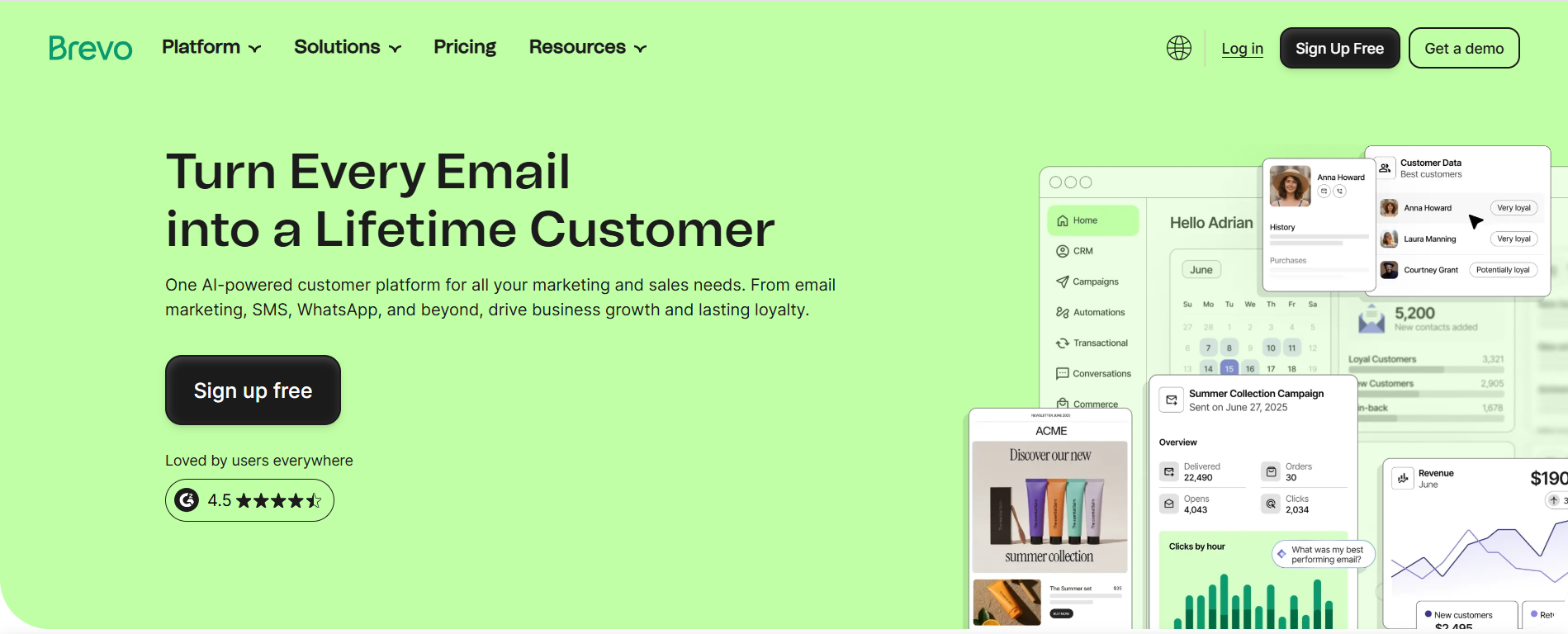
What Brevo Is (And Why We Recommend It)
If you’ve ever heard of Sendinblue, you already know Brevo it’s the same platform, just rebranded and upgraded for 2026. What started as a transactional email tool has evolved into a full‑featured email marketing and automation platform, perfect for businesses that want smart email workflows without paying upfront.
One thing that really impressed us is Brevo’s free plan you can add up to 100,000 subscribers and send 9,000 emails per month (with a daily cap of 300). That’s a much higher free limit than most other platforms on this list especially if you’re sending automatic messages, welcome series, or behavioral triggers.
Brevo doesn’t just send newsletters it lets you build automation based on real user behavior like page visits, clicks, or purchases. And it handles SMS marketing, contact management, and even transactional messages in one place.
2. Brevo — Best Free Automation for Trigger‑Based Campaigns
Rating 9.9/10
What We Reviewed & Our Thoughts
Here’s what stood out when we took Brevo for a spin:
Strong Automation for Free: Compared to most free plans, Brevo lets you create smart workflows not just simple autoresponders. That’s a big win for ecommerce and behavior‑driven campaigns.
Affordable Paid Upgrades: Paid plans start at around $9/month for 5,000 emails, which is cheaper than many alternatives especially for new businesses.
SMS Built In: Not all email tools offer SMS alongside email marketing in one dashboard. If you’re running multi‑channel campaigns, that’s a plus.
Reporting Is Good, But Not Perfect: You can see campaign performance clearly, but you don’t get every detail (like exactly who clicked or opened) on the free plan.
There are some downsides too templates could be wider in variety, and A/B testing isn’t available yet, which many rivals include even on lower tiers.
Key Features We Loved
📧 High Free Sending Limits – 9,000 emails/month with up to 100,000 contacts
🔄 Advanced Automation – Build workflows based on user actions
📊 Automation Testing – Test different workflows to see what converts better
📱 SMS Marketing – Text campaigns alongside email
🤝 CRM Tools – Basic contact management included
📈 Detailed Reporting – Track campaign performance (opens, clicks, delivery rates)
Pricing & Free Plan Breakdown
Free Plan:
✔️ Up to 100,000 contacts
✔️ 9,000 emails per month (300/day cap)
✔️ Automation workflows
✔️ SMS marketing (credit required)
✔️ Basic reporting
Paid Plans:
Brevo’s starter paid plan is super affordable around $9/month for 5,000 emails and gives you access to extra features like higher sending limits, advanced reporting, and removal of Brevo branding.
Overall, the pricing stays competitive, and you don’t lose essential capabilities when you upgrade just more volume and deeper analytics. Check out pricing here.
Who It's Best For
If your focus isn’t just newsletters but trigger‑based and automated campaigns like welcome emails, abandoned cart reminders, user journey flows, or engagement‑based messaging Brevo delivers a lot of value for free and low cost. It’s a great option for startups, small ecommerce brands, and marketers who want behavioral automation without the high price tag.
Visit www.brevo.com
What Sender Is (And Why We Love It)
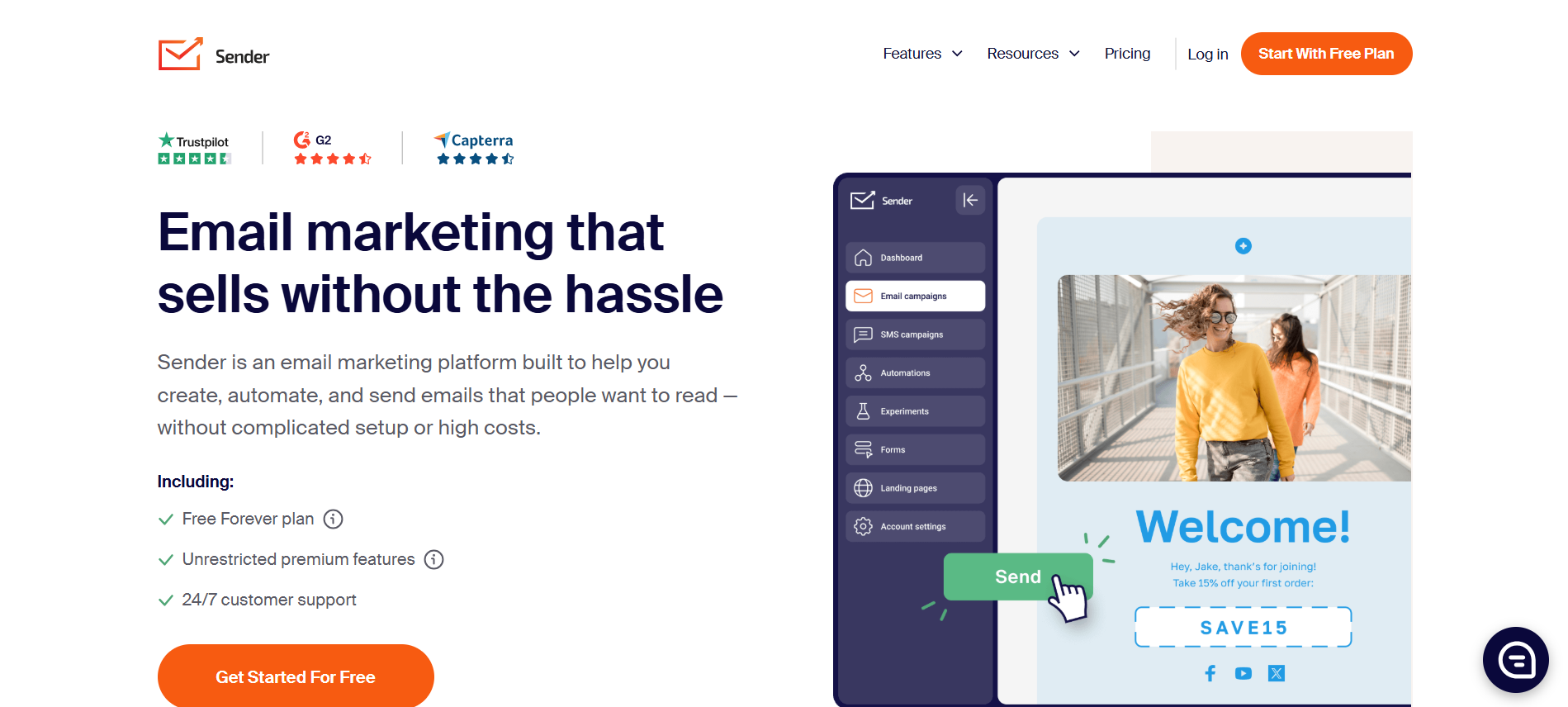
Sender is one of the simplest, cleanest email marketing tools out there. If you want no-nonsense emailing with just the right features, this platform is a great pick. Its free plan is especially generous: you can have up to 2,500 subscribers and send 15,000 emails per month. That’s huge for a free plan, letting you run campaigns, test automations, and stay connected with your audience without paying a dime.
Sender isn’t just free, it’s smart. You get unlimited automations, A/B testing for subject lines, CTAs, and designs, plus a nice library of email and form templates. The interface is simple and smooth, making it a breeze to set up your campaigns and keep track of everything.
3. Sender — Best Free Plan for Easy Automation & Big Sends
Rating 9.8/10
What We Reviewed & Our Take
Here’s what stood out when we tested Sender:
Automation Punches Above Its Weight: Even on the free plan, you can create advanced sequences abandoned cart reminders, follow-ups, and subscriber list moves. That’s a feature usually reserved for paid plans elsewhere.
Simplicity Wins: Other tools with similar features can feel overwhelming. Sender keeps it intuitive and straightforward. You spend less time figuring out the tool and more time actually sending emails.
A/B Testing on Free Plan: Testing email elements without paying? Big win for small businesses and creators.
Minor Limitation: The email editor is easy but a bit basic. If you want ultra‑custom visuals, you might find it less flexible than some competitors.
Key Features We Loved
📬 Generous Free Plan – 2,500 subscribers & 15,000 emails/month
🔁 Unlimited Automations – Trigger emails, move contacts between lists, send abandoned cart campaigns
✍️ A/B Testing – Test subject lines, CTAs, and email designs
📊 Analytics & Reporting – Track opens, clicks, and conversions
🖼 Email & Form Templates – Ready-to-use designs, mobile-friendly
⚡ Simple Interface – Easy to use, perfect for beginners
🤝 Segmentation Tools – Target specific groups based on behavior
Pricing & Free Plan Breakdown
Free Plan:
✔️ 2,500 subscribers
✔️ 15,000 emails/month
✔️ Unlimited automations
✔️ A/B testing for subject lines, CTAs, and designs
✔️ Email & form templates
Paid Plans:
Upgrading is optional and affordable, giving you higher sending limits, more advanced reporting, and extra integrations but you don’t need to pay just to run functional campaigns. Check out pricing here.
Who It's Best For
Sender is perfect if you want a straightforward, powerful, and free email platform. It works best for:
Small businesses
Bloggers and creators
Ecommerce shops running simple automations
Anyone who wants high-volume free sending without complex features
Its simplicity plus strong automation makes it a favorite for beginners and pros who want results without overcomplicating things.
Visit www.sender.net
What Beehiiv Is (And Why We Think It’s Great)
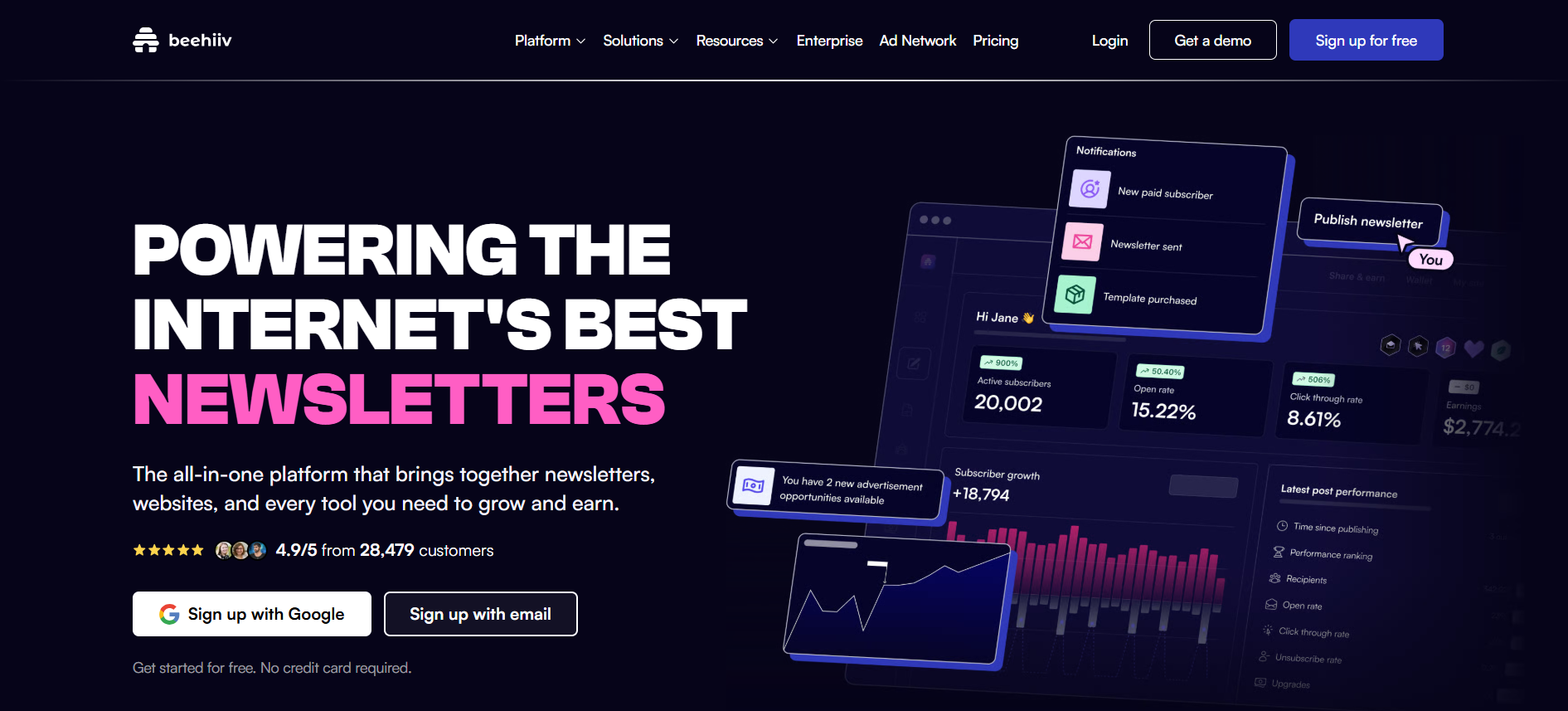
If your goal is newsletter growth and monetization, Beehiiv is worth checking out. Made for creators, writers, and small teams, it focuses on building loyal audiences with clean newsletters and tools to turn readers into paying supporters.
Beehiiv combines a newsletter platform, website builder, and email service in one. Its free Launch plan lets you send unlimited emails to 2,500 subscribers, manage up to three newsletters, and use tagging and segmentation perfect for creators just starting out.
Unlike other platforms trying to do everything, Beehiiv stays focused on growing your list, understanding your audience, and helping you monetize content, which is why it’s one of our top picks, even ahead of Kit and Substack.
4. Beehiiv — Newsletter Platform With Growth + Monetization Tools
Rating 9.7/10
What We Reviewed & Our Take
When we sat down with Beehiiv, here’s what really stood out:
Creator‑Centric Experience: Unlike tools trying to serve every type of marketer, Beehiiv feels built for writers and newsletter founders. The dashboard makes it easy to publish, track, and grow without clutter.
Website Included: A built‑in website + signup forms with custom domain support that’s something most free tiers don’t offer, and it helps you centralize your audience in one place.
Referral & Growth Tools: Beehiiv’s recommendation network lets creators share audiences, which can lead to organic growth faster than relying solely on social platforms or ads.
That said, there are a few trade‑offs:
Limited Monetization on Free Plan: Features like paid subscriptions, sponsorship tools, or premium newsletters require an upgrade something Kit offers earlier and more flexibly.
No Built‑In Automations Yet: Welcome campaigns, behavior‑triggered sequences, and drip workflows (standard in many platforms) aren’t part of the free tier.
Branding Required: Free users must display Beehiiv branding in emails and removing it means moving up to Scale or higher plans.
Price Jump: The next tier up (around $49/month) unlocks essential features for serious creators, but for smaller lists it can feel steep.
Key Features We Loved
📬 Unlimited Emails on Free Plan – No send caps, so you can stay consistent
👥 Up to 2,500 Subscribers – Enough for most early creators
🌐 Website Builder + Custom Domain – A rare free feature that helps you own your space
📑 Manage Multiple Newsletters – Organize different topics or audiences
🏷 Easy Tagging & Segmentation – Group subscribers with ease
🤝 Audience Recommendation Network – Grow faster by exchanging recommendations with other newsletters
📈 Engagement Analytics – Strong insights into opens, reads, and trends
Pricing & Free Plan Breakdown
Free (Launch) Plan Includes:
✔️ Unlimited emails
✔️ Up to 2,500 subscribers
✔️ Newsletter publishing + website builder
✔️ Tagging, segmentation, and audience analytics
✔️ Manage up to 3 newsletters
Paid Plans:
Upgrading gives you monetization tools, deeper analytics, brand removal options, premium support, and growth‑focused features but the price leap can feel big if you’re just starting. Check out pricing here.
Who It's Best For
Beehiiv’s free Launch tier is perfect if you:
Are building your newsletter from scratch
Want a custom newsletter site included
Enjoy clean, focused analytics and growth tools
Plan to publish consistently without worrying about email caps
It’s ideal for early‑stage creators and bloggers who care about reader engagement and growth, but once you want automations and monetization inside the tool, a paid plan becomes necessary.
Why Beehiiv Still Ranks High
Beehiiv isn’t trying to be everything for everyone. It’s laser‑focused on helping creators grow audiences and turn newsletters into real products. Its referral tools, clean analytics, and website features give creators a platform that feels built for you, not for corporations or complex marketing teams.
What EmailOctopus Is (And Why It’s Worth Considering)
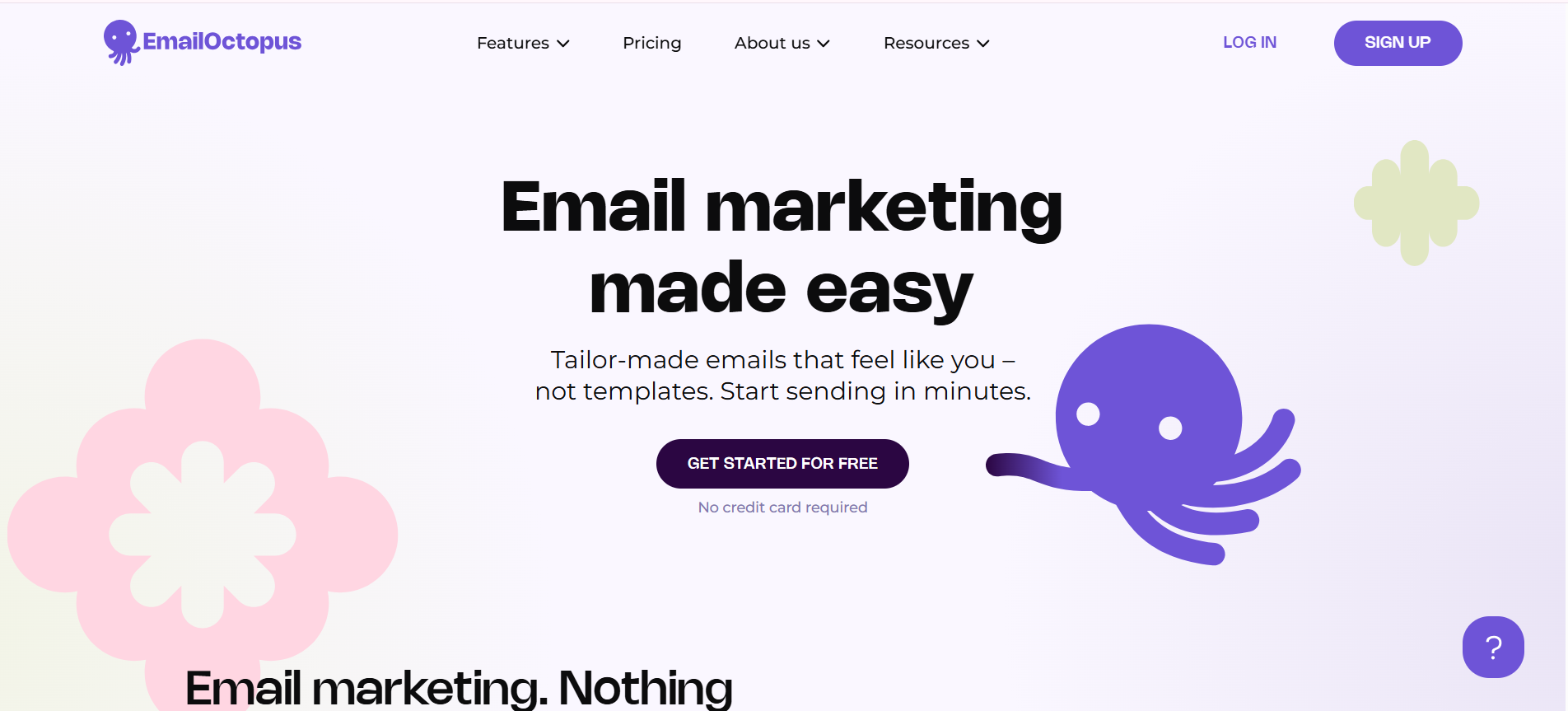
EmailOctopus is a straightforward email marketing platform that’s become popular with small businesses, solopreneurs, and creators who want solid features without high costs. It's built for those who want reliable email campaigns without unnecessary extras. Unlike complex all-in-one suites, it focuses solely on email marketing, which keeps things clean and easy to use. It’s known for being budget‑friendly while still offering the essentials you need to run effective email campaigns.
Its free plan lets you send up to 10,000 emails per month to 2,500 subscribers, making it perfect for bloggers, creators, and small businesses just starting out. If your goal is straightforward newsletters, autoresponders, or basic campaigns, EmailOctopus delivers without breaking your budget.
5. EmailOctopus — Budget-Friendly & Straightforward
Rating 9.6/10
What We Reviewed & Our Take
Here’s what stood out when we tried it:
Easy to Use: The interface is clean and intuitive you don’t need advanced technical skills to set up campaigns.
Great Value for Money: If you’re on a budget, EmailOctopus gives you plenty without the premium price tag.
Straightforward Automations: You can set up basic automated emails like welcome series or follow‑ups, which is enough for many small setups.
Limited Advanced Features: It doesn’t have the depth of tools like GetResponse or Brevo if you’re looking for complex automation or built‑in webinar features, you might outgrow it.
Key Features We Loved
💰 Low-Cost Paid Plans – For example, 500 subscribers cost only $10/month.
✉️ Easy-to-Use Platform – Clean dashboard, quick setup, and smooth workflow.
🔌 Integrations – API and Zapier support make connecting other tools simple.
📈 Reliable Deliverability – Emails reach inboxes consistently.
✅Flexible for Niche Industries – Accepts senders in crypto, affiliate marketing, and other industries often blocked by bigger platforms.
Pricing & Free Plan Breakdown
Free Plan:
✔️ Up to 2,500 subscribers
✔️ 10,000 emails/month
✔️ Basic automation
✔️ Segmentation & analytics
EmailOctopus paid plans are still very affordable compared to many competitors. You only pay more when your list starts to grow beyond the free tier and even then, pricing feels reasonable. Check out pricing here.
Who It's Best For
EmailOctopus is ideal if you:
Want an email marketing tool that’s simple and affordable
Are just getting started with newsletters or campaigns
Need basic automation and good deliverability
Don’t require heavy automation or advanced features
It’s one of the best entry‑level options for creators and small business owners who want reliable email performance without a complicated dashboard or hefty monthly bills.
What ActiveCampaign Is (And Why It’s Worth It)
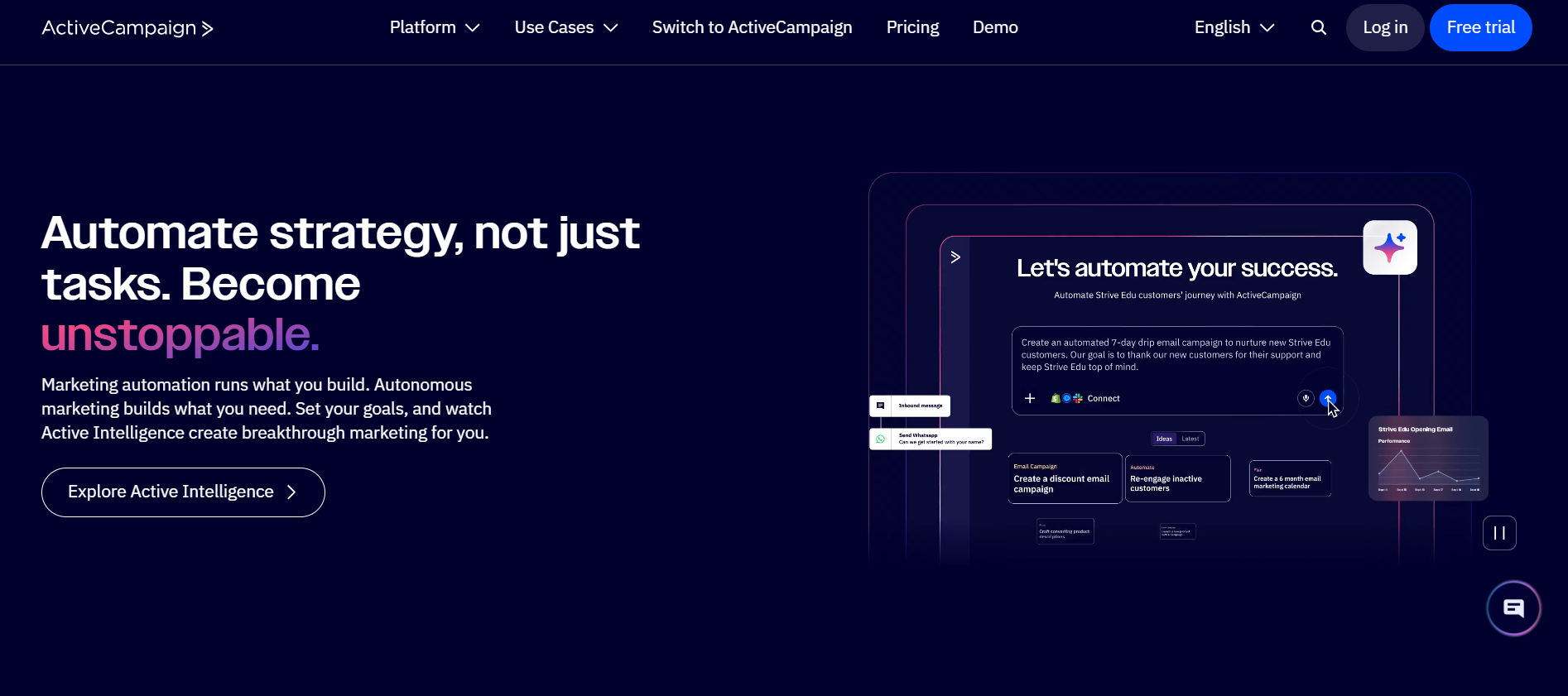
ActiveCampaign is one of the most powerful email marketing and automation platforms out there especially if you care about customer journeys, advanced automations, and smart segmentation.
Unlike other tools that mainly send newsletters, ActiveCampaign feels like a mini CRM + email automation engine. It’s designed to help you not just send emails but understand your audience’s behavior, craft journeys that respond to that behavior, and ultimately drive more sales and deeper engagement.
This makes ActiveCampaign a favorite among ecommerce brands, service businesses, and growth‑oriented marketers who want next‑level automation.
6. ActiveCampaign — Best for Advanced Automation & CRM‑Style Marketing
Rating 9.5/10
What We Reviewed & Our Take
When we tested ActiveCampaign, this is what stood out most:
Automation That Actually Works: You can build sequences that react to practically any user action email opens, page visits, purchases, and even custom events.
CRM Integration Is Huge: For businesses with sales teams or pipelines, having CRM and email under one roof is a game changer.
Scales With Your Business: Whether you’re sending hundreds or hundreds of thousands of emails, ActiveCampaign grows with you.
Steeper Learning Curve: Because of how powerful it is, it can feel overwhelming at first but once you get the hang of it, there’s almost nothing it can’t automate.
Key Features We Loved
🔄 Advanced Automations – Trigger campaigns based on behavior, sales data, visits, tags, and more
🤝 Built‑In CRM – Manage contacts and deals alongside your email flows
📊 Detailed Segmentation – Hyper‑targeted messaging based on interaction, purchase history, tags, etc.
📈 Machine Learning & Predictive Sending – AI‑based insights improve engagement timing
📲 Multi‑Channel Support – Email, SMS, and site messaging all from one dashboard
💡 Deep Reporting – Track conversions, pipelines, ROI, and workflows
Pricing & Free Plan Breakdown
ActiveCampaign does not offer a free forever plan like some other tools on this list but its pricing is worth noting because:
✔️ Plans start affordably for small lists
✔️ Includes CRM + automations from the start
✔️ Advanced features scale with your business needs
Think of it like going from a bicycle to a fully tuned race car, the investment is higher, but so is the performance if you know how to use it. Check out pricing here.
Who It's Best For
ActiveCampaign is ideal if you:
Want behavior‑driven automations that convert
Run an ecommerce store or service business
Need a CRM + email system together
Care about scaling your marketing over time
It might be overkill for pure beginners who just want to send simple newsletters, but for businesses ready to grow their audience systematically and drive more sales, it’s hard to beat.
What Omnisend Is (And Why It’s Cool)
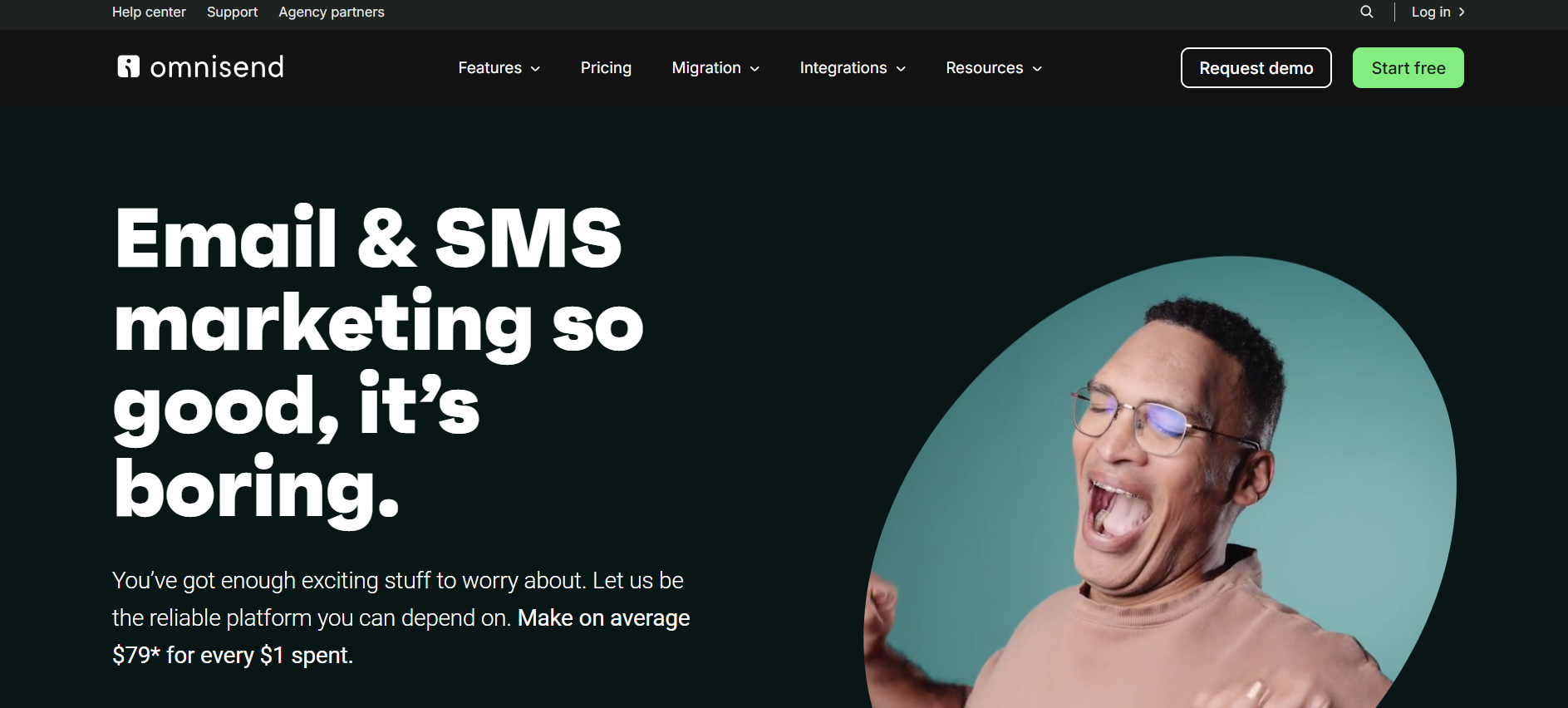
Omnisend is an email marketing tool that’s built specifically for ecommerce businesses meaning it isn’t just about sending newsletters, it’s about driving sales and conversions by automating messages across email, SMS, and push notifications from one place.
What makes Omnisend stand out is how many ecommerce‑specific features you get, even on the free plan. You can automatically pull products from your store into emails, use ready‑made automation workflows (like abandoned cart and welcome series), and add fun conversion boosters like scratch cards and gift box promotions that help increase engagement and sales.
The platform also includes segmentation, advanced reporting, website tracking, landing pages, and even omnichannel automations combining email, SMS, and push all in a single platform that integrates smoothly with Shopify, WooCommerce, and other store platforms.
7. Omnisend — Best for Ecommerce Automation & Multi‑Channel Marketing
Rating 9.4/10
What We Reviewed & Our Take
When we tested Omnisend, this is what stood out most:
Built for Sales, Not Just Emails: Because it’s tailored for ecommerce, most automations are already optimized for buying behavior like abandoned carts and product reminders.
Omnichannel is Powerful: The ability to combine email, SMS, and push within one automation workflow gives you more chances to convert users throughout their buying journey.
Templates & Builders Work Well: You get plenty of email and form templates that are mobile‑ready and designed for conversions.
Free Plan Is Feature‑Rich but Limited: You can use almost all features for free but the sending limit is small, and larger stores will outgrow it quickly.
Key Features We Loved
🛒Ecommerce‑Focused Automation – Prebuilt workflows for abandoned carts, browse recovery, win‑backs, and post‑purchase follow‑ups.
📦 Dynamic Product Blocks – Automatically add products from your store into your emails.
✉️ Email + SMS + Push – Run omnichannel campaigns in one place.
📊 Segmentation & Targeting – Behavior‑based audience segments for smarter messaging.
🧠 Automation Templates – Ready‑to‑use automation workflows for revenue growth.
📈 Analytics & Reports – Track opens, conversions, engagement, and revenue attribution.
Pricing & Free Plan Breakdown
Free Plan:
✔️ Up to 250 contacts
✔️ 500 emails/month
✔️ Automation workflows included
✔️ Landing pages, signup forms, web push
✔️ Limited SMS credits and split testing.
The free plan lets you use many of the same features as paid tiers which is rare but sending limits are much smaller than other tools, so it’s really best for very small stores or testing.
Paid Plans:
Standard (~$11–$16/month): Bigger email volume, advanced automation splits, detailed reports, branding removal.
Pro (~$41–$59/month): Unlimited email sends, priority support, more SMS credits, deeper reporting and optimization tools. Check out pricing here.
Who It's Best For
Omnisend shines if you run an online store especially, on platforms like Shopify or WooCommerce and you want a tool that:
Combines email, SMS, and push in one dashboard
Make it easy to automate revenue-boosting flows
Gives deep eCommerce segmentation and reporting
Scales as your list and sales grow
If you're mainly sending basic newletters or have a laerger list from day one, you might hit the free limits fast but as an ecommerce email + automation hub, Omnisend is one of the most effective tools you can choose this year.
What GetResponse Is (And Why We Like It)
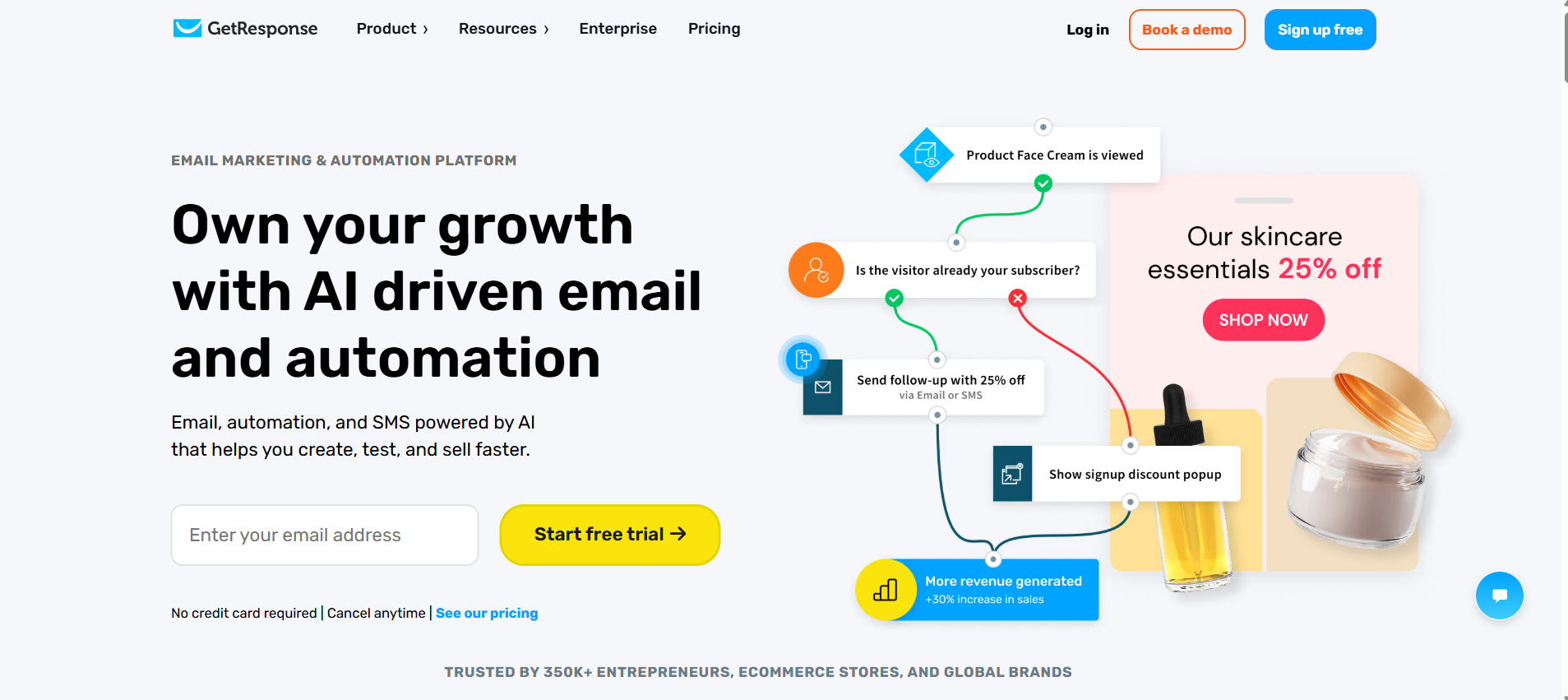
If you want one tool that goes beyond simple newsletters, GetResponse is one of the most versatile email marketing platforms out there and it even has a free plan to get you started.
We’ve used GetResponse ourselves, and honestly, it’s more than “just email.” You get email campaigns, powerful automations, landing pages, signup forms, and even AI‑driven email and product recommendations. The company is based in Poland but has users in 183+ countries and 350,000+ businesses worldwide, which shows just how trusted it is across different industries.
What makes it exciting especially for 2026 is how much you can do from one dashboard, without paying huge fees to add extra tools. Even on the free plan you get key features most platforms charge for.
8. GetResponse — Best All‑in‑One Email Marketing + Funnel Platform
Rating 9.4/10
What We Reviewed & Why It Works
Here’s what stood out to us most:
Automations that actually work — workflows based on opens, clicks, and site visits
Conversion Funnel & Landing Pages — capture leads and sell products without juggling tools
AI Features — email design, subject line helpers, product recommendations, and course creation
Lead Capture Tools — popups, forms, and pages that are easy to customize
Compared to many platforms, GetResponse feels like a mini marketing suite, especially strong for ecommerce and small businesses who want automation, funnels, and email all under one roof.
Key Features We Loved
Email Campaigns – Newsletters, automated sequences, A/B testing
Marketing Automation – Behavior-based triggers, segmentation, lead scoring
Conversion Funnel Builder – Create landing pages and sales funnels in one place
AI Tools – Email copywriting, product recommendations, and course creator
Landing Pages & Forms – Drag-and-drop editor, popups, and signup forms
Webinars – Host live or on-demand sessions (paid plans)
Ecommerce Integrations – Shopify, Magento, WooCommerce
Analytics & Reporting – Track opens, clicks, conversions, and more
Free Plan Available – Up to 500 subscribers, 2,500 emails/month
Pricing & Free Plan Breakdown
Free Forever Plan:
Up to 500 subscribers
2,500 email sends/month
Landing page builder, signup forms, image galleries, popups
One landing page with up to 1,000 monthly visitors
Basic email tools
Paid Plans: Starter, Marketer, Creator, and MAX. More features include advanced automation, webinars, AI course builder, and ecommerce tracking but the value you get makes it worth it. Check out pricing here.
Why It’s a Standout in 2026
Few email platforms match GetResponse’s feature depth without overwhelming beginners. You can launch automated campaigns, build sales funnels, capture leads, and even monetize content all from one place. And if you’re on a budget, the free plan alone is enough to run meaningful campaigns and grow your list.
Visit www.getresponse.com
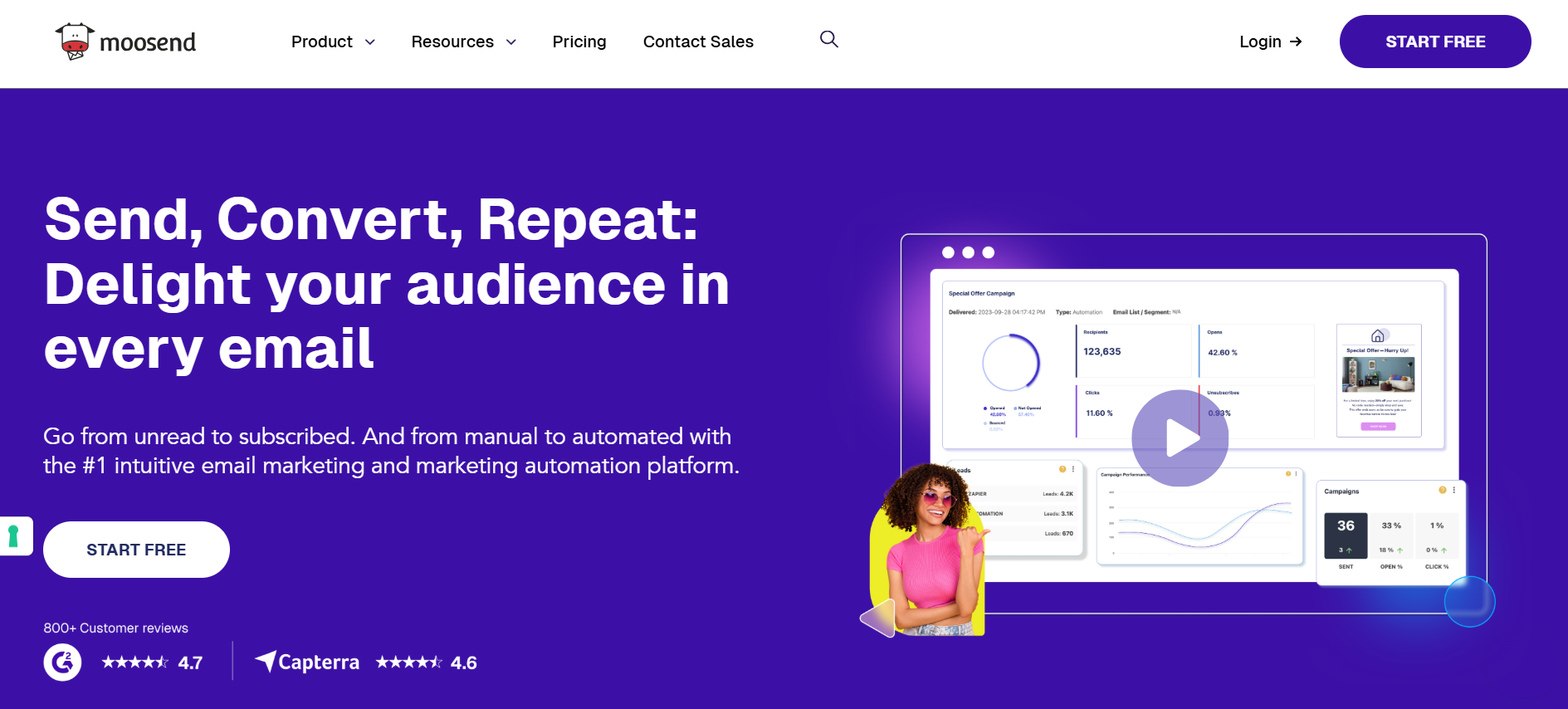
What Moosend Is (And Why We Like It)
Moosend is an email marketing platform designed for small businesses, agencies, and lean marketing teams. It offers a user-friendly interface, powerful automation, and extensive reporting all at an affordable price, making it a strong contender for those mindful of their marketing budget.
9. Moosend — Best for Affordable Automation and Reporting
Rating 9.3/10
What We Reviewed & Why It Works
Moosend stands out for offering pro-level automation features at a low price, with plans starting at just $9/month for 500 subscribers and unlimited emails. The automation workflows are flexible, allowing personalized sequences based on user behavior, while reporting is detailed enough for marketers to make data-driven decisions. The mobile app and AI writer further enhance usability, letting users edit campaigns and generate content efficiently.
However, the platform does have some limitations: integrations are relatively thin, migration support is limited outside of Enterprise plans, and CRM automation is somewhat restricted. The editor can be glitchy at times, and multilingual support is limited to 7 languages with support only in English.
Key Features We Loved
Drag-and-drop email builder and landing page editor
Advanced automation workflows with conditional logic
AI-powered product recommendations and Audience Discovery
130+ email templates and customizable registration forms
Reporting with click heatmaps, geolocation insights, and campaign revenue tracking
Spam and design testing, deliverability support, and custom tracking domains
Mobile app for managing campaigns on the go
Team collaboration tools with comment and feedback system
Multichannel messaging: marketing emails, transactional emails (on Moosend+ plan), SMS, web push
Pricing & Free Plan Breakdown
$9/month: 500 subscribers, unlimited emails, full Pro features
$16/month: 1,000 subscribers, unlimited emails
$24/month: 2,000 subscribers, unlimited emails
$32/month: 3,000 subscribers, unlimited emails
$48/month: 5,000 subscribers, unlimited emails
Optional pay-as-you-go credits available (starting at $350). Check out pricing here.
Suited For
Moosend is ideal for small businesses, lean marketing teams, and agencies who want powerful automation and reporting at an affordable price. It’s less suited for creators focused on content monetization or users who need deep CRM or e-commerce integrations.
Visit www.moosend.com
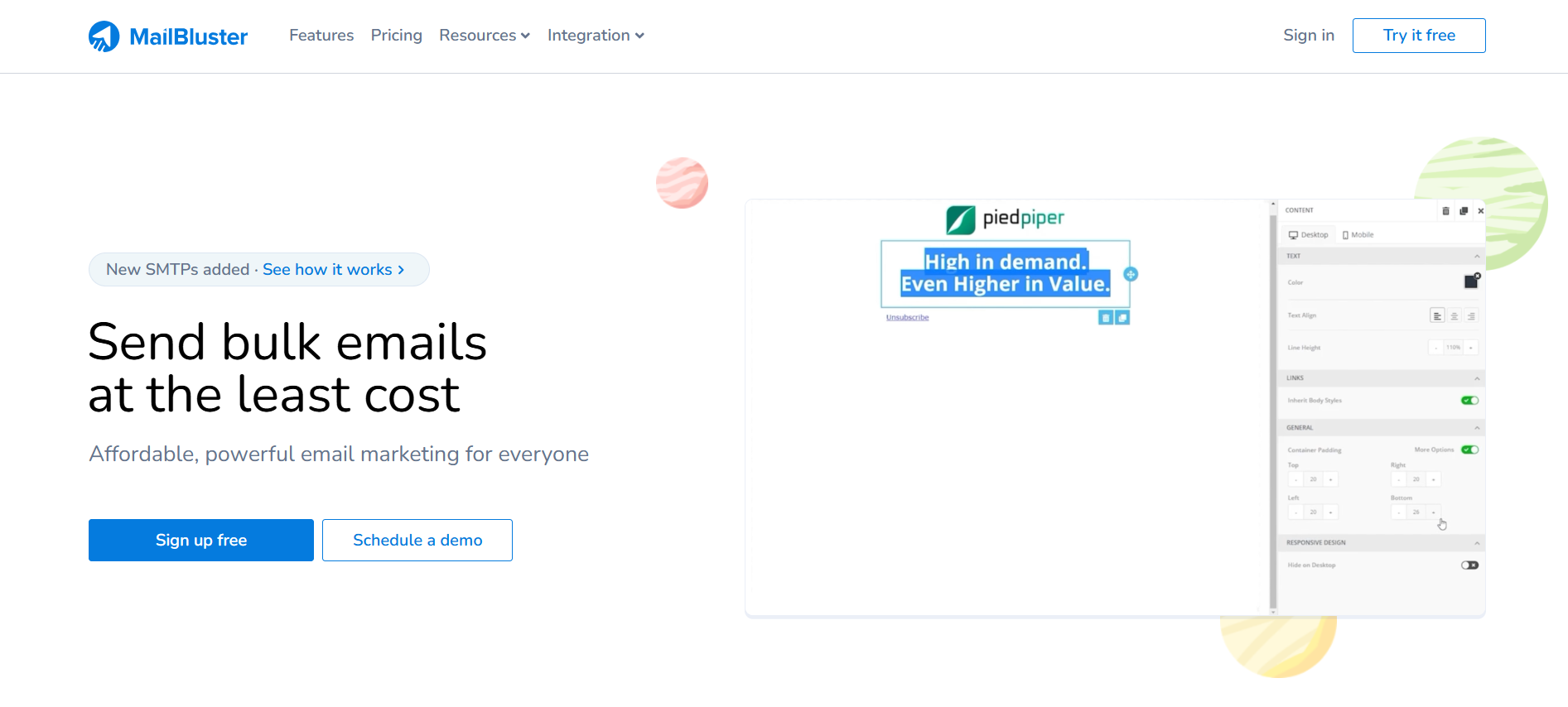
What MailBluster Is (And Worth Checking Out)
MailBluster is a cost‑effective email marketing platform that lets you send newsletters and automated campaigns through your own SMTP provider like Amazon SES, Postmark, or Mailgun. It’s built to keep costs low (you pay mainly for what you send) while still offering essential email marketing tools.
10. MailBluster — Best for Ultra‑Affordable, Pay‑As‑You‑Go Email Marketing
Rating 9.2/10
What We Reviewed & Why It Works
MailBluster is a great choice for budget‑conscious marketers who want a simple yet capable tool for email campaigns. Its pricing model a low yearly subscription plus per‑email costs, can be far cheaper than traditional monthly subscription tools, especially if you send only occasionally or scale gradually. Users praise how easy it is to get campaigns up and running and note that support is responsive and helpful.
That said, MailBluster isn’t without limitations: the free‑like Starter plan only lets you send up to 3,000 emails total and comes with the platform’s branding on emails. Advanced features like automation, custom fields, and pro templates require upgrading to the Pro plan, which adds a subscription and per‑email fee.
Key Features We Loved
Drag‑and‑drop email builder and WYSIWYG/HTML editors for easy campaign creation.
Segmentation and lead management to target specific subscriber groups.
Automation workflows and custom fields (on paid plan).
Real‑time tracking and reporting on opens, clicks, bounces, and more.
Double opt‑in support and GDPR compliance.
Integration with WordPress and developer API access.
Pricing & Free Plan Breakdown
Starter Plan: Free‑like option send up to 3,000 total emails, includes basic editor, segmentation, tracking, and forms, with MailBluster branding.
Pro Plan: $60/year (~$5/month) + $0.60 per 1,000 emails sent, unlocks automation, custom fields, pro templates, export reporting, and no branding. SMTP provider costs (like Amazon SES fees) are separate and depend on your provider’s rates. Check out pricing here. Check out pricing here.
Suited For
MailBluster is ideal for small businesses, startups, and marketers on a tight budget who want a flexible, pay‑as‑you‑go email marketing setup without monthly subscription costs. If you send campaigns irregularly or want to avoid paying hefty recurring fees, this model can be a smart choice. However, if you need deep CRM integrations, advanced reporting, or built‑in landing pages, bigger platforms may serve you better.
Visit www.mailbluster.com
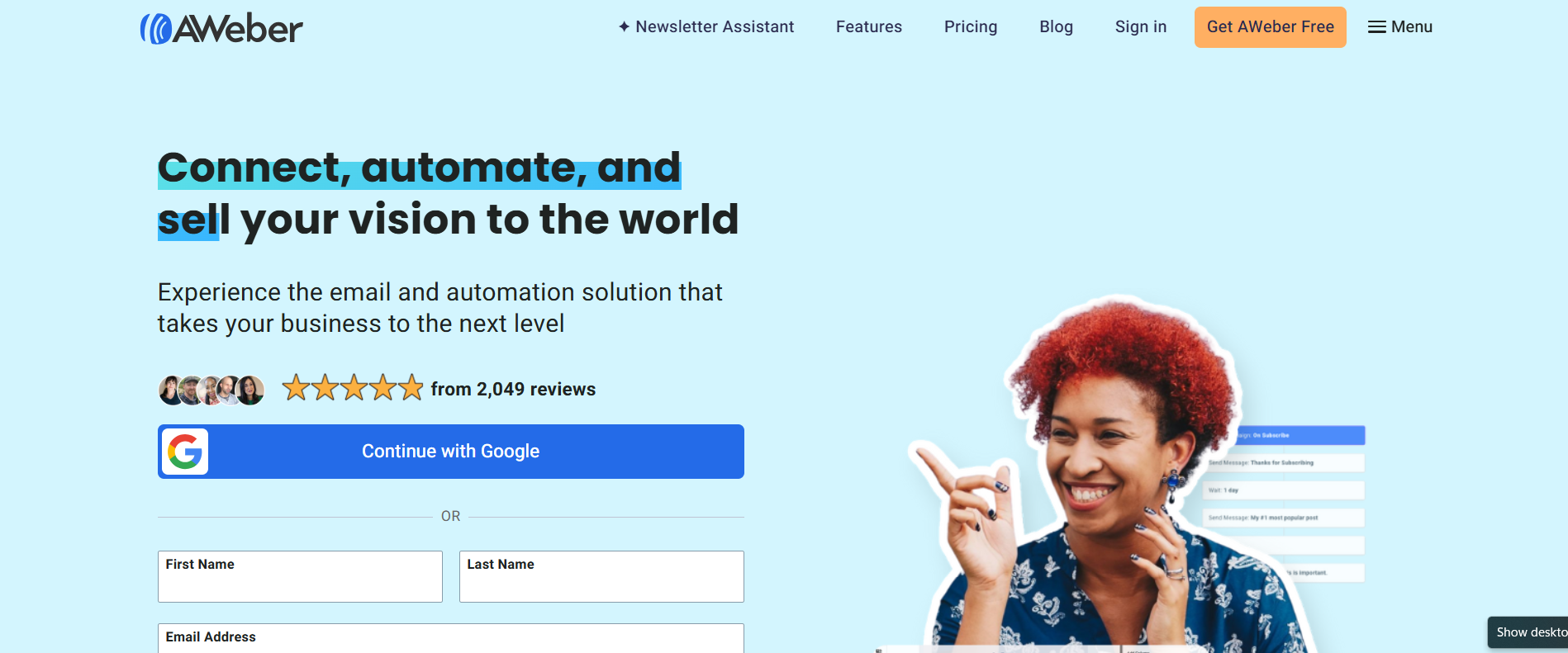
What AWeber Is
AWeber is an established email marketing platform designed to help businesses and creators send newsletters, automate campaigns, build landing pages, and grow audiences. It’s been in the email marketing space for decades and remains an option for both beginners and experienced marketers especially those who value deliverability and ease of use
11. AWeber — Best for solopreneurs and small businesses
Rating 9.1/10
What We Reviewed & Why It Works
Using AWeber gives you a classic email marketing feel straightforward dashboard, drag‑and‑drop editor, newsletter creation, basic automation and signup forms. It doesn’t overwhelm beginners while still offering automation options that small businesses rely on. Advanced segmentation and high‑end automation workflows aren’t as extensive as top‑tier competitors, but it covers essential needs well.
Key Features We Liked
✔ Easy email creation with drag‑and‑drop editor
✔ Basic automation workflows for welcome series
✔ Signup form and landing page builder
✔ Library of mobile‑responsive templates
✔ Reliable email deliverability
Pricing & Free Plan Breakdown
Starter Plan:
Up to 500 subscribers
Up to 3,000 emails/month
1 email list, 1 landing page, 1 automation workflow
AWeber branding included on assets
Limitations: no split testing, no advanced reporting, no custom segments saved, and limited automations.
Pros: Perfect for startups/testing ideas with no cost.
Cons: Limited tools and branding restrictions unless you upgrade.
Paid Plan:
AWeber’s paid pricing is based on subscriber count and multiplies sending limits:
Lite: ~US$15–$25/month (annually as low as ~$12.50) more emails, landing pages & automations.
Plus: ~US$30–$45/month (more features, segmentation, no AWeber branding).
Unlimited: ~US$899/month, enterprise scale with unlimited subscribers and highest sending volume.
Suited For
Small businesses and beginners wanting an entry‑level free plan. Users who want reliable email delivery and solid support. Creators and bloggers with simple automation needs.
Visit www.aweber.com
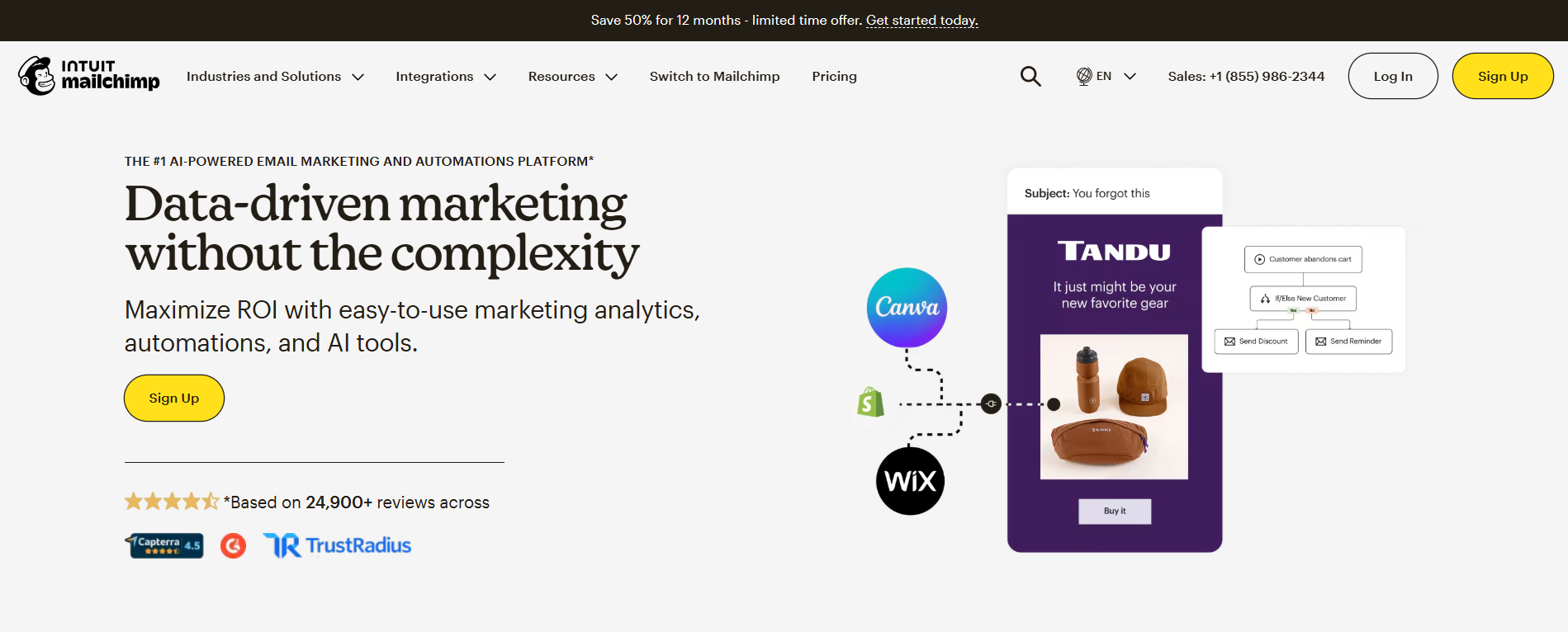
What Mailchimp Is
Mailchimp is one of the most recognizable names in email marketing. Its playful branding and intuitive interface helped it gain massive popularity among small businesses and beginners looking for a simple way to create newsletters and campaigns. For years, its generous free plan made it an easy entry point for startups testing email marketing without upfront costs.
However, after being acquired by Intuit, the platform’s free plan became significantly more restricted. The reduced sending limits and locked features have made it less competitive than it once was.
12. Mailchimp — Best for beginners and small businesses
Rating 9/10
What We Reviewed & Why It Works
When reviewing Mailchimp, we focused on its ease of use, reporting depth, automation capabilities, and overall value for small businesses. The platform stands out for its intuitive drag-and-drop editor, strong analytics, and broad integration network, making it accessible for beginners while still offering enough features to run effective campaigns. While the free plan is more limited than it once was, Mailchimp remains reliable and well-structured for businesses that prioritize simplicity and data insights.
Key Features We Liked
Mailchimp’s feature set covers the essentials of modern email marketing, with some standout capabilities that beginners and small businesses will appreciate:
Detailed Reporting & Analytics: Tracks conversions, engagement, and eCommerce performance so you can measure what matters.
Landing Pages & Signup Forms: Built-in tools to grow your audience without third-party builders.
Wide Integration Network: Over 800 integrations with popular tools and niche apps, making it easy to connect email with other systems.
User-Friendly Editor: Drag-and-drop email design that’s approachable for non-technical users.
Performance Insights: Email domain and social activity stats help you understand how your campaigns are performing across channels.
Pricing & Free Plan Breakdown
Starter Plan:
Up to 250 contacts
500 email per month (250 daily limit)
basic reporting
landing pages and forms
mailchimp branding included
Paid Plan:
Essentials: starts at ≈ $13 / month for a base tier with basic paid features like A/B testing, scheduling, and support.
Standard: starts at ≈ $20 / month, adding enhanced automation, dynamic content, and more sends.
Premium: starts at ≈ $350 / month for large lists and advanced enterprise features.
Actual pricing increases with your contact count for example, even Essentials or Standard plans can cost significantly more at higher contact tiers (e.g., $75–$100 +/ mo at ~10,000 contacts).Check out pricing here.
Suited For
Mailchimp is best suited for small businesses and beginners who value detailed reporting and straightforward campaign creation. Its biggest strengths remain its comprehensive analytics, broad integration ecosystem, and overall ease of use.
Visit www.mailchimp.com
Our Recommendation For You - A Quick Comparison
Choosing the right email marketing tool can feel overwhelming especially when many offer free plans with generous limits. But not all tools are built for every use case. Based on our testing and real-world performance, here’s how we recommend these platforms in 2026:
👉 Best Overall Free Tool: Kit.com — Combines a generous free plan with intuitive ease of use, built-in monetization, landing pages, and strong automation. It’s a great starting point for bloggers, creators, and small businesses who want real growth without complexity.
👉 Best for Automation & Growth: Brevo.com — If your priority is advanced automation and high free limits, Brevo delivers powerful automated workflows and solid behavioral triggers that many competitors reserve for paid tiers.
👉 Best for High Free Sending: Sender.net — With one of the most generous free sending limits (15,000 emails/month) and A/B testing on the free plan, Sender is ideal for small businesses and ecommerce brands sending many campaigns without spending upfront.
👉 Best for Newsletter Creators: Beehiiv.com — Focused on list growth and monetization tools, Beehiiv’s combination of newsletter management and website features makes it a strong pick for writers and independent creators.
👉 Budget & Simple Use: EmailOctopus.com and MailBluster.com — If cost-efficiency and straightforward campaigns matter most, both tools offer reliable basic features with minimal learning curve.
👉 Best for Advanced Marketers: ActiveCampaign.com and Omnisend.com — These platforms excel when email automation, multi-channel campaigns, or CRM-style marketing are priorities especially for growing businesses and ecommerce.
👉 Balanced All-Around Option: GetResponse.com — Combines email, automation, funnel building, and landing pages in one suite. It’s excellent for businesses that want a complete marketing ecosystem.
👉 Classic Choice for Beginners: AWeber.com and Mailchimp.com — While they’re no longer the most feature-rich free platforms, they remain reliable with strong reporting and broad integrations, making them easy entry points for beginners.
How We Ranked These Free Email Marketing Tools?
You might notice something interesting while reading this list.
For example, Brevo allows up to 100,000 contacts on the free plan, while Kit allows 10,000 — yet Kit ranks #1.
So why?
Because our ranking isn’t based on just one metric like subscriber limits.
We evaluated each platform based on overall value, real-world usability, automation power, monetization options, ease of use, scalability, and how effective it is for actually driving sales not just sending emails.
Some tools offer higher free limits but lack built-in monetization.
Some offer powerful automation but require upgrades quickly.
Others are great for ecommerce but not ideal for creators.
Our top three (Kit, Brevo, and Sender) stood out because they combine strong free plans with real growth potential, solid automation, and practical features that businesses can actually use.
Found this useful? Drop a review or share your suggestions here, we’d love to hear from you. !!
Latest Reviews
Subscribe to our newsletter
You can unsubscribe anytime
Contact
© 2025. All rights reserved.